















Video and audio by Stream
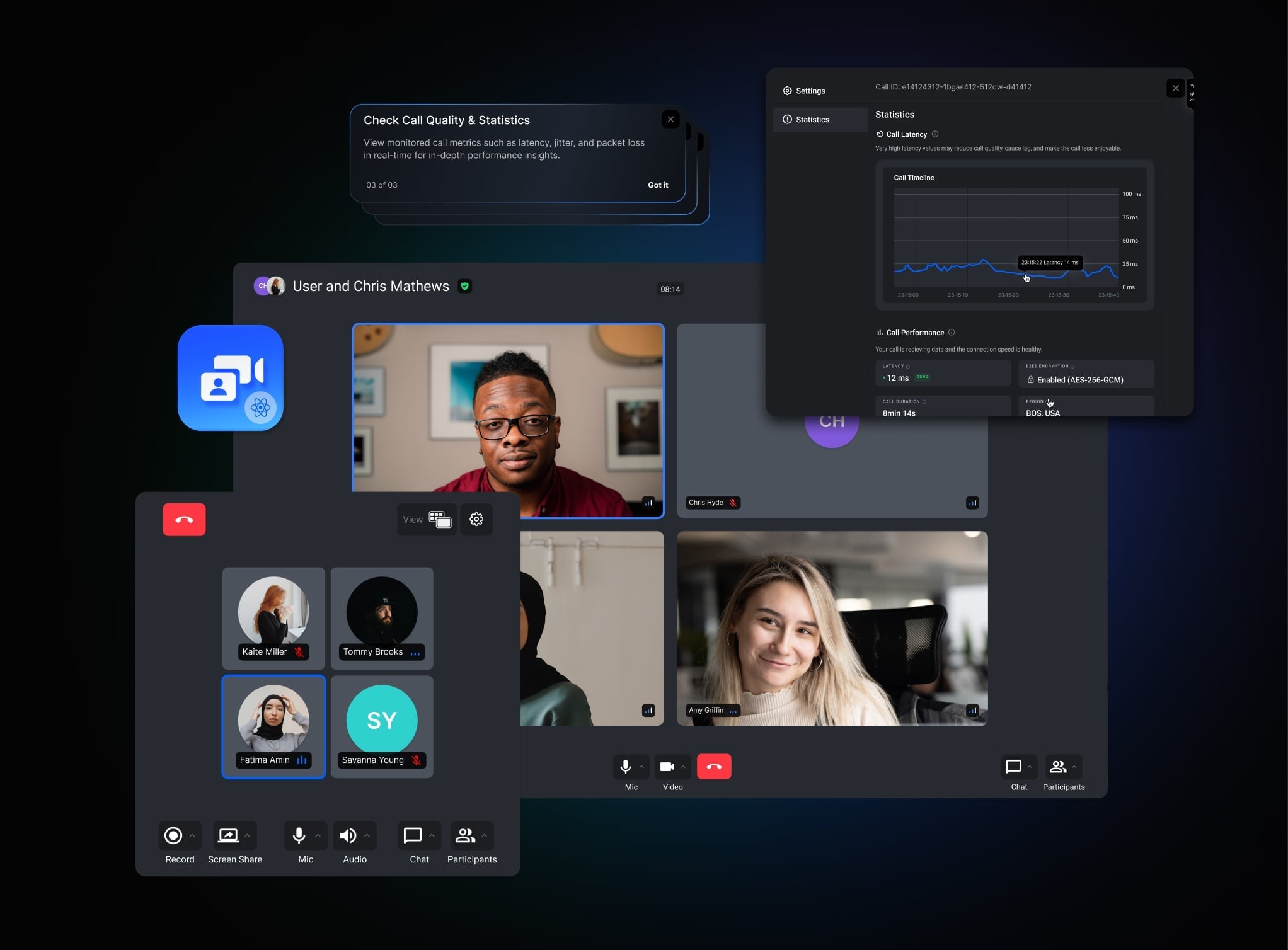
Stream's Video and Audio adds calls to a chat app: a user starts a video or audio call from a channel, and its members can join it. Chat and calls use separate SDKs, stream-chat-react and @stream-io/video-react-sdk, each with its own client, and the same Stream app.
The chat with video guide builds a messenger with ringing calls, step by step, on stream-chat-react v15. It's part of the Video and Audio documentation, which covers its own concepts (authentication, devices, permissions), its components, cookbook examples and tutorials.
Best Practices
- Use the same API key for chat and video, and sign both user tokens with the same secret. One Stream app serves both.
- Create both clients for the same user, and disconnect both when the user signs out.
- Tie each call to its channel, for example by storing the channel's
cidin the call's custom data, as the guide does, so the UI can show the call in the right channel. - Plan camera and microphone permissions, and what users see when they're denied, before building the call UI.
- Test calls together with chat notifications and unread counts, since both change while a call rings.