
 React
React iOS
iOS Android
 Flutter
 Angular
 JavaScript
 Unity
Unity Unreal
 Node
Node Python
 Ruby
Ruby PHP
PHP Java
Java .NET
.NET Go
Go REST
RESTChatTheme(
messageAlignmentProvider = { MessageAlignment.Start },
) {
// ...
// MessageList is used somewhere down the tree
// ...
}Message List Alignment
In this cookbook recipe, you'll learn how to customize the alignment of messages in the message list.
By default, the SDK displays your own messages on the right and other users' messages on the left. However, some apps like Slack align all messages to the left, creating a more linear reading experience. You might want to customize message alignment to:
- Match the design patterns of apps like Slack
- Create a unified reading flow for all messages
- Implement a custom chat layout for your use case
To change the message alignment, use the messageAlignmentProvider parameter of ChatTheme. ChatTheme should be the root of all your composables and provides several style properties to its children, including messageAlignmentProvider of type MessageAlignmentProvider.
Let's provide a custom value for this parameter. We'll pass an anonymous object that implements the MessageAlignmentProvider interface, written in the lambda format.
Below you can see the original list and the customized one.
| Default message alignment | Left message alignment |
|---|---|
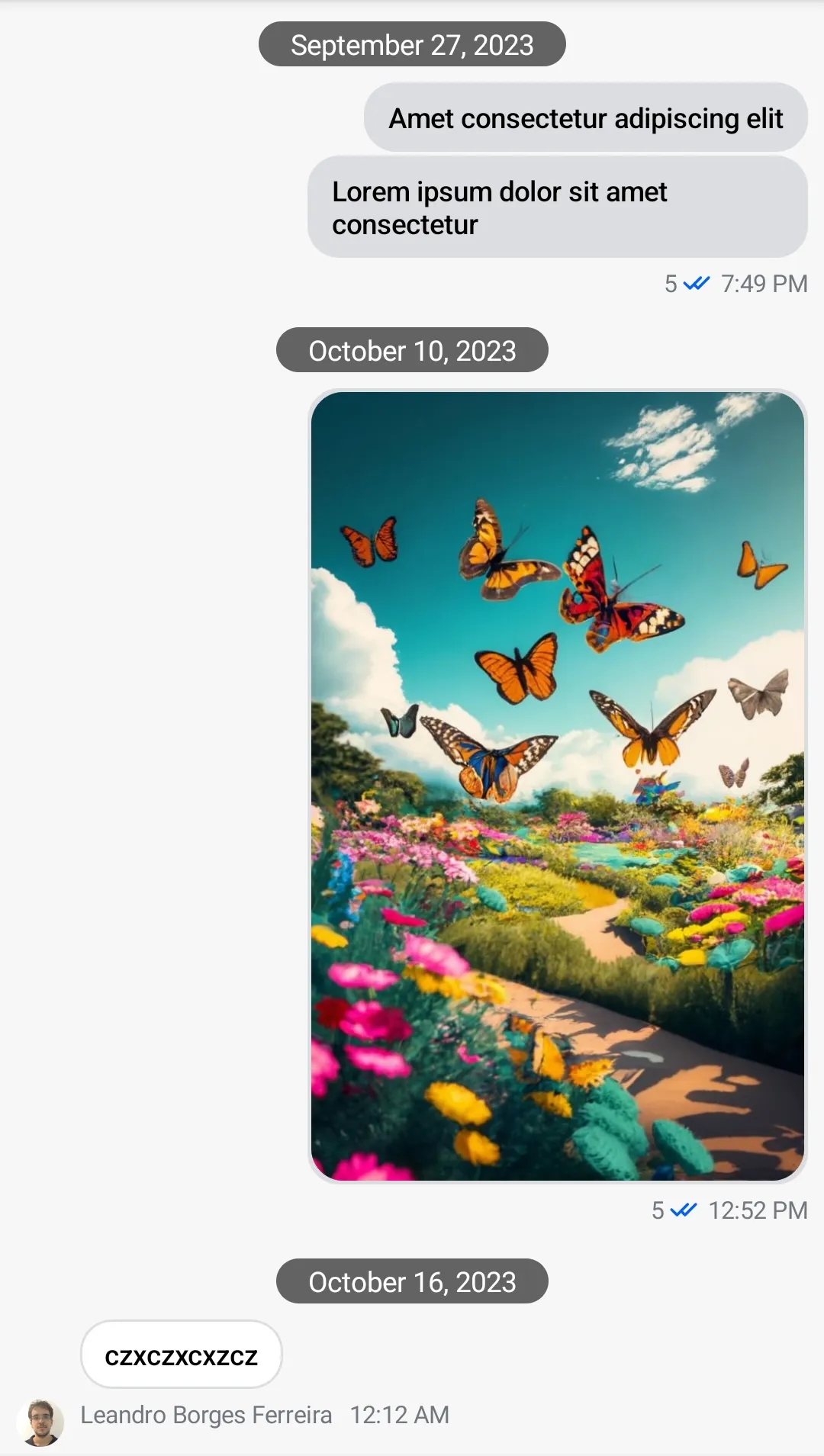 | 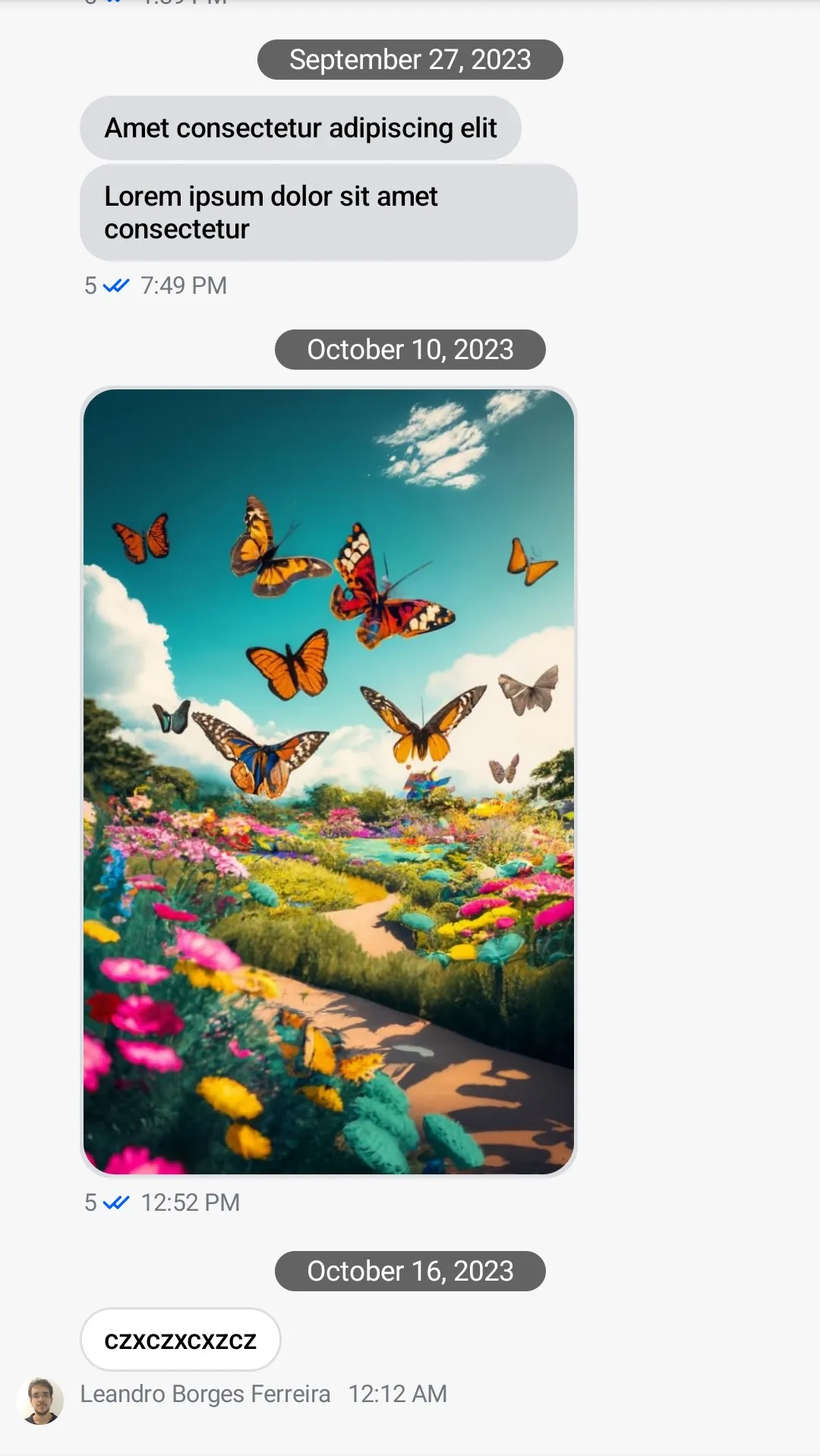 |