


Push notifications, in-app bells, email digests, SMS alerts, chat mentions...
Modern apps live and die by their ability to notify users at the right moment with the right message.
However, building a reliable, scalable notification system from scratch is a massive undertaking. Between real-time delivery, cross-channel orchestration, personalization, compliance, and the sheer volume of events most apps generate, many teams quickly realize they need a dedicated notification infrastructure.
That's where notification APIs come in.
In this guide, we've evaluated dozens of tools and ranked the 12 best notification APIs available today. We'll break down what each one actually does, who it's best for, and key limitations so you can pick the perfect fit for your app.
What Are Notification APIs?

Notification APIs are programmable interfaces that let your app send alerts to users across multiple channels: push notifications, in-app messages, emails, SMS, or even chat mentions. Instead of building and maintaining your own delivery infrastructure, you integrate a third-party service that handles the heavy lifting, like queuing, routing, retries, device token management, and compliance.
Notification APIs fall into two buckets. Simple "send-only" APIs (like Firebase Cloud Messaging or Amazon SNS) focus on raw delivery of individual messages. Full-featured notification platforms (Stream, Knock, Courier, Braze, etc.) go much further by adding notification feeds, workflow orchestration, user preferences, translation management, and analytics.
The best ones handle real-time delivery, multi-channel orchestration, intelligent aggregation, personalization, and beautiful inbox UIs, all while scaling to millions of users without breaking the bank.
Let's explore who does it best.
12 Best Notification APIs
From battle-tested infrastructure to drop-in notification centers, here are the top 12 APIs product teams love and developers want to use.
Stream Notification Feeds

What it is:
Stream Notification Feeds is the fully managed notification infrastructure built into Stream's Activity Feeds API (the same system powering companies like Peloton, NBC Sports, and Crunchbase).
Unlike traditional notification tools that simply deliver alerts, Stream is fundamentally a Feed-as-a-Service, meaning its data model supports true fan-out—the ability to write one activity and distribute it to the feeds of millions of followers in real time. This is the same write-heavy challenge faced by social apps like X, and Stream abstracts the complexity by handling the storage, distribution, and retrieval of feed data while still powering push, in-app, email, SMS, and chat notifications through a unified workflow.
Best for:
-
Teams that need rich, real-time notification centers with read/unread states, mentions, reactions, and nested threads out of the box in days instead of months.
-
Apps that already use (or plan to use) activity feeds and want notifications tightly coupled to the same data model. Think social, collaboration, marketplaces, communities, live-streaming, etc.
-
Developers who need sub-300 ms global latency, built-in aggregation, mentions, read/unread states, and native-quality inbox components (React, React Native, Flutter, iOS, Android) out of the box.
-
Companies sending millions to hundreds of millions of notifications per month with predictable, activity-based pricing.
Limitations:
-
If you don't need an activity feed at all (e.g., purely transactional alerts for a fintech app), a more lightweight send-only tool might feel simpler.
-
Email and SMS are supported via Bring-Your-Own-Provider (SendGrid, Twilio, etc.) rather than fully managed templates out of the box, though pre-built integrations make this painless.
Knock

What it is:
Knock is a notification platform built for product and engineering teams that want multi-channel workflows without building everything themselves. It offers a workflow engine, preference management, template handling, batching/aggregation, and a hosted notification inbox that you can drop directly into your app. Knock is fully API-first, but it also includes a clean dashboard for non-technical teammates to manage content and logic.
Best for:
-
SaaS and B2B apps that need user-level preferences, batching, and granular workflow orchestration across push, email, in-app, and SMS.
-
Teams that want a balance between API flexibility and no-code tooling (templates, workflows, delay steps, conditional logic).
-
Apps that want to ship an in-app notification center quickly without building UI components from scratch.
Limitations:
-
Knock's inbox component is more opinionated than a fully custom feed; it isn't designed to replicate social-style feeds or complex activity models.
-
Pricing is event-based and can scale quickly for apps with high-volume, high-fanout events (e.g., social, marketplaces, gaming).
-
The platform focuses heavily on SaaS-style notifications; teams building consumer social networks or real-time collaboration often need deeper feed features than Knock provides.
Courier
What it is:
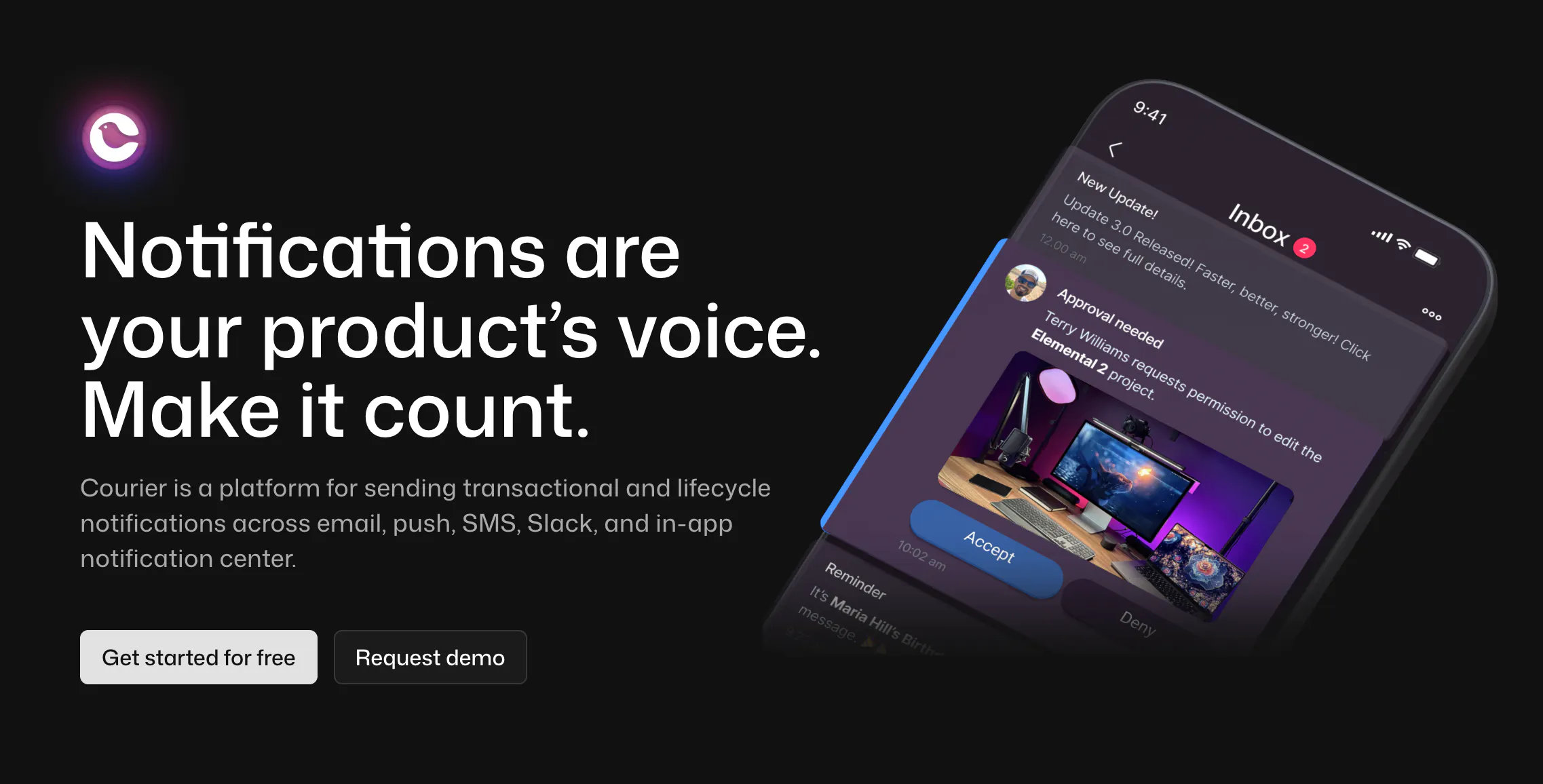
Courier is a multi-channel notification platform that unifies email, push, SMS, chat apps, and in-app messages under a single API. It provides templates, routing rules, user preferences, and a powerful visual editor for creating notification workflows. Courier's UI components let you embed an in-app inbox, though its core strength lies in orchestrating cross-channel delivery.
Best for:
-
Teams that want a centralized way to manage all notification channels without juggling multiple providers (SendGrid, Twilio, Firebase, etc.).
-
Product teams that benefit from a visual workflow builder, audience targeting, and content templates managed outside of engineering.
-
Apps that need multi-channel fallback logic (e.g., try push → fallback to email → fallback to SMS).
Limitations:
-
Courier is channel-agnostic, which means it doesn't provide the deep activity-feed features needed for rich, social-style notification centers.
-
The in-app inbox component is functional but not optimized for high-volume feeds or advanced aggregation models.
-
Pricing scales with both messages and users, which can get costly for apps with large user bases or heavy notification traffic.
One Signal
What it is:
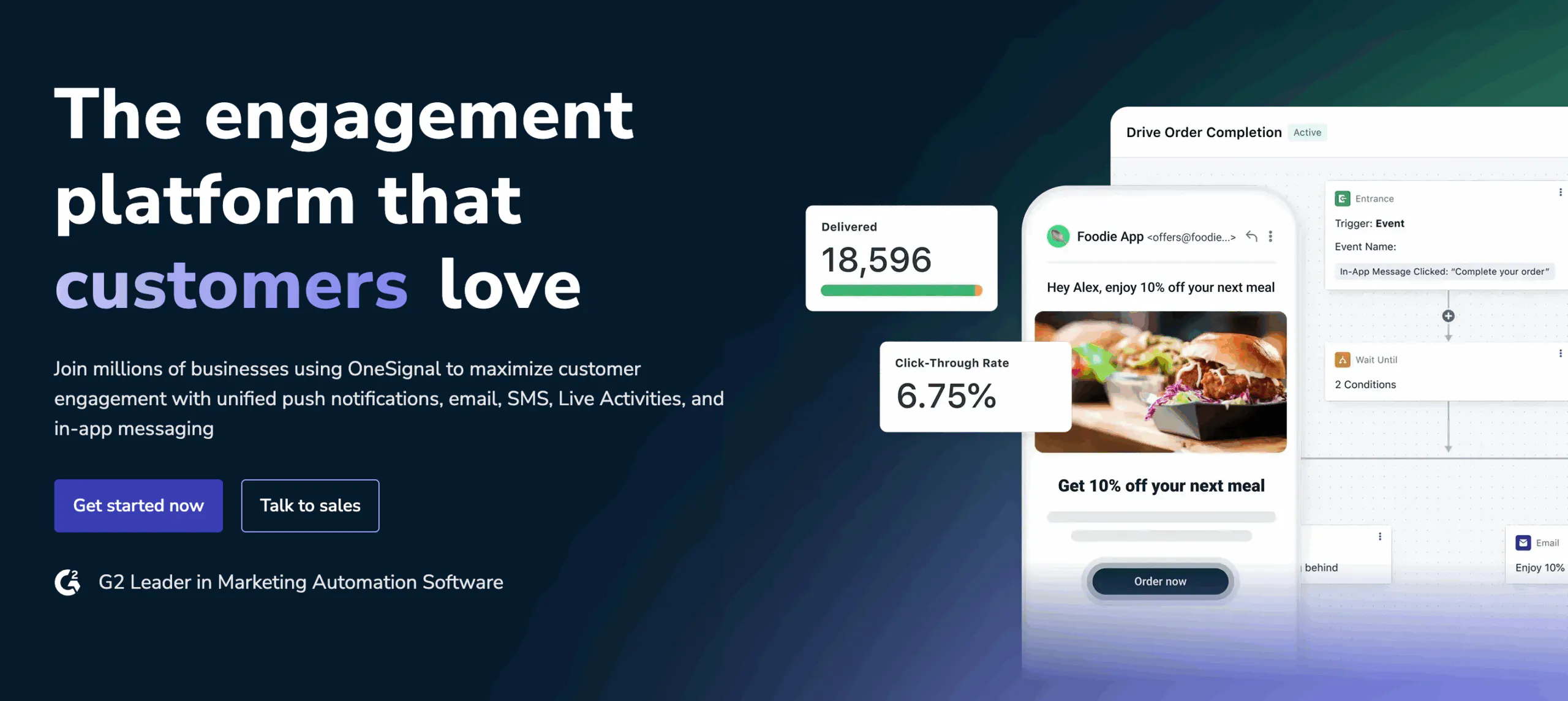
OneSignal is a widely used notification delivery platform offering push notifications, in-app messages, email, and SMS. It started as a mobile push provider and has since expanded into a full customer messaging suite. OneSignal includes segmentation, A/B testing, analytics, a drag-and-drop messaging builder, and basic in-app notification components.
Best for:
-
Mobile teams that primarily need high-volume push delivery with minimal setup.
-
Apps looking for a free tier to get started quickly or test notification strategies.
-
Product teams that want built-in audience targeting and marketing-style automation without relying heavily on engineering.
Limitations:
-
OneSignal is geared toward marketing and engagement workflows, not developer-driven notification feeds or custom activity models.
-
In-app notifications are more like popups and banners; OneSignal doesn't offer a true in-app notification feed or inbox component.
-
Scaling beyond push into multi-channel orchestration requires upgrading to higher-tier plans, and message-based pricing can become expensive for large or highly active apps.
Braze

What it is:
Braze is an enterprise customer engagement platform built for marketing teams driving lifecycle campaigns across push, in-app messages, email, SMS, and more. It offers advanced segmentation, personalization, journey orchestration, A/B testing, real-time analytics, and a robust user profile system. While it isn't a developer-first notification API, Braze's APIs do support event ingestion, user attribute updates, and programmatic campaign triggers that enable customer messaging.
Best for:
-
Growth and marketing teams running sophisticated lifecycle campaigns, onboarding flows, or retention programs.
-
Enterprise-scale apps that need rich audience segmentation and real-time user data streaming from CDPs or internal data warehouses.
-
Companies with marketing, product, and engineering workflows that benefit from a powerful visual orchestration engine.
Limitations:
-
Braze is not designed to power an in-app notification feed or developer-driven event model; it's primarily a marketing automation tool.
-
Braze is dashboard-first, not API-first. Most orchestration, targeting, and message logic live in Braze's UI rather than in code, which can limit engineering flexibility.
-
Braze's pricing and implementation overhead can be significant, especially for early-stage startups or smaller teams that only need transactional notifications.
Firebase Cloud Messaging (FCM)

What it is:
Firebase Cloud Messaging (FCM) is Google's free, infrastructure-level messaging service for sending push notifications to Android, iOS, and web clients. It handles device token management, message routing, and basic delivery logic. FCM is part of the Firebase ecosystem, making it easy for mobile teams already using Firebase Analytics, Crashlytics, or Authentication.
Best for:
-
Apps that need fast, reliable mobile push delivery without paying for a third-party provider.
-
Engineering teams comfortable managing their own notification pipelines, templates, and orchestration logic.
-
Early-stage products that want a no-cost way to send push notifications at scale.
Limitations:
-
FCM is send-only. It doesn't include templates, workflows, retries, user preferences, or any cross-channel orchestration.
-
There's no in-app notification feed or inbox; everything beyond raw delivery must be built manually.
-
Debugging delivery issues can be challenging, especially on iOS where APNs (not FCM) ultimately determine push behavior.
-
As your notification needs grow (e.g., multi-channel, batching, translation, aggregation), you'll need to layer on a full notification platform or build significant custom infrastructure.
Amazon SNS (Simple Notification Service)

What it is:
Amazon SNS is AWS's pub/sub messaging service for sending push notifications, SMS, email, and system-to-system messages. It provides a lightweight API for triggering notifications and broadcasting events to multiple subscribers. SNS is often used as the backbone of event-driven architectures within AWS, especially when paired with Lambda, SQS, or EventBridge.
Best for:
-
Engineering teams already invested in AWS that want a simple, infrastructure-level way to publish notifications.
-
Backend systems that need to fan out events to multiple services or trigger automated workflows.
-
Apps that need low-cost, high-volume transactional notifications, especially SMS.
Limitations:
-
SNS is not a full notification platform. It lacks templates, preferences, workflows, analytics, and user-level orchestration.
-
There's no in-app notification feed, UI components, or client-side SDKs for building a rich inbox experience.
-
Push delivery relies on FCM and APNs, so mobile app teams must still manage token logic and device registration themselves.
-
Implementing user-specific notification logic requires custom code and additional AWS services (Lambda, DynamoDB, SQS), which increases complexity over time.
Pusher Beams

What it is:
Pusher Beams is a hosted push notification service focused on reliable, device-targeted delivery for mobile and web apps. It offers straightforward APIs for sending push messages, managing device interests (subscriptions), and handling user authentication for personalized notifications. Beams is part of Pusher's real-time ecosystem, alongside Channels and Chatkit (now deprecated).
Best for:
-
Mobile teams that want an easier, more developer-friendly alternative to managing FCM and APNs directly.
-
Apps that need targeted, transactional push notifications with minimal setup or dashboard overhead.
-
Engineering teams that prefer a simple API without adopting a full-blown marketing or orchestration platform.
Limitations:
-
Pusher Beams focuses strictly on push delivery. It doesn't support email, SMS, in-app feeds, or any multi-channel orchestration.
-
There's no built-in notification inbox or feed, so developers must build all in-app UI experiences themselves.
-
The product isn't optimized for high-fanout, activity-style notifications (e.g., social feeds, collaboration tools).
-
Compared to more comprehensive platforms, Beams offers fewer workflow, preference, and analytics features.
MagicBell

What it is:
MagicBell is a dedicated notification inbox platform that gives you a prebuilt, customizable in-app notification center. It aggregates notifications from any channel (push, email, SMS, system events) and displays them in a unified feed using drop-in components for web and mobile. MagicBell also provides APIs for sending notifications, managing read states, grouping, and user preferences.
Best for:
-
Teams that want to ship a polished in-app notification center in hours instead of building a feed from scratch.
-
SaaS and B2B products that need a persistent inbox where users can review updates, mentions, and system events.
-
Companies that want an inbox-first approach without committing to a full multi-channel marketing platform.
Limitations:
-
MagicBell focuses heavily on the in-app inbox; it's not a full orchestration engine like Knock or Courier.
-
Multi-channel delivery (push, email, SMS) requires configuring third-party providers, as MagicBell doesn't handle full template management or routing logic.
-
It's not optimized for social-style activity feeds, complex aggregation logic, or high-volume fanout events.
-
Pricing scales with both notifications and users, which may be expensive for apps with high-frequency event streams.
Vero

What it is:
Vero is an API-first customer messaging platform centered around email, in-app messages, and behavioral event tracking. It gives teams a centralized workspace for managing message templates, segmentation, journeys, and event-triggered automation. While not a dedicated notification feed provider, Vero is popular among SaaS companies that want data-driven lifecycle messaging without the bloat of larger enterprise marketing suites.
Best for:
-
SaaS and product-led growth teams that rely on behavioral triggers and want strong control over email and in-app messaging.
-
Developers who prefer an event-based, API-driven workflow rather than a heavy visual automation platform.
-
Companies that want more flexibility and transparency than tools like Braze or Customer.io typically provide.
Limitations:
-
Vero doesn't offer a built-in notification feed or inbox, so any in-app notification center must be built and maintained manually.
-
No push or SMS support out of the box, making it a weaker fit for mobile-first apps.
-
While API-friendly, it's not designed for high-volume fanout or activity-stream-style events common in social or collaboration apps.
-
Best suited to email-centric teams. Apps needing rich, cross-channel orchestration will likely outgrow it.
Novu

What it is:
Novu is an open-source notification infrastructure that gives you APIs, SDKs, and prebuilt UI components to power multi-channel notifications and an in-app notification inbox. It includes a workflow engine, user preferences, templating, and real-time updates out of the box. Teams can self-host Novu or use the managed cloud version for faster setup.
Best for:
-
Engineering teams that want full control over their notification infrastructure with the transparency and flexibility of open source.
-
Apps that need a hosted or self-hosted in-app notification feed, complete with read states, aggregation, and real-time updates.
-
Developers who want to customize workflows, templates, or data pipelines beyond what closed SaaS platforms typically allow.
Limitations:
-
While Novu supports multi-channel delivery, its ecosystem is still maturing compared to long-standing API-first platforms.
-
Self-hosting introduces operational overhead. Scaling, monitoring, upgrades, and security all fall on your engineering team.
-
The in-app feed is solid but not built for extremely high-fanout, activity-stream-style use cases seen in social or real-time collaboration apps.
-
Advanced features (routing logic, workflow branching, analytics) are improving, but still less robust than enterprise platforms like Knock or Braze.
SuprSend

What it is:
SuprSend is a developer-focused notification platform that provides a unified API for sending multi-channel notifications, like email, push, SMS, WhatsApp, in-app, and more. It includes workflow orchestration, a hosted preference center, templates, batched delivery, and a customizable in-app notification inbox. SuprSend aims to give engineering teams the end-to-end tooling needed to manage notification pipelines without building them internally.
Best for:
-
Teams that want an API-first alternative to heavyweight marketing platforms, with strong developer ergonomics and multi-channel support.
-
Apps that need a hosted in-app notification center but also want orchestration features like batching, throttling, user preferences, and routing logic.
-
Companies that want to consolidate multiple messaging providers under one unified notification layer.
Limitations:
-
The platform is newer than some of the incumbents, so ecosystem depth, integrations, and UI components continue to evolve.
-
The in-app inbox is solid for SaaS-style apps but less suited to high-volume, activity-feed-driven consumer apps.
-
Pricing scales with notifications and users; teams sending extremely high event volumes may need to model costs carefully.
-
While powerful, SuprSend is still a SaaS platform. Teams needing full data ownership or self-hosting may prefer open-source options like Novu.
Comparison Table
| API | In-App Notification Feed | Push Notifications | Email / SMS | Workflow Orchestration | UI Components (Inbox / Feed) | Best For |
|---|---|---|---|---|---|---|
| Stream Notification Feeds | Yes (full feed) ✅ | Via integrations ✅ | Via integrations ✅ | Yes ✅ | Yes (rich, native components) ✅ | Real-time feeds, social, collaboration, high-fanout apps |
| Knock | Yes (inbox) ✅ | Yes ✅ | Yes ✅ | Yes ✅ | Yes (inbox) ✅ | Multi-channel workflows for SaaS and B2B apps |
| Courier | Partial (in-app widget) 〰️ | Yes ✅ | Yes ✅ | Yes ✅ | Basic in-app component 〰️ | Unified multi-channel messaging with fallback logic |
| OneSignal | No (popups only) ❌ | Yes ✅ | Yes ✅ | Partial (automation) 〰️ | Limited 〰️ | High-volume mobile push and marketing messaging |
| Braze | No ❌ | Yes ✅ | Yes ✅ | Yes (marketing-focused) ✅ | Basic in-app messaging 〰️ | Enterprise lifecycle marketing & segmentation |
| Firebase Cloud Messaging (FCM) | No ❌ | Yes ✅ | No ❌ | No ❌ | No ❌ | Free mobile/web push delivery |
| Amazon SNS | No ❌ | Yes ✅ | Yes (SMS/email) ✅ | No ❌ | No ❌ | AWS-native pub/sub and basic notifications |
| Pusher Beams | No ❌ | Yes ✅ | No ❌ | No ❌ | No ❌ | Simple, reliable push for mobile apps |
| MagicBell | Yes (inbox) ✅ | Via integrations ✅ | Via integrations ✅ | Partial 〰️ | Yes (customizable inbox) ✅ | Plug-and-play in-app notification centers |
| Vero | No ❌ | No ❌ | Yes ✅ | Yes ✅ | No ❌ | Email + in-app lifecycle messaging for SaaS |
| Novu | Yes (inbox) ✅ | Yes (via providers) ✅ | Yes (via providers) ✅ | Yes ✅ | Yes (components) ✅ | Open-source, flexible notification infrastructure |
| SuprSend | Yes (inbox) ✅ | Yes ✅ | Yes ✅ | Yes ✅ | Yes (inbox) ✅ | Developer-focused multi-channel orchestration |
How to Evaluate Notification APIs
Real-Time Updates & Fanout Performance
Your notification system needs to deliver updates instantly, especially for social, collaboration, marketplace, and live experiences. Look for APIs that support low-latency fanout and can handle spikes in event volume without delays or dropped messages. If you expect high-frequency events, real-time architecture becomes non-negotiable.
Personalization & Aggregation
Notifications only work when they feel relevant. Strong APIs support personalized payloads, intelligent routing, and aggregation logic that bundles related events instead of spamming users. This is especially important for apps where users generate many micro-events in a short window.
Delivery Guarantees (Push, In-App, Email)
Not every notification channel is equally reliable, so your provider should offer retries, fallbacks, and delivery reporting. If you're orchestrating across multiple channels, you'll want control over priority, sequencing, and what happens when a message fails. The more channels you support, the more important these guarantees become.
UI Components (Drop-In Inbox vs. Build-Your-Own)
Some APIs offer prebuilt inboxes or feed components, while others only handle raw delivery. If you want to ship an in-app notification center quickly, UI components dramatically reduce engineering effort and maintenance. If you prefer a fully custom design, make sure the API supports the data model and read-state logic you need.
Developer Experience (SDKs, Docs, DX)
Good documentation, predictable SDKs, and clear debugging tools save you hours during implementation and ongoing maintenance. Look for APIs that provide typed SDKs, real examples, and transparent logs or dashboards. Strong DX often determines whether your team moves fast or gets stuck on edge cases.
Cost Structure at Scale
Notification pricing varies widely. Some charge per message, others per user, others per event. High-fanout apps can see costs spike quickly if the model isn't designed for volume. Estimate your future event throughput early so you don't adopt a tool you'll later outgrow.
Scalability (Millions of Activities, Multi-Tenant)
If your app grows, your notification system must keep up without rewrites. Look for providers that can handle large fanout, global distribution, and multi-tenant architectures. Systems that rely heavily on polling or cron jobs will struggle as your user base scales.
Data Retention & Compliance
Many industries require strict handling of user notifications, including retention windows, deletion policies, and auditability. Ensure your provider supports GDPR, SOC 2, HIPAA, or any compliance frameworks relevant to your product. The more sensitive your content, the more important your vendor's data practices become.
Notification API vs. Platform
Many teams use "notification API" and "notification platform" interchangeably, but they solve different problems. Notification APIs give you the raw building blocks, which is perfect if you want full control over delivery logic, data modeling, and UI. Notification platforms add workflow orchestration, templates, preferences, and often a hosted inbox, helping you ship faster but with more opinionated constraints.
Here's how they compare:
| Criteria | Notification APIs | Notification Platforms |
|---|---|---|
| Core Purpose | Deliver raw notifications with full developer control. | Provide end-to-end workflows, templates, and multi-channel orchestration. |
| Customization | Maximum flexibility. Build your own logic, UI, and routing. | More opinionated; customization depends on platform capabilities. |
| UI Components | Often none; you create your own feed or inbox. | Many offer prebuilt inbox/feed components you can drop into your app. |
| Multi-Channel Support | Usually limited to push or a single channel; other channels require integrations. | Built-in email, SMS, push, and in-app messaging with unified workflows. |
| Workflow Logic | You write and maintain orchestration in code. | Visual workflow builders handle routing, delays, batching, and priorities. |
| Developer Involvement | High—engineers own the entire notification pipeline. | Lower—product and marketing teams can manage campaigns independently. |
| Best For | Apps needing custom activity feeds, real-time fanout, or engineering-driven notifications. | Apps needing fast setup, cross-channel workflows, templates, and user preferences. |
Which Is the Right API for You?
The right notification API depends on your app's architecture, your team's workflow, and how much of the notification experience you want to own.
If you need a rich, real-time in-app notification feed with read states, aggregation, and high fanout, an API-first infrastructure tool like Stream gives you far more control and performance than a marketing-oriented platform.
If you're focused on cross-channel messaging, tools like Knock, Courier, SuprSend, or MagicBell help you ship faster with built-in templates, routing logic, and preference management.
For simpler use cases, delivery-first APIs like FCM, Amazon SNS, and Pusher Beams offer a lightweight, low-cost way to send raw push notifications without any orchestration overhead.
Teams that prioritize lifecycle marketing or audience segmentation may lean toward Braze or Vero, especially when non-technical stakeholders manage campaigns.
The key is to match the tool to the experience you want your users to have: a persistent notification feed, reliable cross-channel alerts, or highly targeted marketing journeys.