

Activity feeds power some of the most heavily used features on the web: X's home timeline, Facebook's news feed, LinkedIn's updates, and the notifications panel in nearly every social app. They look simple on the surface, but feeds that work fine with 10,000 users often collapse under the weight of 10 million.
The core challenge is that feeds sit at the intersection of high write volume (every post, like, comment, and follow generates events) and high read volume (every user checks their feed constantly). Getting both sides fast requires careful architectural decisions.
The Foundational Principle: Separate Event Capture From Feed Serving
Before diving into specific questions, understand the architecture that underlies most production feed systems. You need three distinct layers:
- Immutable activity events. When a user posts, likes, or comments, you write that event to your primary datastore and emit it to a durable message queue (Kafka, Kinesis, or similar). This write path should be fast and acknowledge quickly.
- A serving view. A separate pipeline consumes those events and builds per-user timelines. These can be materialized lists (precomputed for each user) or query-time assemblies (computed on demand). The choice between these approaches is the push vs. pull decision covered below.
- Hydration. Timeline entries store minimal data, typically just IDs and timestamps. When serving a feed, you batch-fetch the full objects (posts, users, media) from caches and datastores. This keeps your timeline storage small and your reads predictable.
This separation lets you acknowledge user writes quickly while doing expensive distribution work asynchronously. It also lets you scale each layer independently.
Should I Use a “Push” (Fan-Out-On-Write) or “Pull” (Fan-Out-On-Read) Architecture?
This is the most consequential architectural decision you'll make, and the answer for most systems is an annoying "both."
Fan-out-on-Write
Fan-out-on-Write (pushing posts out from writers) means that when an activity happens, you immediately write a timeline entry to each follower's feed. A user with 1,000 followers generates 1,000 writes.
The key advantage is that reads are trivially fast. Fetching a user's feed is a simple per-user lookup with a range scan. The serving tier also remains simple, with latency predictable and easy to reason about.
The disadvantages are clear at scale. Write amplification can be severe. For instance, a celebrity with 10 million followers posting once means 10 million writes. To do this, you need robust fanout workers with backpressure, retries, and idempotency. You also have to contend with creeping storage costs, which scale with total follower relationships, not just total users.
Historically, X described a Fanout Service writing into a Redis-backed timeline cache (Haplo). However, X engineering stopped using the Fanout Service to supply in-network tweets from a per-user cache in the Home timeline pipeline, showing that architectures evolve and hybrids are common.
Fan-out-on-Read (Pull)
With Fan-out-on-Read (pulling posts in to readers), activities are stored once per producer. When a user loads their feed, you query and merge posts from all accounts they follow.
With this option, write costs stay low regardless of follower counts. There are also algorithmic advantages:
- Changing ranking logic is easier because you compute relevance at query time.
- A/B testing new algorithms requires no backfill.
The main disadvantage is read amplification grows with the number of followed accounts. You can also start to get latency issues, as merging posts from hundreds of sources while maintaining low p99 latency is hard. Deep pagination also becomes increasingly expensive.
LinkedIn's FollowFeed explicitly uses this style because it speeds up iteration on relevance experiments.
The Hybrid approach (What You Should Probably Do)
Pure push or pure pull rarely makes sense at scale. Most production systems apply rules like:
| User type | Strategy |
|---|---|
| Normal users (< 10K followers) | Push to all followers |
| High-fanout accounts (celebrities, brands) | Store once, pull on read |
| Inactive followers (not logged in for 30+ days) | Skip push, pull on read if they return |
| Active followers | Push immediately |
This hybrid keeps writes manageable (you're not copying posts to millions of inactive followers) while keeping reads fast for most users. You pre-distribute content to likely viewers, then do a quick re-sort when they actually open their feed.
Here’s the framework to use in your pull/pull/hybrid decision:
- If your product demands sub-100ms feed loads at scale, start with push or hybrid.
- If you're iterating rapidly on ranking algorithms and can tolerate more read complexity, lean toward pull or hybrid.
- For notifications (where fanout is typically smaller), push almost always wins.
Why Is My Feed Getting Slower the More Users Scroll Down?
This is one of the most common performance regressions in feed systems, and it usually stems from the pagination strategy rather than from raw database throughput.
Let’s say your pagination looks like this:
SELECT * FROM feed_items
WHERE user_id = :viewer
ORDER BY created_at DESC
LIMIT 50 OFFSET 5000;
What does this SQL do? It fetches page 101 of a user's feed (items 5001–5050). The problem is how the database executes it. Even though you only want 50 rows, the database has to scan and count all 5,000 skipped rows first. Postgres documentation explicitly warns:
“The rows skipped by an OFFSET clause still have to be computed inside the server; therefore, a large OFFSET might be inefficient.”
So page 1 can be fast, but page 100 will be slow. Your users notice.
The fix is cursor-based (keyset) pagination. Instead of tracking page numbers, carry forward a cursor from the last item on the previous page:
SELECT * FROM feed_items
WHERE user_id = :viewer
  AND (created_at, id) < (:cursor_created_at, :cursor_id)
ORDER BY created_at DESC, id DESC
LIMIT 50;
With an index on (user_id, created_at DESC, id DESC), this query performs consistently regardless of how deep the user has scrolled. The database seeks directly to the cursor position rather than counting from the beginning.
N+1 Hydration and Cold Caches
Scrolling deeper also means hydrating objects that are less likely to be cached. If you're fetching each post, user, or media item individually, you're paying the N+1 penalty on increasingly cold data.
For this problem, you have a few solutions:
- Store only IDs and timestamps in timeline entries, never full objects.
- Batch hydration using multi-get operations, IN clauses, or the dataloader pattern.
- Cache hot objects (posts, users, media metadata) separately from timeline lists.
X’s architecture emphasizes keeping timeline caches small by storing only tweet IDs rather than full tweet bodies.
If you're using fan-out-on-read, pagination compounds the merge problem. Page 1 might only need the latest few items from each followed account. Page 20 requires tracking per-followee cursors and merging larger candidate sets across potentially hundreds of sources. To combat this, you can consider caching merged results per-viewer for the duration of a browsing session, or precomputing lists that can be paginated efficiently.
How Do I Handle “Aggregated” Activities (e.g., “John and 4 Others Liked Your Photo”)?
Aggregation is a UX requirement, but a data modeling and concurrency challenge. Users don't want to see 47 separate "X liked your photo" notifications. They want one grouped notification that updates as more likes arrive.
The aggregation model defines a group key and time window. E.g., for a "liked your photo" notification:
1group_key = (target_user_id, verb, object_id, time_bucket)
Where target_user_id is the person receiving the notification, verb is the action type ("like"), object_id is the photo being liked, and time_bucket groups activities within a window (e.g., the same hour or day).
Each group tracks:
group_key: Identifies the aggregation bucketcount: Total activities in this groupactor_sample[]: First N actors for display ("John, Sarah, and 3 others")updated_at: Timestamp of most recent activity (used for ordering)
When a new like arrives, update the existing group rather than creating a new entry. The updated_at field ensures that groups with recent activity bubble to the top.
An important caveat is that aggregation logic is typically applied at write time, meaning changes to your aggregation format affect only future activities, not historical data. If you change how you group notifications, you'll need to either backfill or wait for the old groups to age out.
Two main implementation strategies are:
- Read-time aggregation (simple, works early). Fetch 100 raw notification events, collapse groupable events in memory, return ~50 aggregated rows. No write-side complexity, but expensive on deep pages and inconsistent if new events arrive mid-scroll.
- Pipeline aggregation (recommended at scale). Your event consumer updates aggregate records in a dedicated store and writes a single timeline entry per group. This shifts complexity to the write time, where you can handle it asynchronously.
The key challenge is concurrent updates. If 50 people like a photo within seconds, you need atomic updates to the aggregate record:
- DynamoDB: Conditional updates with atomic counters
- Redis: Hash + sorted set with Lua scripts for atomicity
- PostgreSQL:
INSERT ... ON CONFLICT DO UPDATE, but watch for hot-row contention - Stream processing: Kafka Streams or Flink with state stores
Before implementing, decide:
- Do you deduplicate by actor? (Same person liking and unliking shouldn't show twice)
- What happens on "unlike"? (Decrement count, remove from actor sample?)
- When do you close an aggregation window? (After 10 minutes of inactivity? After 24 hours?)
- How do you handle massive groups? (10,000 likes might need a summarized view with drill-down)
Do I Need Websockets To Make the Feed “Real-Time”?
Probably not. "Real-time" is a spectrum, and the right transport depends on where you need to be on that spectrum. The main transport options are:
- Polling. Simple and reliable. The client requests updates every N seconds. Works everywhere, but increases server load in proportion to polling frequency and number of connected users.
- Server-Sent Events (SSE). A one-way server-to-client stream using the EventSource API. The server can push "new items available" notifications without the client polling. Good browser support, simpler than WebSockets, and it works through most proxies without configuration.
- WebSockets. Persistent, bidirectional channel. Necessary when you need two-way communication (presence indicators, typing status, collaborative features) or extremely low-latency push.
For most feed use cases, SSE is sufficient. You only need to push "new content exists" signals from server to client. The client then fetches the actual feed items through your normal API. Use WebSockets when building features that require bidirectional communication, such as chat, collaborative editing, live presence, or "room" experiences where multiple users interact in real time.
| Level | User experience | Implementation |
|---|---|---|
| Near real-time | New items appear after refresh | Standard request/response |
| Live indicators | "3 new posts" banner appears, user pulls to refresh | Polling, SSE, or WebSockets |
| True live insertion | Items appear in the feed instantly without user action | WebSockets (usually) |
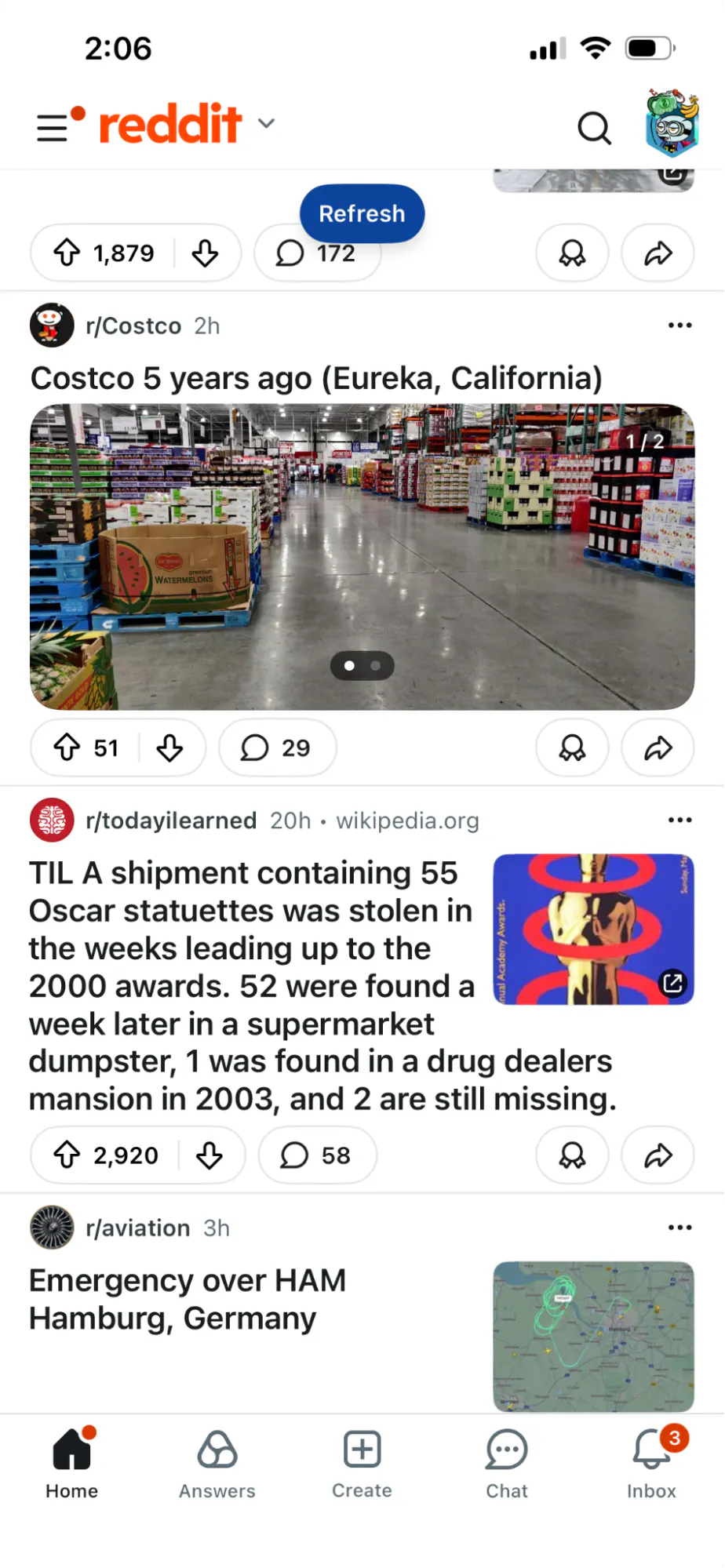
Most successful feed products sit in the middle. They show a banner indicating new content and let the user decide when to load it (e.g., Reddit). This avoids UX issues caused by content shifting while the user is reading.
The hardest operational problems with persistent connections aren't the protocol itself. They're connection fanout, backpressure when you can't deliver messages fast enough, message routing through a pub/sub layer, and load balancer configuration (idle timeouts, sticky sessions, connection limits).
Should I Use a Graph Database To Store the Feed?
For the feed itself: almost certainly no.
Graph databases are a poor fit for timelines. A feed timeline is fundamentally an ordered per-user list. The primary query is "give me the next 50 items before cursor X for user Y." This maps naturally to:
- Key-value stores with range scan support
- Wide-column stores (Cassandra, ScyllaDB)
- Redis sorted sets
- Any database with good index support for
(user_id, timestamp)queries
Graph databases are optimized for relationship traversal: "find friends of friends" or "what's the shortest path between A and B." Using one as a key-value store means paying for capabilities you don't use while missing optimizations for the queries you actually run.
AWS explicitly cautions against using graph databases for simple key lookups, since those queries don't leverage what graph DBs are built for.
Where Graph Storage Does Fit: The Social Graph
Your follower and friend relationships are a graph problem. Queries like "who follows X," "does A follow B," and "mutual friends between A and B" are natural graph traversals.
Facebook's TAO paper describes a read-optimized distributed store designed to serve the social graph at massive scale. The pattern is common: use a graph-oriented system for relationship data, use a timeline-oriented system for feed entries.
| Data type | Storage choice |
|---|---|
| Follower/friend relationships | Graph store or indexed relational tables |
| Per-user timeline entries | Key-value, wide-column, or Redis |
| Full objects (posts, users, media) | Primary datastore + cache layer |
| Ranking signals and ML features | Feature store or precomputed tables |
If your feed is fundamentally a graph-traversal product, where the content to show is determined by multi-hop relationship queries that can't be precomputed, a graph database might belong in the serving layer. But even then, many systems precompute candidate sets offline and serve the final feed from a timeline store for latency predictability.