React
React iOS
iOS Android
 Flutter
 Angular
 JavaScript
 Unity
Unity Unreal
 Node
Node Python
 Ruby
Ruby PHP
PHP Java
Java .NET
.NET Go
Go REST
RESTVideo & Audio by Stream
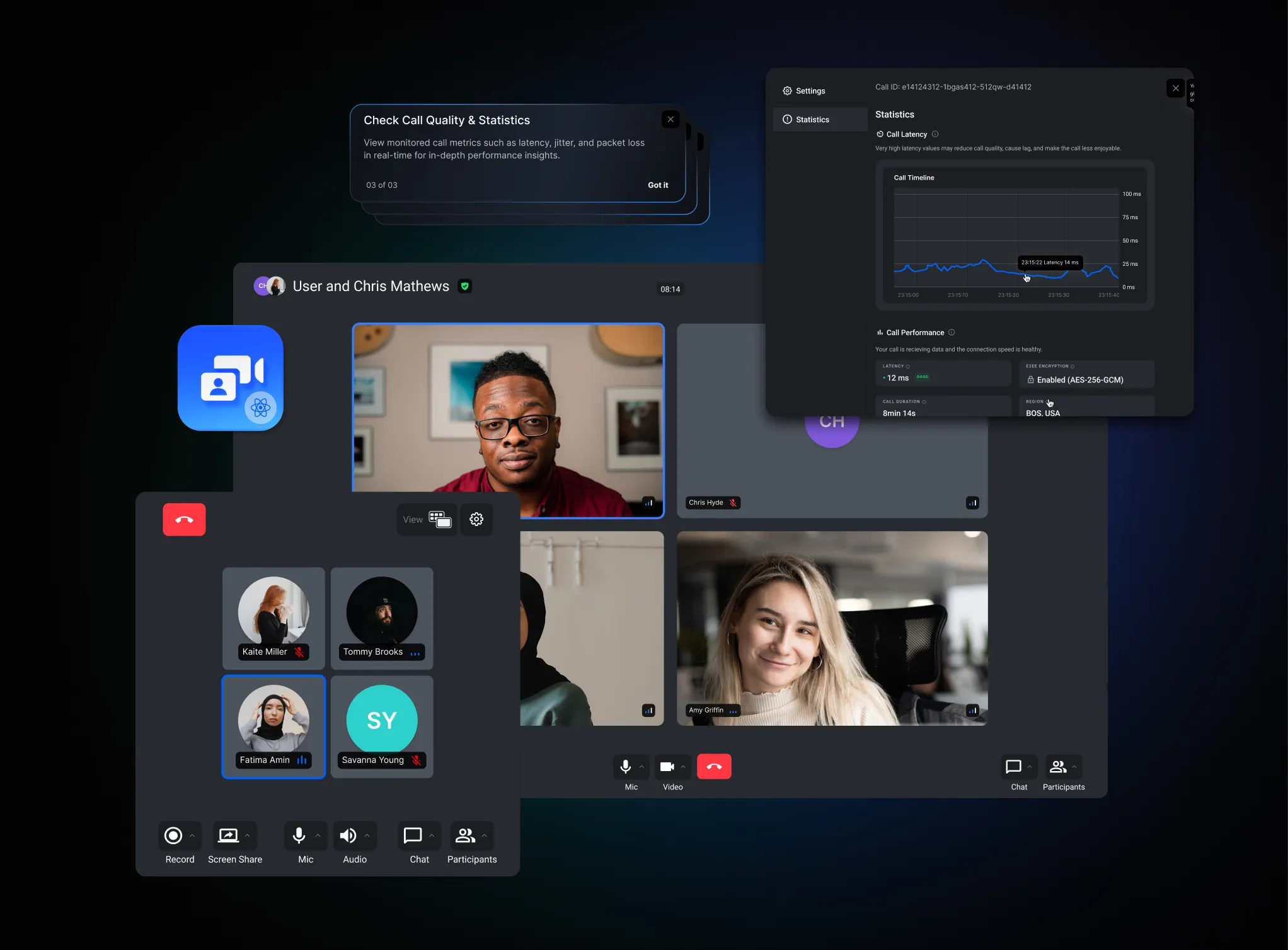
Stream lets you integrate our Video + Audio experience into your chat apps quickly. Users get real-time video/audio in the same chat environment, which can improve collaboration and support.
Best Practices
- Follow the dedicated integration guide to align auth and permissions.
- Keep chat and video lifecycles coordinated for a smooth UX.
- Reuse Stream UI components to reduce custom surface area.
- Plan device permissions and error states upfront.
- Test audio/video flows alongside chat notifications.
Try the in-depth integration guide to add Video + Audio to your app.
This guide is part of the Video and Audio documentation, which covers core concepts (auth, devices, permissions), pre-built UI components, cookbook examples, and app tutorials.