















Polls
Stream Chat's Flutter SDK includes the capability to create polls within your chat application. Polls are an effective tool for enhancing user interaction and engagement, providing a dynamic way to gather opinions and feedback.
Polls on Flutter are available since version 9.0.0.
Polls are disabled by default. In order to enable this feature, you need to go to the Stream dashboard for your app, and enable the "Polls" flag for your channel type.
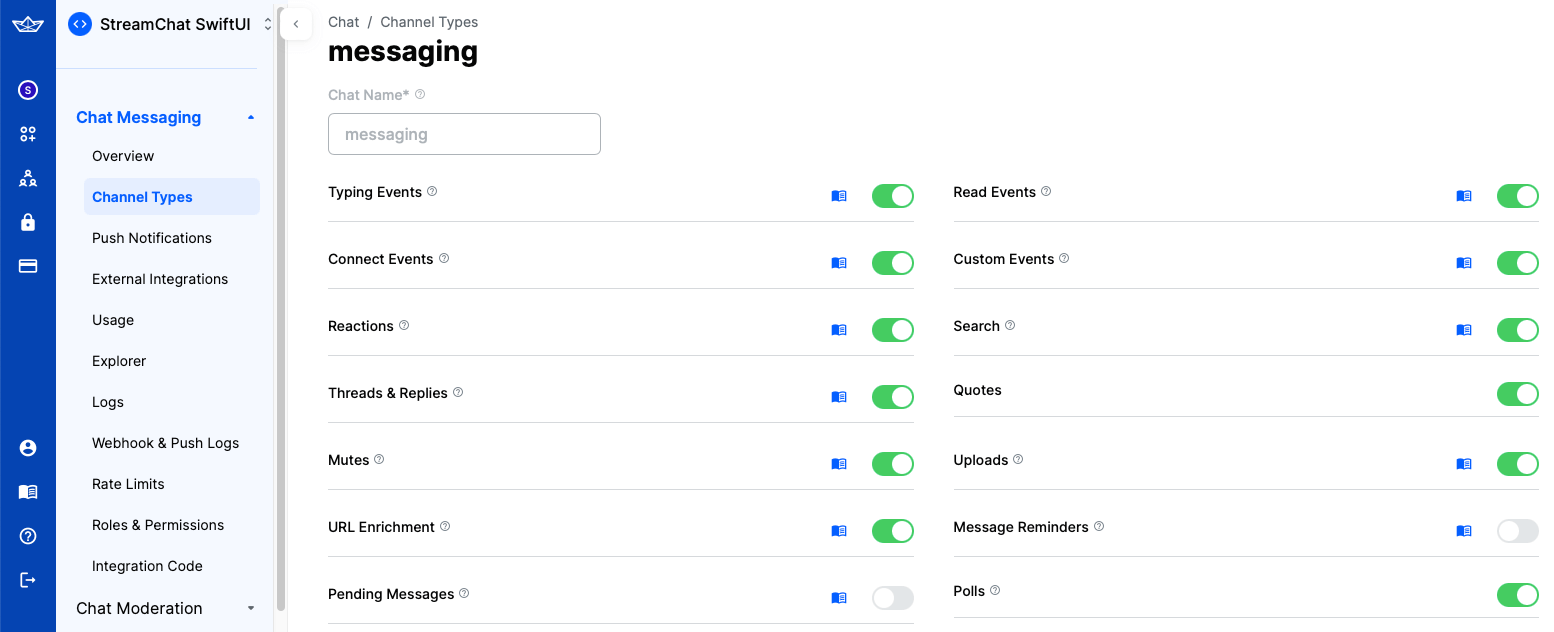
As soon as you do that, an additional "Polls" icon would be shown in the attachment picker in the default composer implementation in the SDK.
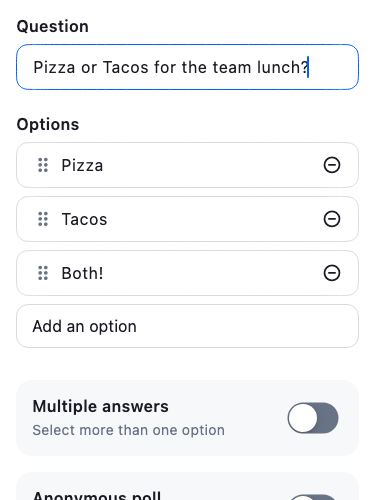
Poll Creator
When you tap the "Polls" icon, a new screen for creating polls would be shown. On this screen, you can configure the poll title, the options, as well as several other settings, such as the maximum number of votes, whether the poll is anonymous and if it allows comments.
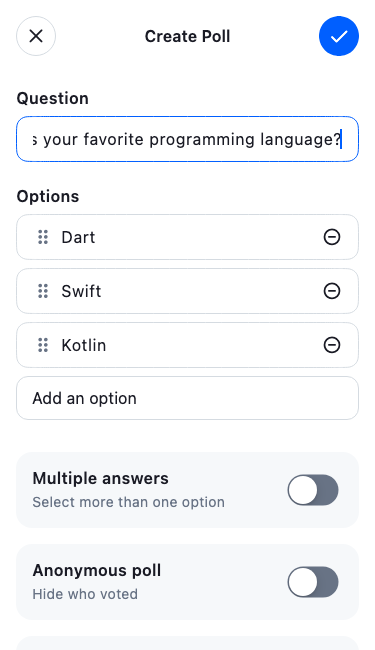
You can also set various configuration used to validate while creating the poll. In order to do that, you need to provide your own PollConfig.
const pollConfig = PollConfig(
  nameRange: (min: 1, max: 80),
  optionsRange: (min: 1, max: 10),
  allowDuplicateOptions: false,
  allowedVotesRange: (min: 2, max: 10),
);

StreamMessageComposer(
  ...,
  pollConfig: pollConfig,
);
Override Poll Creator Screen
You can customize the poll creation screen by replacing the default poll-creator option in the attachment picker. Pass an attachmentPickerOptionsBuilder to StreamMessageComposer and swap the matching option by key. This replaces the built-in poll creator with your own, keeping the single poll entry in the picker:
StreamMessageComposer(
  attachmentPickerOptionsBuilder: (context, defaultOptions) {
    return defaultOptions.map((option) {
      if (option.key != 'poll-creator') return option;

      // Return your custom poll creator option.
      return TabbedAttachmentPickerOption(
        key: 'poll-creator',
        icon: Icon(context.streamIcons.poll),
        supportedTypes: const [AttachmentPickerType.poll],
        optionViewBuilder: (context, controller) {
          // Return your custom poll-creator widget here.
        },
      );
    }).toList();
  },
)
Poll Interactor
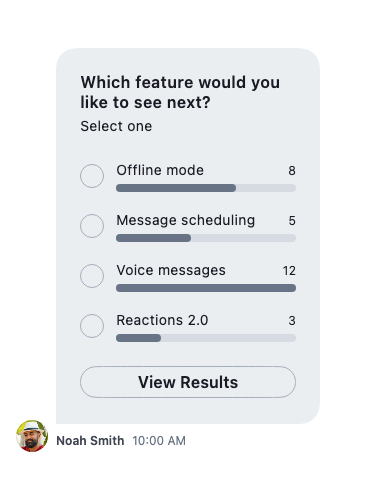
The StreamPollInteractor displays the poll question and answer options, distinguishing between the poll owner and other users. It allows user interaction, shows real-time vote counts and participants, and displays the question title, answer items, and additional option buttons.
It is displayed as an item of the MessageListView similar to other messages and attachments.
Poll Sheets
All poll detail views use Stream-styled modal bottom sheets. Use the show*Sheet helpers to open them:
Poll Creator Sheet
await showStreamPollCreatorSheet(
  context: context,
  poll: existingPoll,            // optional Poll? to prefill
  config: pollConfig,            // optional PollConfig? for validation
  padding: const EdgeInsets.all(16),
);
Poll Options, Results, and Comments Sheets
// Show poll options (vote)
await showStreamPollOptionsSheet(
  context: context,
  messageNotifier: messageNotifier, // ValueListenable<Message>
);

// Show full vote results
await showStreamPollResultsSheet(
  context: context,
  messageNotifier: messageNotifier,
);

// Show all voters for a specific option
await showStreamPollOptionVotesSheet(
  context: context,
  messageNotifier: messageNotifier,
  option: pollOption,
);

// Show poll comments
await showStreamPollCommentsSheet(
  context: context,
  messageNotifier: messageNotifier,
);