
 React
React iOS
iOS Android
 Flutter
 Angular
 JavaScript
 Unity
Unity Unreal
 Node
Node Python
 Ruby
Ruby PHP
PHP Java
Java .NET
.NET Go
Go REST
RESTimport { ReactNode } from "react";
import { Channel } from "stream-chat-react";
const PollHeader = () => <div>Custom Header</div>;
const ChannelWrapper = ({ children }: { children: ReactNode }) => (
<Channel PollHeader={PollHeader}>{children}</Channel>
);Polls
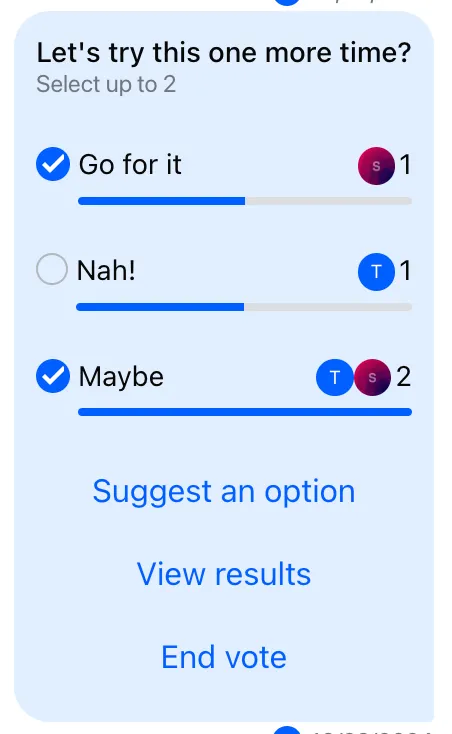
Messages can contain polls. By default, polls are created via PollCreationDialog opened from AttachmentSelector. Messages with polls aren’t editable. Only the poll creator can close a poll. The top-level UI component is Poll, which renders a header, options list, and actions section.
Best Practices
- Use the default
PollUI unless your product needs a distinct voting flow. - Respect poll permissions (creator-only close, read-only for others).
- Use
poll.statefor live updates instead ofMessageContext.message. - Keep poll options concise to avoid scroll-heavy messages.
- Customize
PollActionsonly when you need new dialogs or flows.
Poll UI customization
The following parts of the poll UI can be customized:
QuotedPoll- UI rendered if the poll is rendered in a quoted messagePollContent- component that renders the whole non-quoted poll UIPollHeader- customizes the topmost part of the poll UIPollOptionSelector- customizes the individual clickable option selectorsPollActions- customizes the bottom part of the poll UI that consists of buttons that invoke action dialogs
Poll header customization
Poll option selector customization
To customize only the option selector, provide a custom PollOptionSelector.
import { ReactNode } from "react";
import { Channel } from "stream-chat-react";

const PollOptionSelector = () => <div>Custom Option Selector</div>;

const ChannelWrapper = ({ children }: { children: ReactNode }) => (
  <Channel PollOptionSelector={PollOptionSelector}>{children}</Channel>
);
Poll actions customization
PollActions controls dialogs/modals for poll interactions. It supports the following actions:
| Action button | Visible condition | Invokes |
|---|---|---|
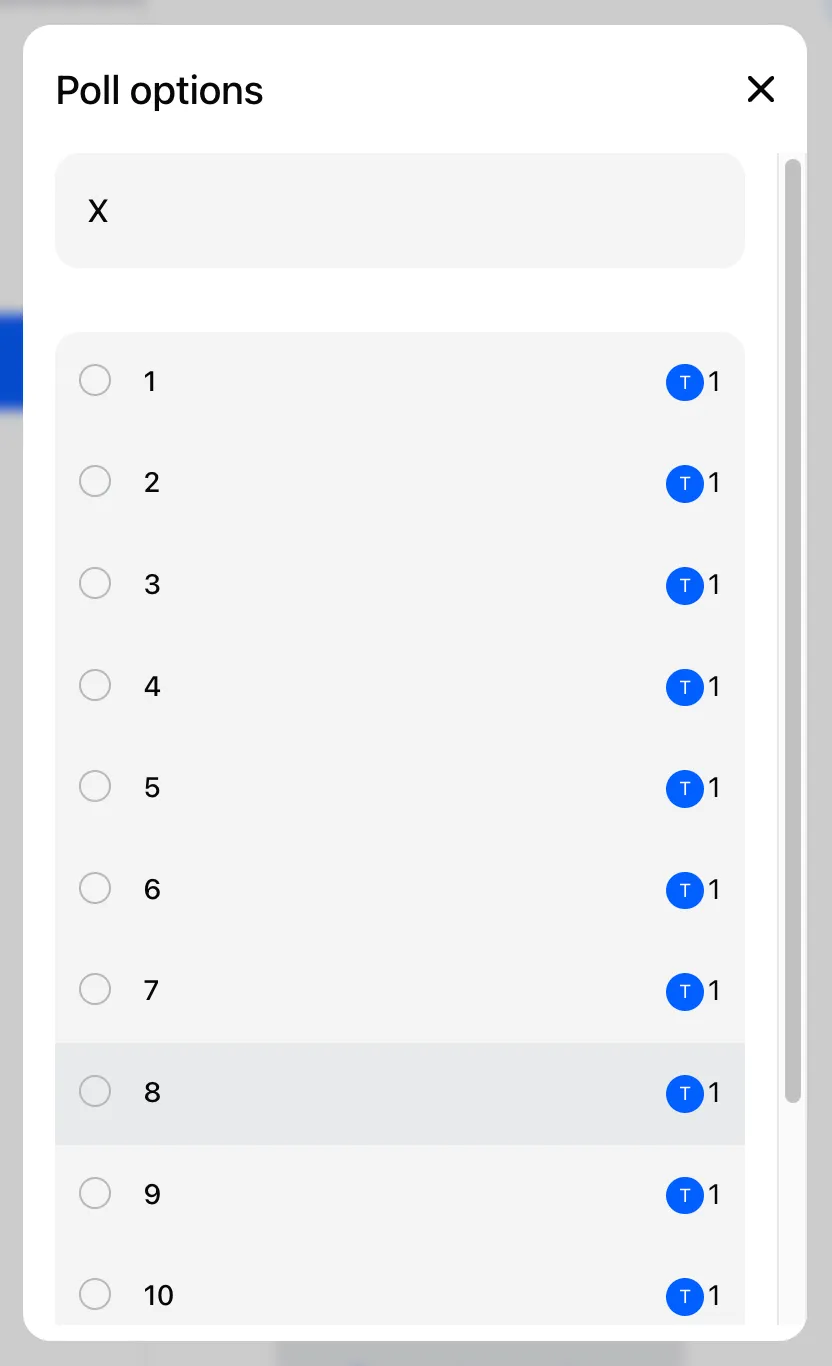
| See all options | option count > 10 | PollOptionsFullList |
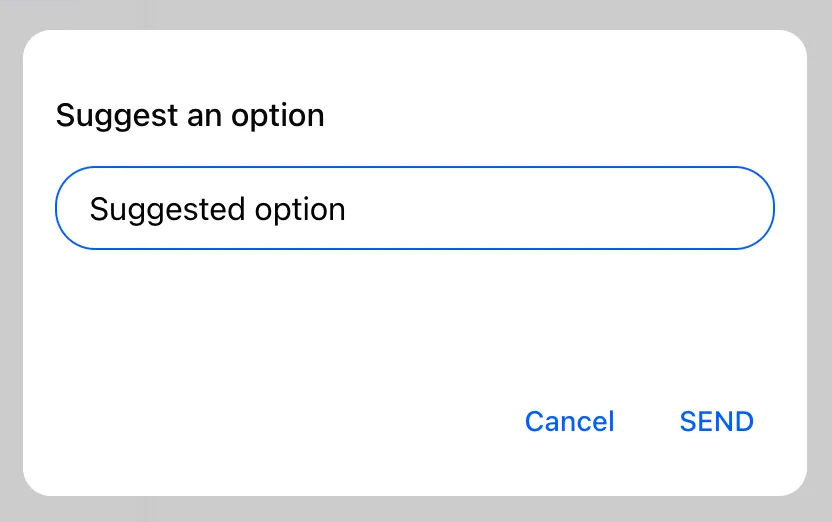
| Suggest an option | poll is not closed and poll.allow_user_suggested_options === true | SuggestPollOptionForm |
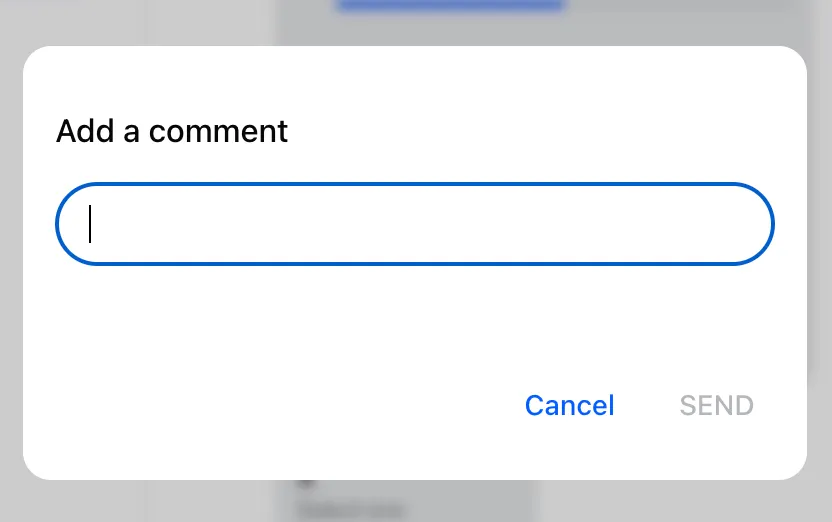
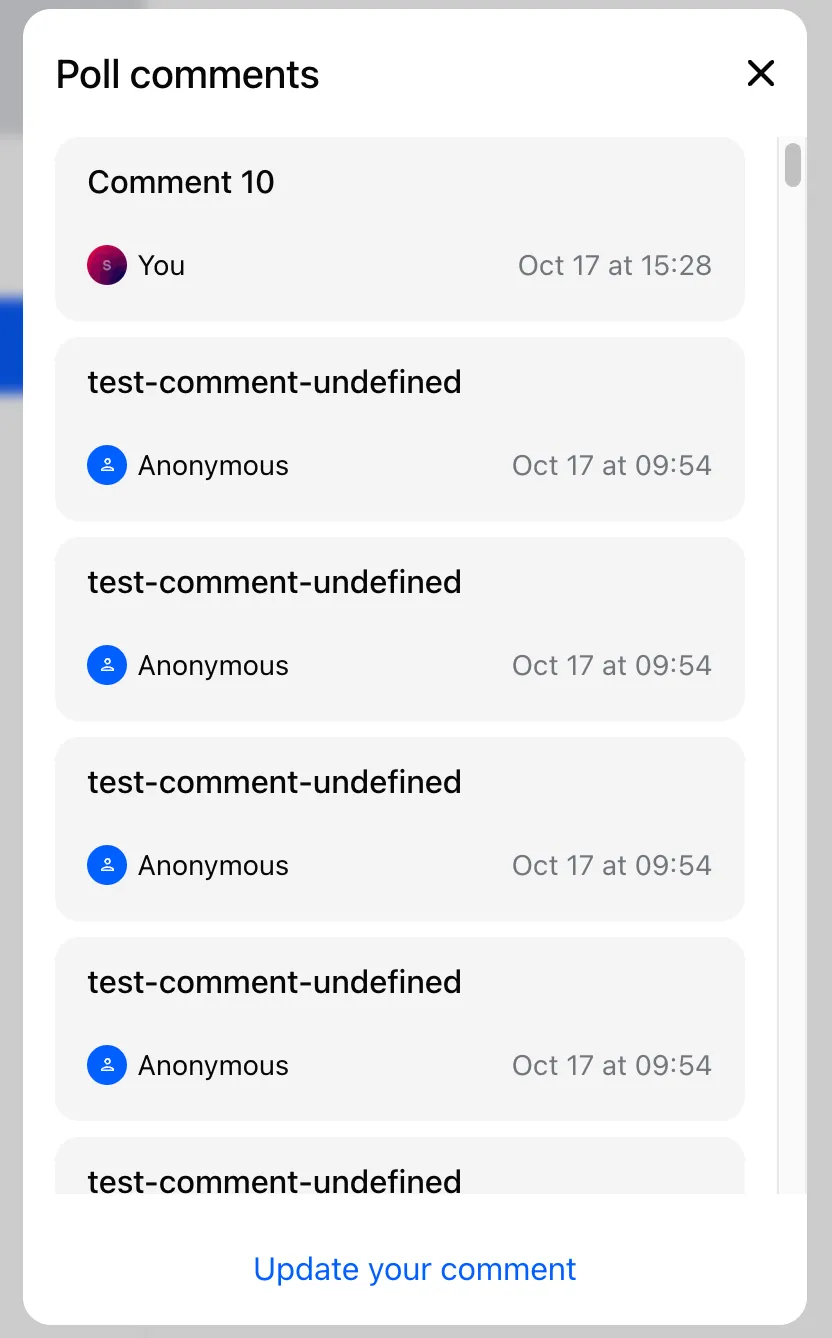
| Add or update own comment | poll is not closed and poll.allow_answers === true | AddCommentForm |
| View comments | channel.own_capabilities array contains 'query-poll-votes' & poll.answers_count > 0 | PollAnswerList |
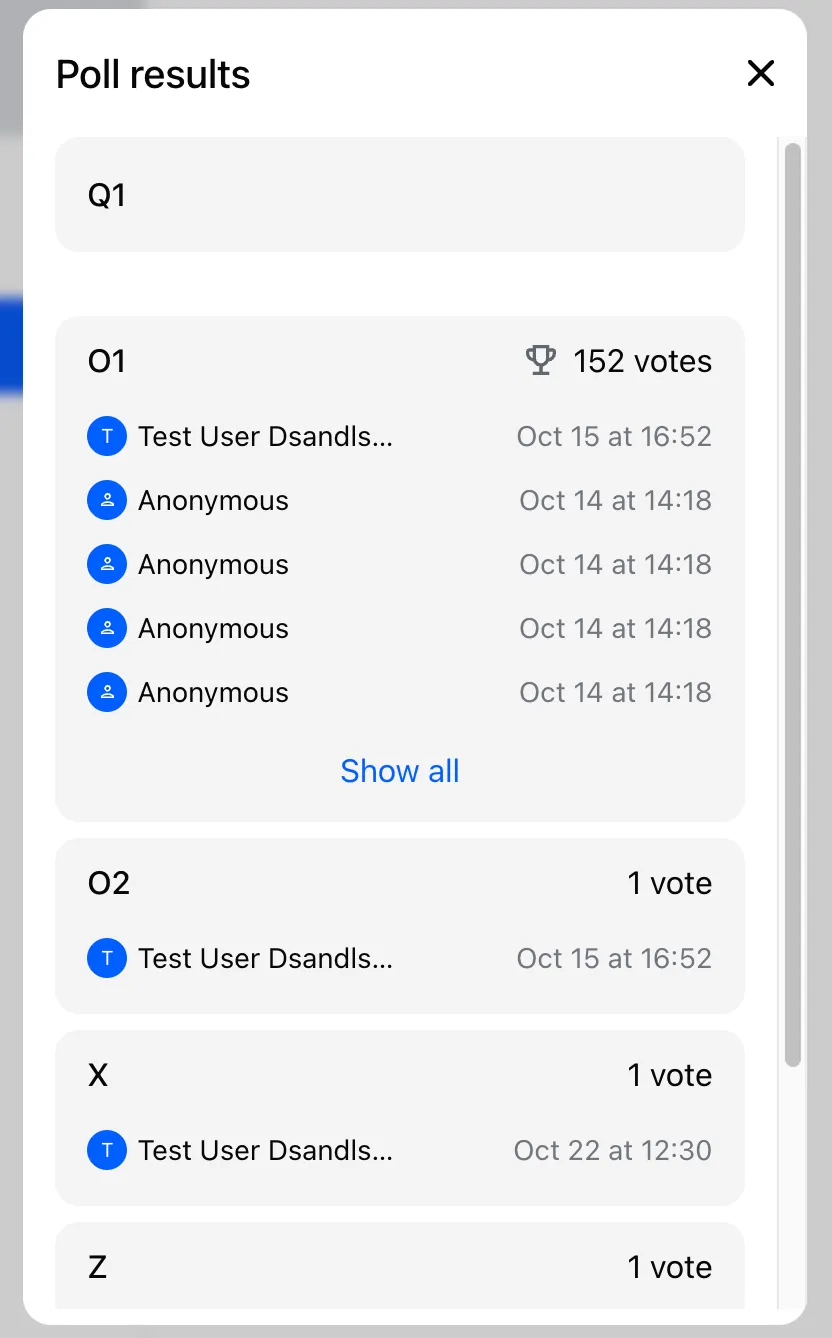
| View results | always visible | PollResults |
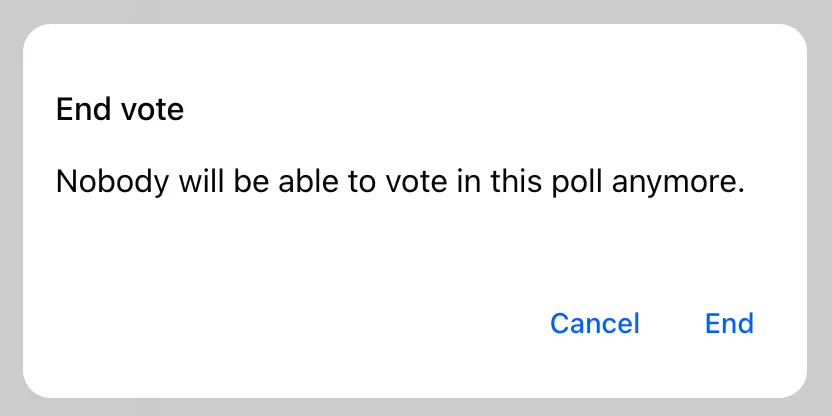
| End vote | owner of the poll | EndPollDialog |
Default PollOptionsFullList
Default SuggestPollOptionForm
Default AddCommentForm
Default PollAnswerList
Default PollResults
Default EndPollDialog
You can override individual dialogs or the whole PollActions component:
import { ReactNode } from "react";
import { Channel, PollActions } from "stream-chat-react";
import {
  CustomAddCommentForm,
  CustomEndPollDialog,
  CustomPollAnswerList,
  CustomPollOptionsFullList,
  CustomPollResults,
  CustomSuggestPollOptionForm,
} from "./PollActions";

const CustomPollActions = () => (
  <PollActions
    AddCommentForm={CustomAddCommentForm}
    EndPollDialog={CustomEndPollDialog}
    PollAnswerList={CustomPollAnswerList}
    PollOptionsFullList={CustomPollOptionsFullList}
    PollResults={CustomPollResults}
    SuggestPollOptionForm={CustomSuggestPollOptionForm}
  />
);

const ChannelWrapper = ({ children }: { children: ReactNode }) => (
  <Channel PollActions={CustomPollActions}>{children}</Channel>
);
Poll contents layout customization
If you want to restructure the poll layout, provide a custom PollContent to Channel.
import { ReactNode } from "react";
import { Channel } from "stream-chat-react";
import { CustomPollHeader, CustomPollOptionList } from "./Poll";

const PollContents = () => (
  <div>
    <CustomPollHeader />
    <CustomPollOptionList />
  </div>
);

const ChannelWrapper = ({ children }: { children: ReactNode }) => (
  <Channel PollContents={PollContents}>{children}</Channel>
);
Poll API and state
To fully customize poll UI, use the Poll API and subscribe to poll state.
The Poll API is exposed via a Poll instance. It’s provided through React context to the children of the Poll component (rendered internally by Message). Access it via usePollContext:
import { usePollContext } from "stream-chat-react";

const Component = () => {
  const { poll } = usePollContext();
};
The Poll instance exposes the following methods:
query- queries the data for a given poll (permission to query polls is required)update- overwrites the poll datapartialUpdate- overwrites only the given poll dataclose- marks the poll as closed (useful for customEndPollDialog)delete- deletes the pollcreateOption- creates a new option for given poll (useful for customSuggestPollOptionForm)updateOption- updates an optiondeleteOption- removes the option from a pollcastVote- casts a vote to a given option (useful for customPollOptionSelector)removeVote- removes a vote from a given option (useful for customPollOptionSelector)addAnswer- adds an answer (comment)removeAnswer- removes an answer (comment)queryAnswers- queries and paginates answers (useful for customPollAnswerList)queryOptionVotes- queries and paginates votes for a given option (useful for option detail)
Access poll state in custom components like this:
import { usePollContext, useStateStore } from "stream-chat-react";

import type { PollState, PollVote } from "stream-chat";

type PollStateSelectorReturnValue = {
  latest_votes_by_option: Record<string, PollVote[]>;
};

// 1. Define the selector function that receives the fresh value every time the observed property changes
const pollStateSelector = (
  nextValue: PollState,
): PollStateSelectorReturnValue => ({
  latest_votes_by_option: nextValue.latest_votes_by_option,
});

const CustomComponent = () => {
  // 2. Retrieve the poll instance from the context
  const { poll } = usePollContext();
  // 3. Use the useStateStore hook to subscribe to updates in the poll state with selector picking out only properties we are interested in
  const { latest_votes_by_option } = useStateStore(
    poll.state,
    pollStateSelector,
  );
};
Don’t read poll data from MessageContext.message. It’s static seed data; use poll.state instead.
PollContext
The context is available to all the children of the Poll component. Currently, it exposes the following properties:
poll
The instance of a Poll class provided by the low-level client. The instance is retrieved from PollManager via client.polls.fromState(pollId)
import { Poll, useChatContext, useMessageContext } from "stream-chat-react";

const Component = () => {
  const { client } = useChatContext();
  const { message } = useMessageContext();
  const poll = message.poll_id && client.polls.fromState(message.poll_id);

  if (!poll) return null;
  return <Poll poll={poll} />;
};
This extraction is done internally by the MessageSimple component.