








Device settings
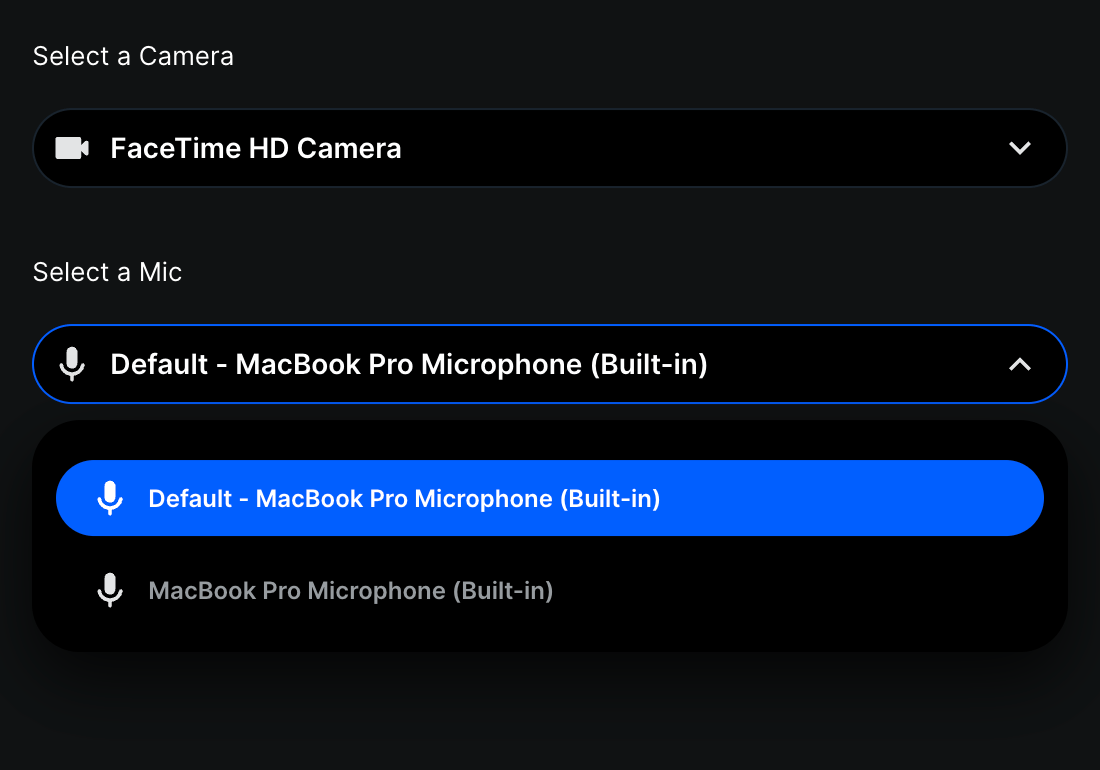
The SDK provides device settings components for audio and video selection:
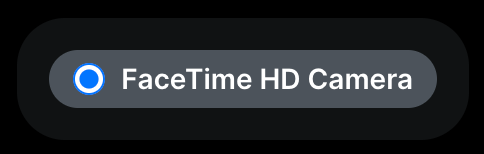
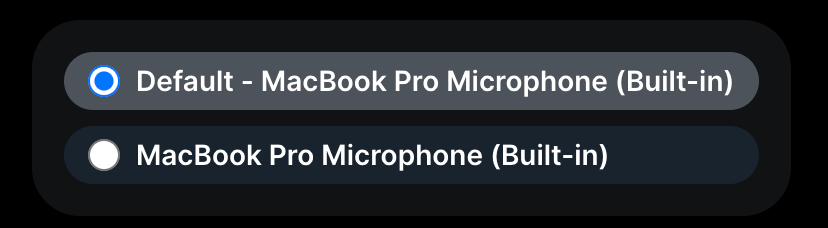
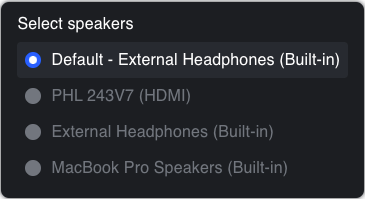
DeviceSelectorVideo- camera selectionDeviceSelectorAudioInput- microphone selectionDeviceSelectorAudioOutput- speaker selectionAudioVolumeIndicator- visual audio level indicatorSpeakerTest- test speaker outputDeviceSettings- combines all selectors
Best Practices
- Use
DeviceSettingsfor a complete settings panel. - Use individual selectors for custom layouts.
- Show device settings in a lobby/preview screen before joining calls.
General usage
import { Call, DeviceSettings, StreamCall } from "@stream-io/video-react-sdk";

const MyDevicePanel = () => {
  let call: Call;

  return (
    <StreamCall call={call}>
      <DeviceSettings />
    </StreamCall>
  );
};
Or use the components individually:
import {
  Call,
  DeviceSelectorAudioInput,
  DeviceSelectorVideo,
  StreamCall,
} from "@stream-io/video-react-sdk";

const MyDevicePanel = () => {
  let call: Call;

  return (
    <StreamCall call={call}>
      <DeviceSelectorVideo />
      <DeviceSelectorAudioInput />
    </StreamCall>
  );
};
Props
DeviceSettings
| Name | Description | Type | Default |
|---|---|---|---|
visualType |
Controls how the device settings menu is rendered | portal | menu | undefined |
menu |
DeviceSelectorVideo
| Name | Description | Type | Default |
|---|---|---|---|
title |
Title is displayed at the top of the selector component | string | undefined |
Select a Camera |
visualType |
Display as a radio list, dropdown, or live device preview | list | dropdown | preview |
list |
DeviceSelectorAudioInput
| Name | Description | Type | Default |
|---|---|---|---|
title |
Title is displayed at the top of the selector component | string | undefined |
Select a Mic |
visualType |
Display as a radio list, dropdown, or live device preview | list | dropdown | preview |
list |
volumeIndicatorVisible |
Show volume indicator | boolean | undefined |
true |
DeviceSelectorAudioOutput
| Name | Description | Type | Default |
|---|---|---|---|
title |
Title is displayed at the top of the selector component | string | undefined |
Select a Speaker |
visualType |
Visually display a list or dropdown selector | list | dropdown | undefined |
list |
speakerTestVisible |
Show speaker test button | boolean | undefined |
true |
speakerTestAudioUrl |
URL of the audio file to play when speaker test button is clicked | string | undefined |
SDK provided audio test file |
AudioVolumeIndicator
This component does not accept any props.
SpeakerTest
| Name | Description | Type | Default |
|---|---|---|---|
audioUrl |
URL of the audio file to play for the speaker test. | string | undefined |
SDK provided audio test file |
Preview mode
Setting visualType to preview renders a live preview for each available device. For cameras, each option shows a real-time video feed. For microphones, each option shows an audio level indicator.
Note: The
previewmode callsgetUserMediafor every available device in order to render a live feed or audio level for each one. Mobile browsers and Safari restrict concurrentgetUserMediastreams and can fail or behave inconsistently when many are opened at once, sopreviewis not reliable there. Uselistordropdownon mobile devices and Safari.
import {
  Call,
  DeviceSelectorAudioInput,
  DeviceSelectorVideo,
  StreamCall,
} from "@stream-io/video-react-sdk";

const MyDevicePreviewPanel = () => {
  let call: Call;

  return (
    <StreamCall call={call}>
      <DeviceSelectorVideo visualType="preview" />
      <DeviceSelectorAudioInput visualType="preview" />
    </StreamCall>
  );
};
Customization
If you want to create your own component, you can make use of Devices Management API to list and select devices.