
 React
React iOS
iOS Android
 Flutter
 JavaScript
 Unity
Unity ESP32
ESP32 Platform
 Vision Agents
import {
ViewerLivestream,
StreamVideo,
StreamCall,
} from "@stream-io/video-react-native-sdk";
const client = StreamVideoClient.getOrCreateInstance({ apiKey, user, token });
const call = client.call("livestream", id);
await call.join(); // Make sure to join the call before rendering the component
export const MyLivestreamApp = () => {
return (
<StreamVideo client={client}>
<StreamCall call={call}>
<ViewerLivestream />
</StreamCall>
</StreamVideo>
);
};Watching a livestream
The Video API supports assigning roles like hosts and viewers in livestreams. The SDK provides dedicated components for each role.
ViewerLivestream uses WebRTC for seamless viewing. For external publishing, access HLS credentials from the dashboard. See the livestream tutorial for details.
Best Practices
- Handle buffering states - Show loading indicators during video buffering
- Provide volume controls - Let viewers adjust or mute audio
- Support fullscreen mode - Allow viewers to maximize the video
- Display stream status - Show live indicator and viewer count
Default component
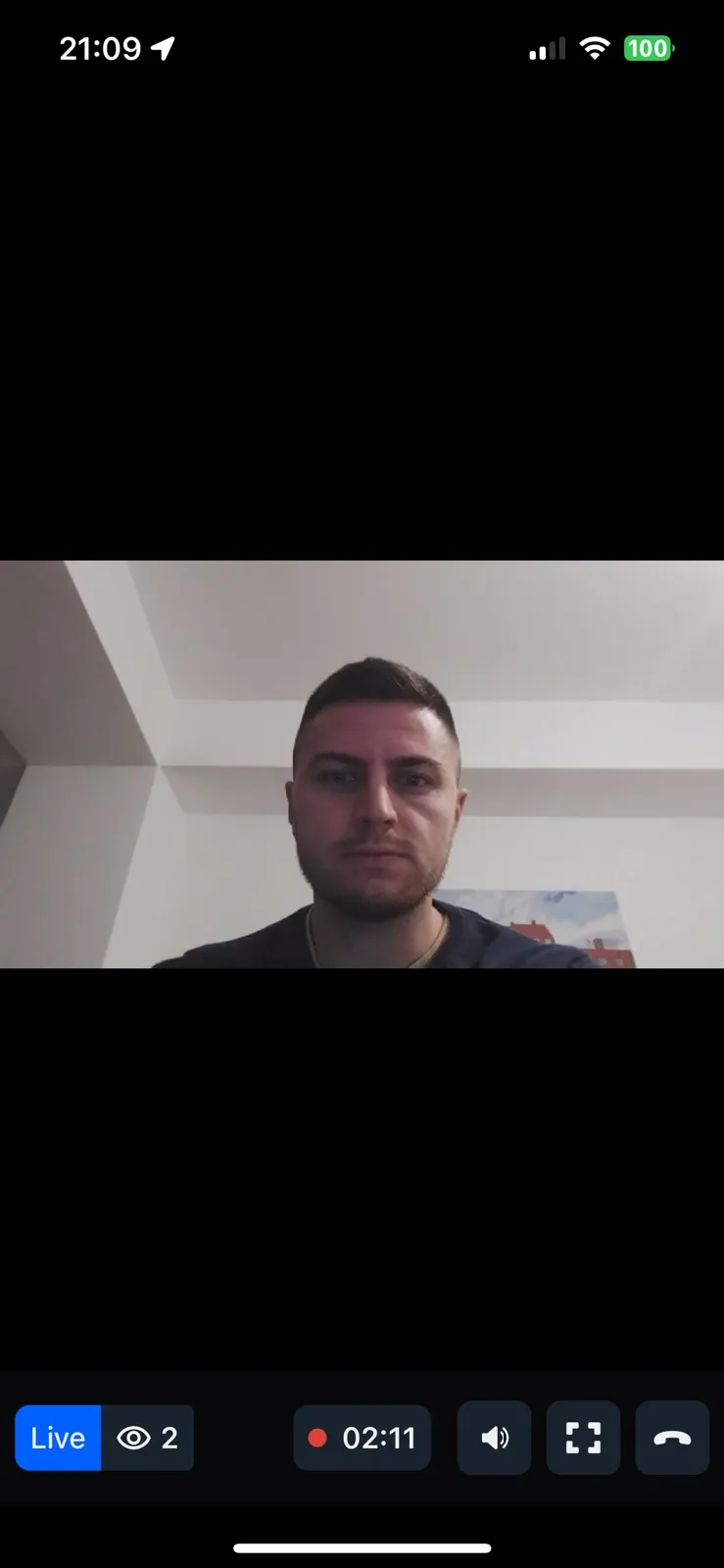
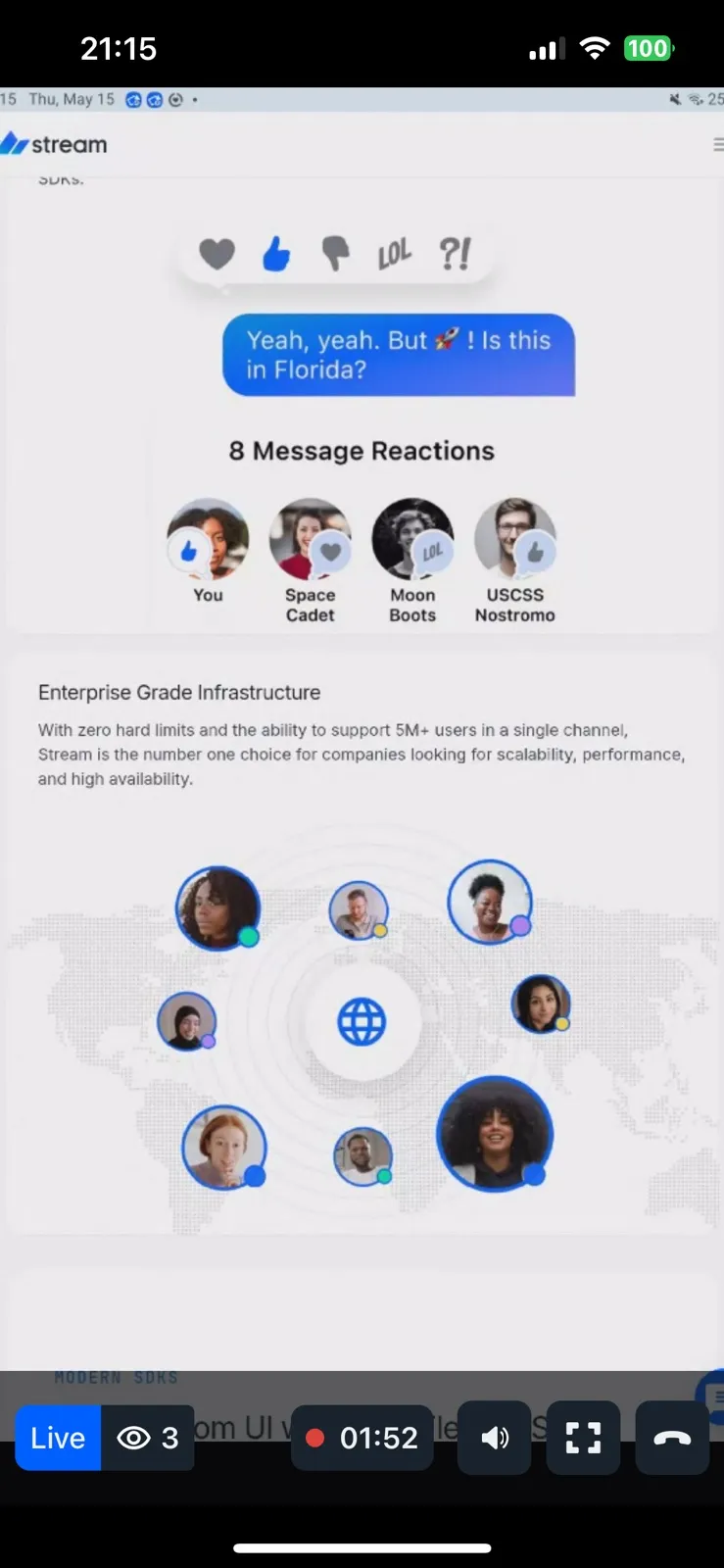
For viewers, use the specialized ViewerLivestream component.
Preview:
Adding customization
ViewerLivestream accepts customization props:
- ViewerLivestreamTopView - Customize the header
- LivestreamLayout - Customize the main video layout
- ViewerLivestreamControls - Customize bottom controls (contains
LiveIndicator,FollowerCount,DurationBadge,VolumeButton,MaximizeButton,ViewerLeaveStreamButton) - ViewerLeaveStreamButton - Customize the leave button
- FloatingParticipantView - Customize the floating view during screen share
- onLeaveStreamHandler - Override leave stream behavior
Example customizing ViewerLeaveStreamButton:
import {
  ViewerLivestream,
  StreamVideo,
  StreamCall,
  useCall,
} from "@stream-io/video-react-native-sdk";
import { Button } from "react-native";

const ViewerLeaveStreamButtonComponent = () => {
  const call = useCall();

  const onPressHandler = async () => {
    await call.leave();
  };

  return <Button title="Leave Stream" onPress={onPressHandler} />;
};

export const MyLivestreamApp = () => {
  // init client and call here...
  return (
    <StreamVideo client={client}>
      <StreamCall call={call}>
        <ViewerLivestream
          ViewerLeaveStreamButton={ViewerLeaveStreamButtonComponent}
        />
      </StreamCall>
    </StreamVideo>
  );
};