
 React
React iOS
iOS Android
 Flutter
 JavaScript
 Unity
Unity ESP32
ESP32 Platform
 Vision Agents
import { Text, StyleSheet } from "react-native";
import {
StreamVideoParticipant,
ParticipantVideoFallbackProps,
} from "@stream-io/video-react-native-sdk";
const CustomParticipantVideoFallback = ({
participant,
}: ParticipantVideoFallbackProps) => {
return (
<ImageBackground
blurRadius={5}
source={{ uri: participant.image }}
style={styles.background}
>
<Image source={{ uri: participant.image }} style={styles.avatar} />
</ImageBackground>
);
};
const styles = StyleSheet.create({
background: {
...StyleSheet.absoluteFillObject,
alignItems: "center",
justifyContent: "center",
},
avatar: {
borderRadius: 50,
height: 100,
width: 100,
},
});Video Fallback
Video fallback design offers creative opportunities. Consider how to indicate speaking status or unavailable video tracks.
Best Practices
- Show user avatar - Display profile image when video is unavailable
- Indicate speaking status - Add visual feedback when audio is detected
- Use consistent styling - Match fallback design with your app theme
- Handle missing images - Provide default avatar for users without profile pictures
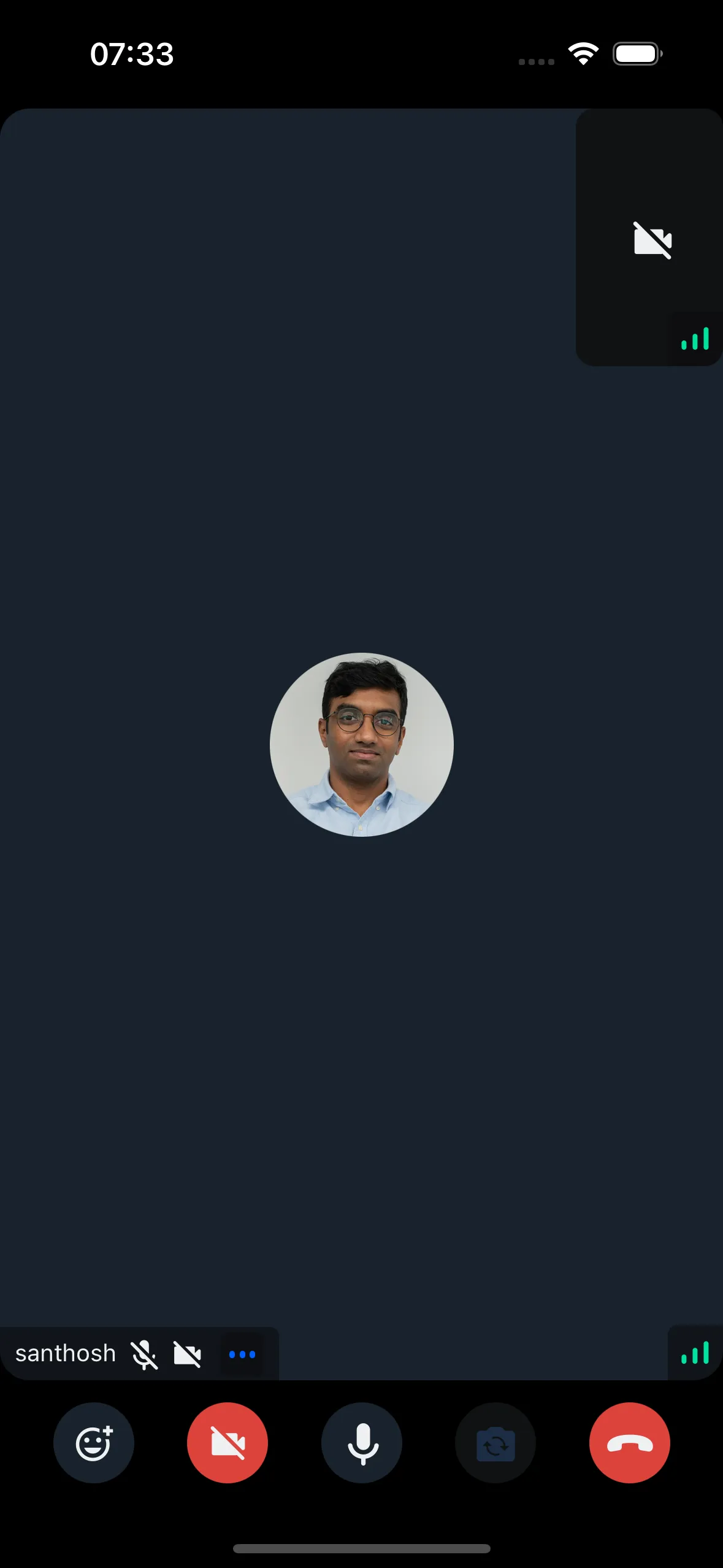
The default component may not meet all design requirements. This guide covers customization options.
Custom Participant Video Fallback
Customize the video fallback by passing your own component to CallContent.
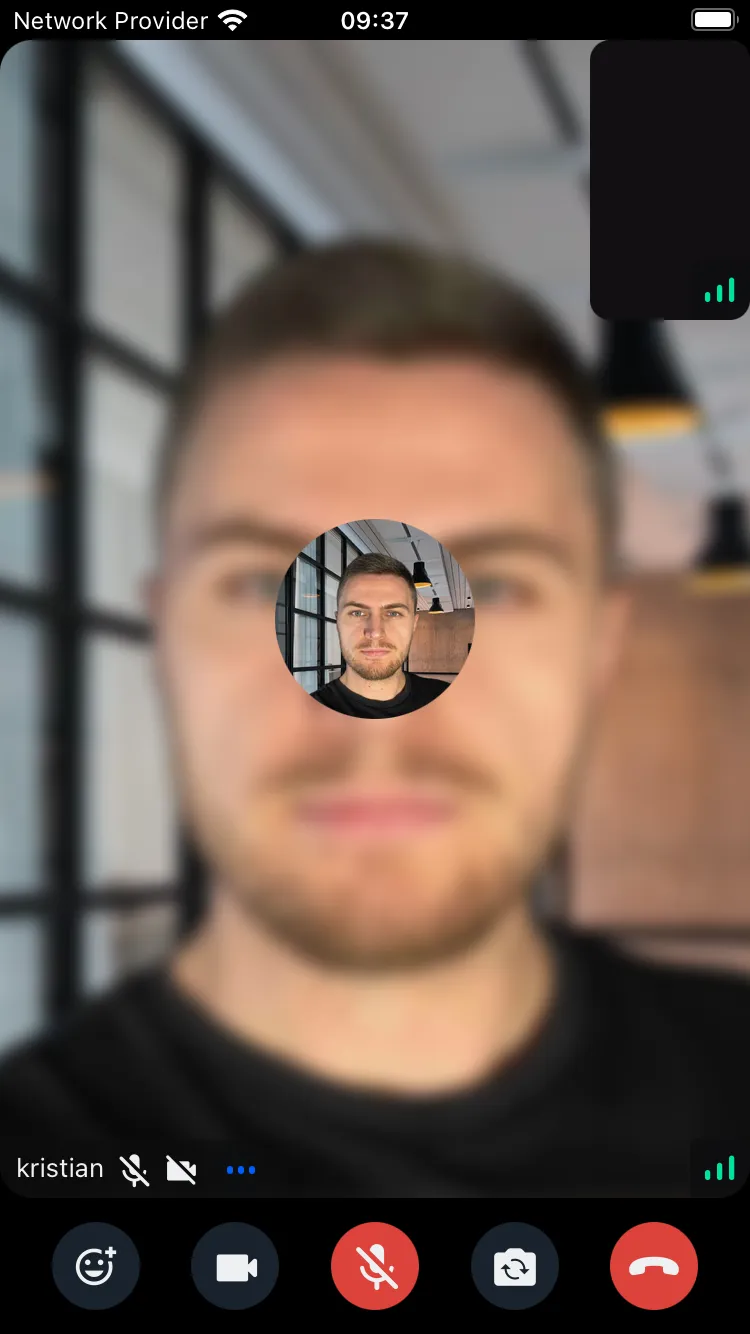
Example:
Final Steps
Pass the custom component to the ParticipantVideoFallback prop of CallContent:
import {
  Call,
  CallContent,
  StreamCall,
} from "@stream-io/video-react-native-sdk";

const VideoCallUI = () => {
  let call: Call;
  // your logic to create a new call or get an existing call

  return (
    <StreamCall call={call}>
      <CallContent ParticipantVideoFallback={CustomParticipantVideoFallback} />
    </StreamCall>
  );
};
Access participant data using hooks from useCallStateHooks:
- useParticipants - Returns details for all participants
- useRemoteParticipants - Returns details for remote participants only
- useConnectedUser / useLocalParticipant - Returns local participant details