
 React
React iOS
iOS Android
 Flutter
 JavaScript
 Unity
Unity ESP32
ESP32 Platform
 Vision Agents
import {
Call,
CallContent,
StreamCall,
} from "@stream-io/video-react-native-sdk";
const VideoCallUI = () => {
let call: Call;
// your logic to create a new call or get an existing call
return (
<StreamCall call={call}>
<CallContent landscape={true} />
</StreamCall>
);
};Landscape Mode
Landscape mode provides a larger viewing area for participants on mobile devices. The SDK includes built-in support for responsive design between portrait and landscape orientations.
Best Practices
- Listen for orientation changes - Update the layout when device orientation changes
- Test both orientations - Verify UI elements position correctly in each mode
- Consider safe areas - Account for notches and system UI in landscape mode
- Optimize video layouts - Adjust grid layouts for horizontal space
Passing the landscape mode styles
Pass landscape={true} to SDK components to apply landscape styling. Supported components:
CallContent- Main call UIRingingCallContent- Incoming/outgoing call UILobby- Pre-call lobby
Example:
Updating the orientation styles dynamically
Detect orientation changes using the Dimensions API or packages like react-native-orientation or expo-screen-orientation.
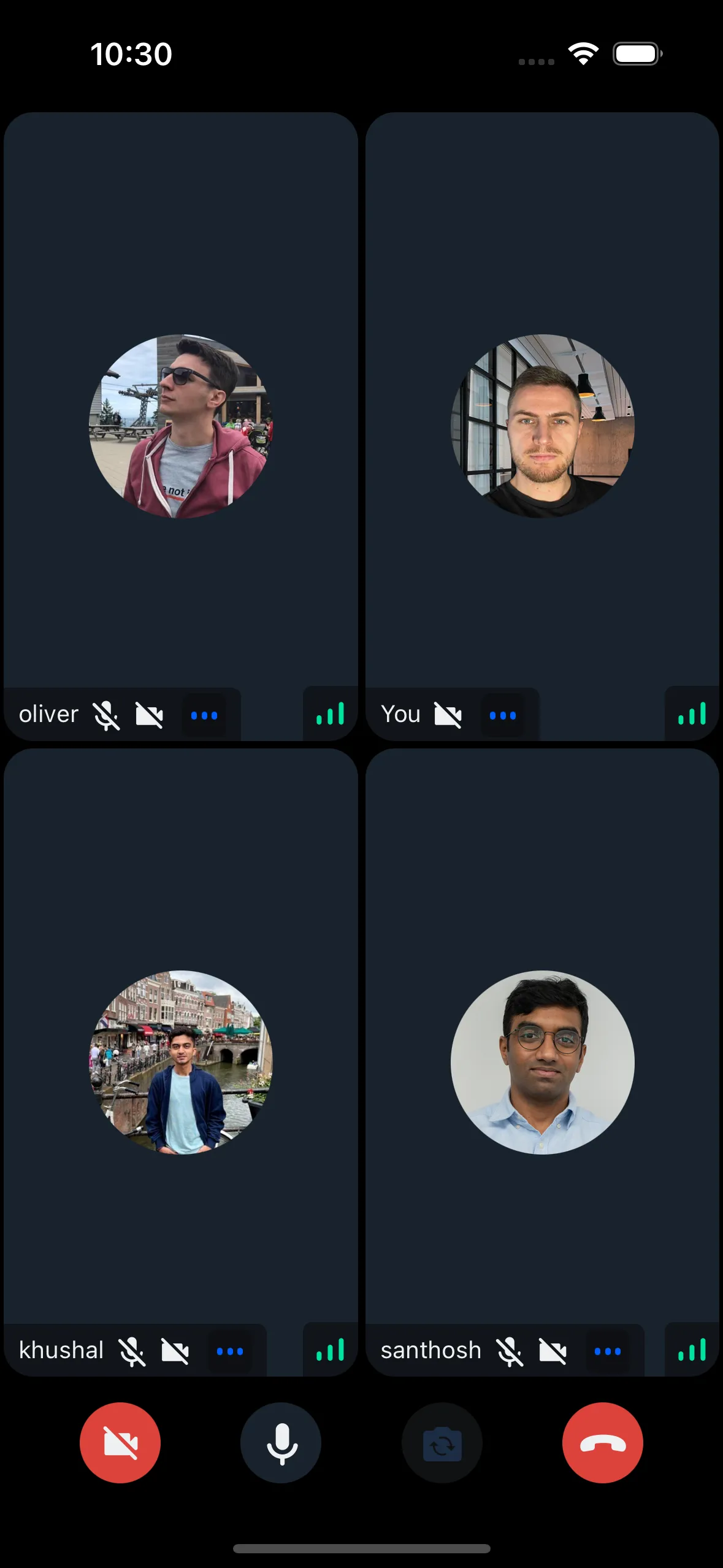
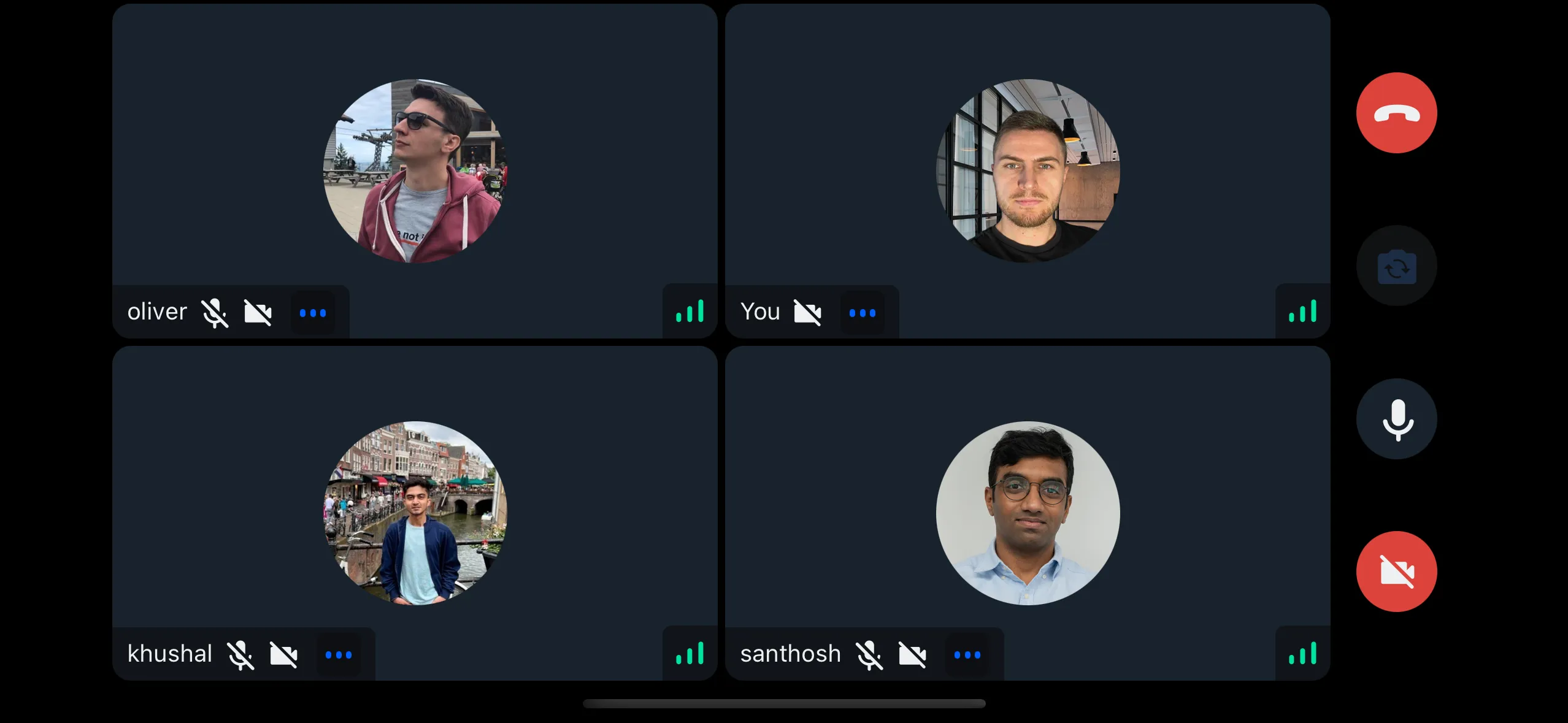
Example using the Dimensions API without external packages:
Creating the useOrientation hook
import { useEffect, useState } from "react";
import { Dimensions } from "react-native";

type Orientation = "portrait" | "landscape";

const getOrientation = (): Orientation => {
  const dimensions = Dimensions.get("screen");
  return dimensions.height >= dimensions.width ? "portrait" : "landscape";
};

/**
 * A hook that returns device orientation.
 * @returns 'portrait' : 'landscape'
 */
export const useOrientation = () => {
  const [orientation, setOrientation] = useState<Orientation>(getOrientation());

  useEffect(() => {
    const subscription = Dimensions.addEventListener("change", ({ screen }) => {
      setOrientation(screen.height >= screen.width ? "portrait" : "landscape");
    });
    return () => subscription?.remove();
  }, []);

  return orientation;
};
Passing the orientation to the SDK components
Check if the orientation is landscape and pass it to SDK components:
import {
  Call,
  CallContent,
  StreamCall,
} from "@stream-io/video-react-native-sdk";
import { useOrientation } from "../hooks/useOrientation";

const VideoCallUI = () => {
  let call: Call;
  // your logic to create a new call or get an existing call
  const orientation = useOrientation();
  const isLandscape = orientation === "landscape";

  return (
    <StreamCall call={call}>
      <CallContent landscape={isLandscape} />
    </StreamCall>
  );
};