
 React
React iOS
iOS Android
 Flutter
 JavaScript
 Unity
Unity ESP32
ESP32 Platform
 Vision Agents
yarn add react-native-permissionsManage Native Permissions
Create a function to request native permissions required for video calls.
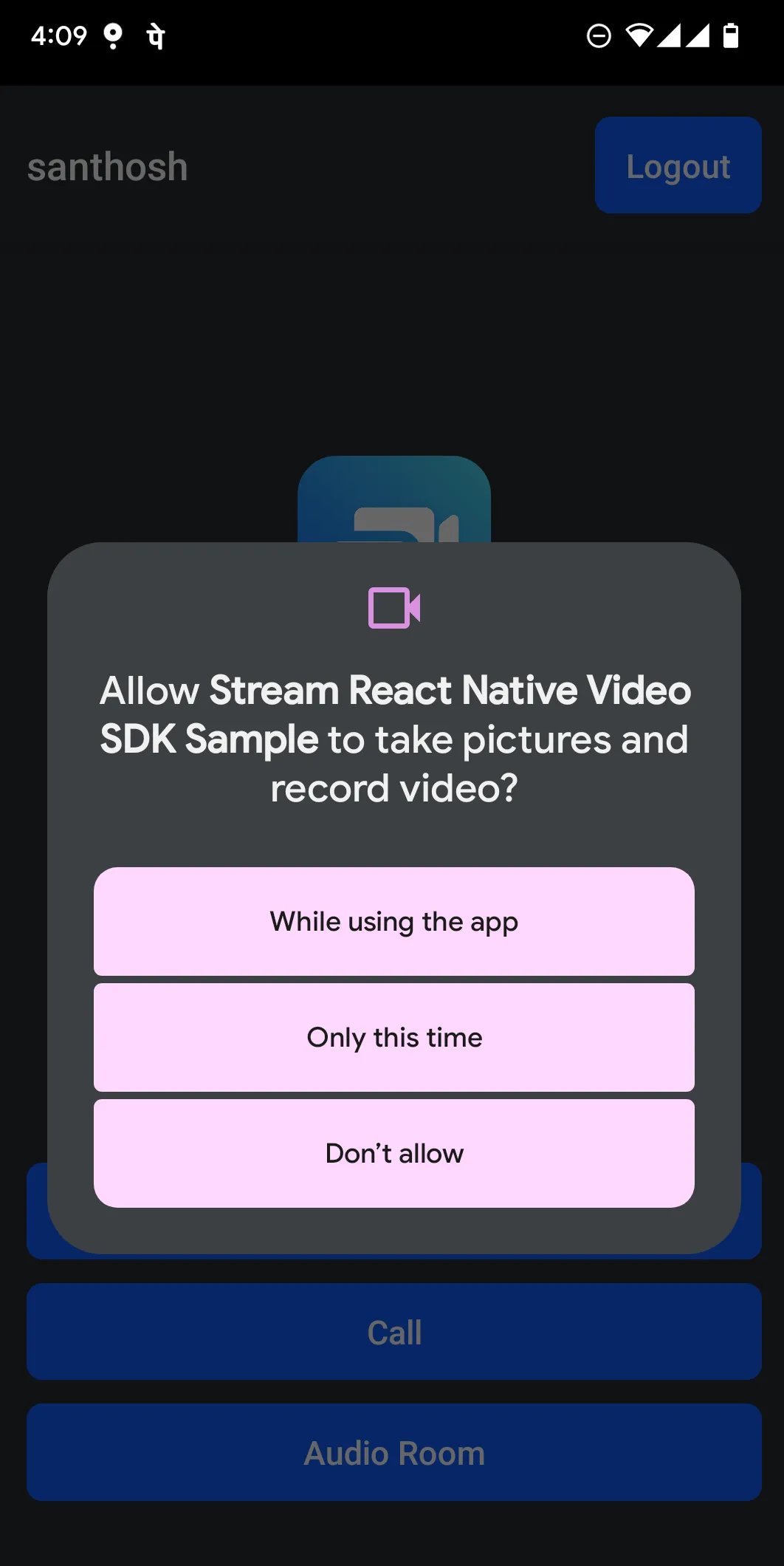
Best Practices
- Request at appropriate time - Ask for permissions when users are about to use camera/microphone features
- Handle blocked permissions - Prompt users to open settings if permissions are blocked
- Check status before use - Verify permission status before showing camera/microphone UI
- Request Bluetooth on Android - Include
BLUETOOTH_CONNECTfor headset support
Setup
Ensure permissions are declared in AndroidManifest.xml and Info.plist per the installation guide.
Install react-native-permissions:
Do not forget to perform the additional setup steps for iOS mentioned in the react-native-permissions library documentation
Step 1 - Create permission request function
Create requestAndUpdatePermissions to handle permission requests:
import { Platform } from "react-native";
import {
  PERMISSIONS,
  requestMultiple,
  requestNotifications,
} from "react-native-permissions";

export const requestAndUpdatePermissions = async () => {
  if (Platform.OS === "ios") {
    // Request camera and mic permissions on iOS
    const results = await requestMultiple([
      PERMISSIONS.IOS.CAMERA,
      PERMISSIONS.IOS.MICROPHONE,
    ]);
  } else if (Platform.OS === "android") {
    // Request camera, mic, bluetooth permissions on Android
    const results = await requestMultiple([
      PERMISSIONS.ANDROID.CAMERA,
      PERMISSIONS.ANDROID.RECORD_AUDIO,
      PERMISSIONS.ANDROID.BLUETOOTH_CONNECT,
    ]);
  }
  // Request notification permission if needed; this will request POST_NOTIFICATION runtime permission for Anroid 13+
  await requestNotifications(["alert", "sound"]);
};
Step 2 - Use in your screen
Call requestAndUpdatePermissions in your desired screen. Example using it in the call screen:
import { useEffect } from "react";
import { requestAndUpdatePermissions } from "src/utils/requestAndUpdatePermissions";
import { StreamVideo, StreamCall } from "@stream-io/video-react-native-sdk";

const MyApp = () => {
  // request permissions on mount
  useEffect(() => {
    requestAndUpdatePermissions();
  }, []);

  return (
    <StreamVideo client={client}>
      <StreamCall call={call}>{/*  You UI */}</StreamCall>
    </StreamVideo>
  );
};
Check permission status and handle blocked permissions
Check permission status before showing camera/microphone UI. If RESULTS.BLOCKED, prompt users to open system settings:
import { Alert, Platform } from "react-native";
import {
  PERMISSIONS,
  RESULTS,
  check,
  openSettings,
  type Permission,
} from "react-native-permissions";

// will return back information whether camera/mic access is granted
export const getPermissionsSummary = async () => {
  return {
    hasCameraPermission: await hasGrantedPermission(
      Platform.OS === "ios"
        ? PERMISSIONS.IOS.CAMERA
        : PERMISSIONS.ANDROID.CAMERA,
    ),
    hasMicrophonePermission: await hasGrantedPermission(
      Platform.OS === "ios"
        ? PERMISSIONS.IOS.MICROPHONE
        : PERMISSIONS.ANDROID.RECORD_AUDIO,
    ),
  };
};

const hasGrantedPermission = async (permission: Permission) => {
  const status = await check(permission);
  return status === RESULTS.GRANTED;
};

// Helper to prompt the user to open app settings and grant previously denied permission
export const handleBlockedPermission = (status: string) => {
  if (status !== RESULTS.BLOCKED) return;
  Alert.alert("Permission blocked", "Enable access in Settings to continue.", [
    { text: "Cancel", style: "cancel" },
    { text: "Open Settings", onPress: () => openSettings() },
  ]);
};