
 React
React iOS
iOS Android
 Flutter
 JavaScript
 Unity
Unity ESP32
ESP32 Platform
 Vision Agents
<ScreenShareToggleButton
screenShareOptions={{
type: "broadcast", // or 'inApp' (iOS only, default: 'broadcast')
includeAudio: true, // mix screen audio into mic (default: false)
}}
/>Screen Sharing Overview
The Stream Video React Native SDK supports displaying and sharing screens from iOS and Android devices.
Best Practices
- Configure permissions - Users need the
screensharecapability (Screenshare permission) for their call type - Enable in dashboard - Screen sharing must be enabled for your call type in the Stream dashboard
- Complete native setup - Platform-specific configuration is required before screen sharing works
- Use built-in button - The
ScreenShareToggleButtonhandles start/stop logic automatically
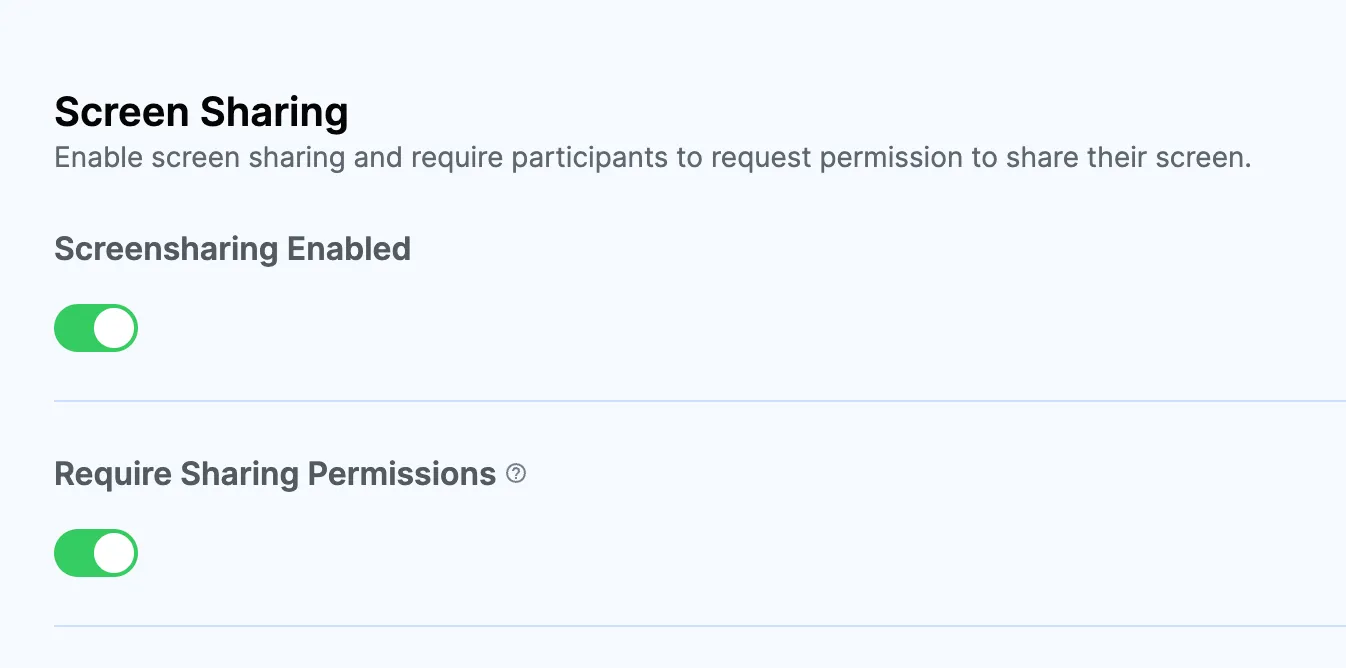
Setup
Complete native setup for your platform:
Screen sharing button
Use the ScreenShareToggleButton component to manage screen sharing. Add it independently or to custom call controls. For custom implementations, reference the source code.
Props
The ScreenShareToggleButton accepts an optional screenShareOptions prop to control screen share behavior:
| Prop | Type | Default | Description |
|---|---|---|---|
screenShareOptions.type | 'broadcast' | 'inApp' | 'broadcast' | iOS only. 'broadcast' uses a Broadcast Upload Extension to capture the entire device screen (works across all apps). 'inApp' uses RPScreenRecorder to capture the current app only — no extension setup required. Ignored on Android. |
screenShareOptions.includeAudio | boolean | false | When true, system/app audio (e.g. music, game audio) is captured and mixed into the microphone audio track so remote participants can hear it. See Screen Share with Audio. |
onScreenShareStartedHandler | () => void | — | Called when screen sharing starts. |
onScreenShareStoppedHandler | () => void | — | Called when screen sharing stops. |
iOS screen share types
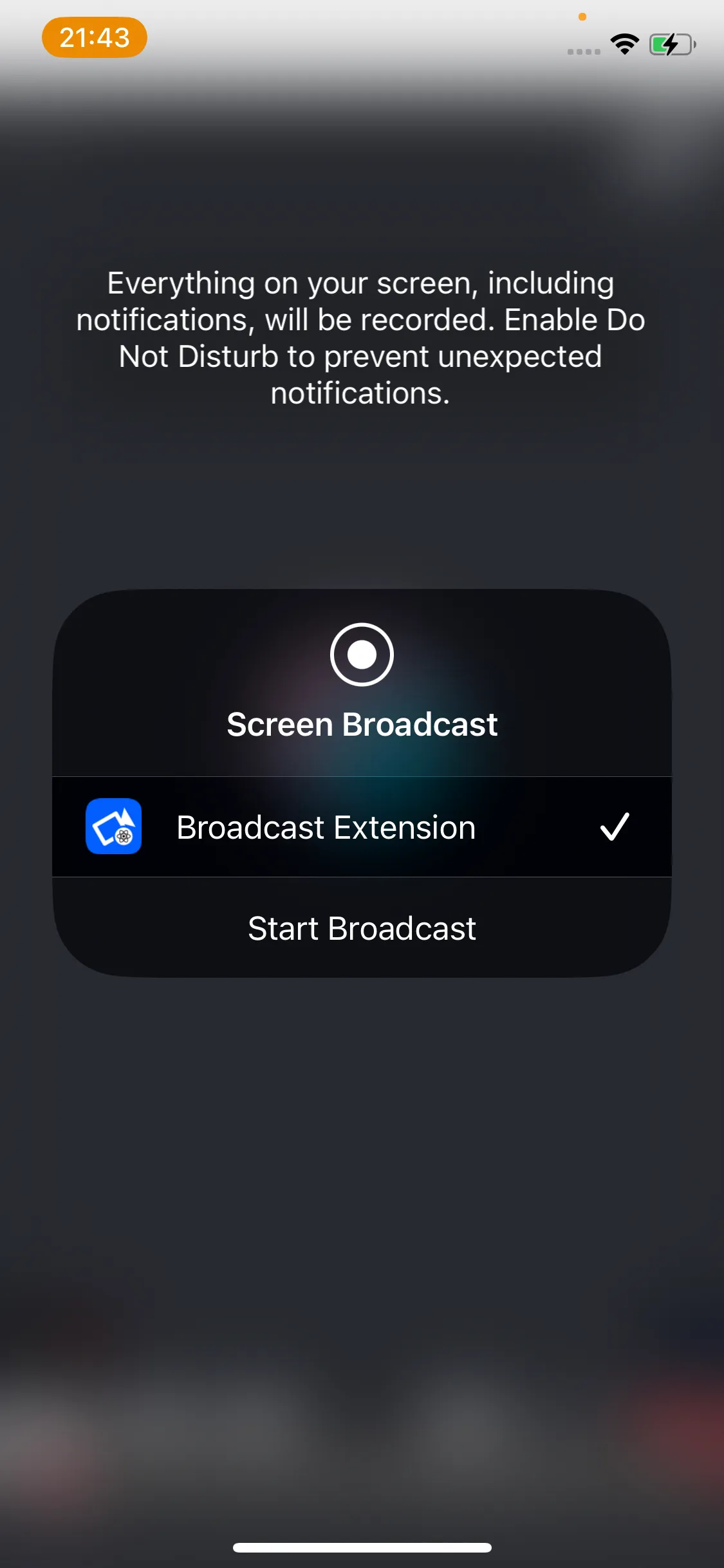
Broadcast (default) — captures the entire device screen, even when the user switches to other apps. Requires a Broadcast Upload Extension. Best for sharing content across apps.
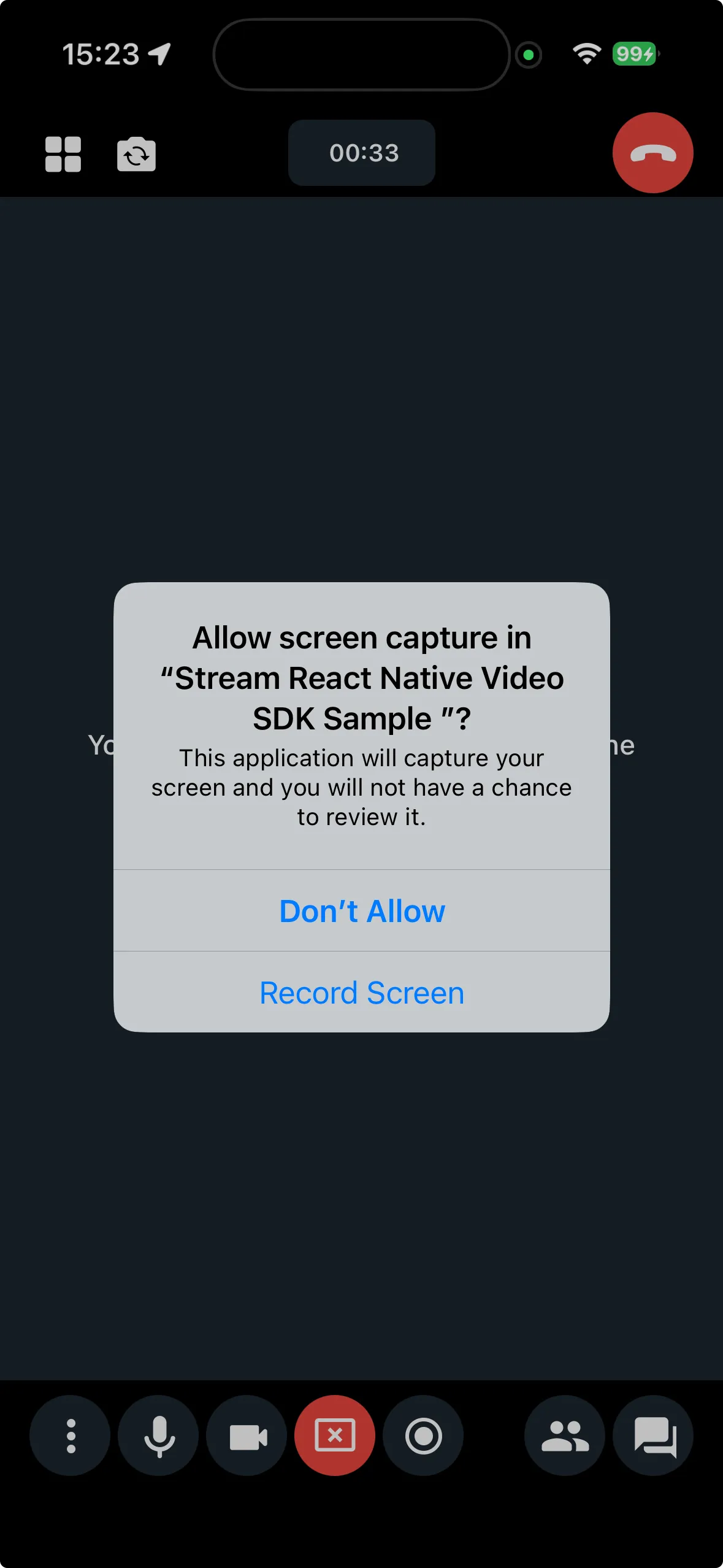
In-App — captures only the current app's screen using RPScreenRecorder. No extension setup is needed, making it simpler to configure. However, capture stops when the app is backgrounded.
Screen share with audio
When includeAudio is set to true, the SDK captures system/app audio and mixes it into the microphone audio track. Remote participants hear both the user's voice and the shared audio.
How it works:
- Android (API 29+): Uses
AudioPlaybackCaptureConfigurationto capture media audio. Only media sounds are captured — notifications and system sounds are excluded. No additional permissions are needed beyond the standard screen share setup.
On Android, AudioPlaybackCaptureConfiguration captures playback audio only when playback-capture requirements are met. In practice, audio is capturable only for eligible usage types and when capture is allowed by app/player capture policy (for example playback capture not disabled in manifest or AudioAttributes). Currently, the SDK matches these usage types:
USAGE_MEDIAUSAGE_GAMEUSAGE_UNKNOWN
Audio outside these usage types or with capture disallowed by policy, will not be included.
- iOS (in-app mode only): Audio is captured directly from
RPScreenRecorderand mixed into the WebRTC capture pipeline. Audio capturing is not supported in broadcast mode.
If you need to share audio, make sure to set type: 'inApp' in your screenShareOptions.
While screen share audio mixing is active, the SDK automatically disables noise cancellation (if using @stream-io/noise-cancellation-react-native) so that non-speech audio like music passes through. Noise cancellation is restored automatically when screen sharing stops. No manual configuration is needed.
On iOS, screen audio is mixed into the capture pipeline after voice processing (echo cancellation, auto gain control, noise suppression), so these filters do not affect the mixed audio.
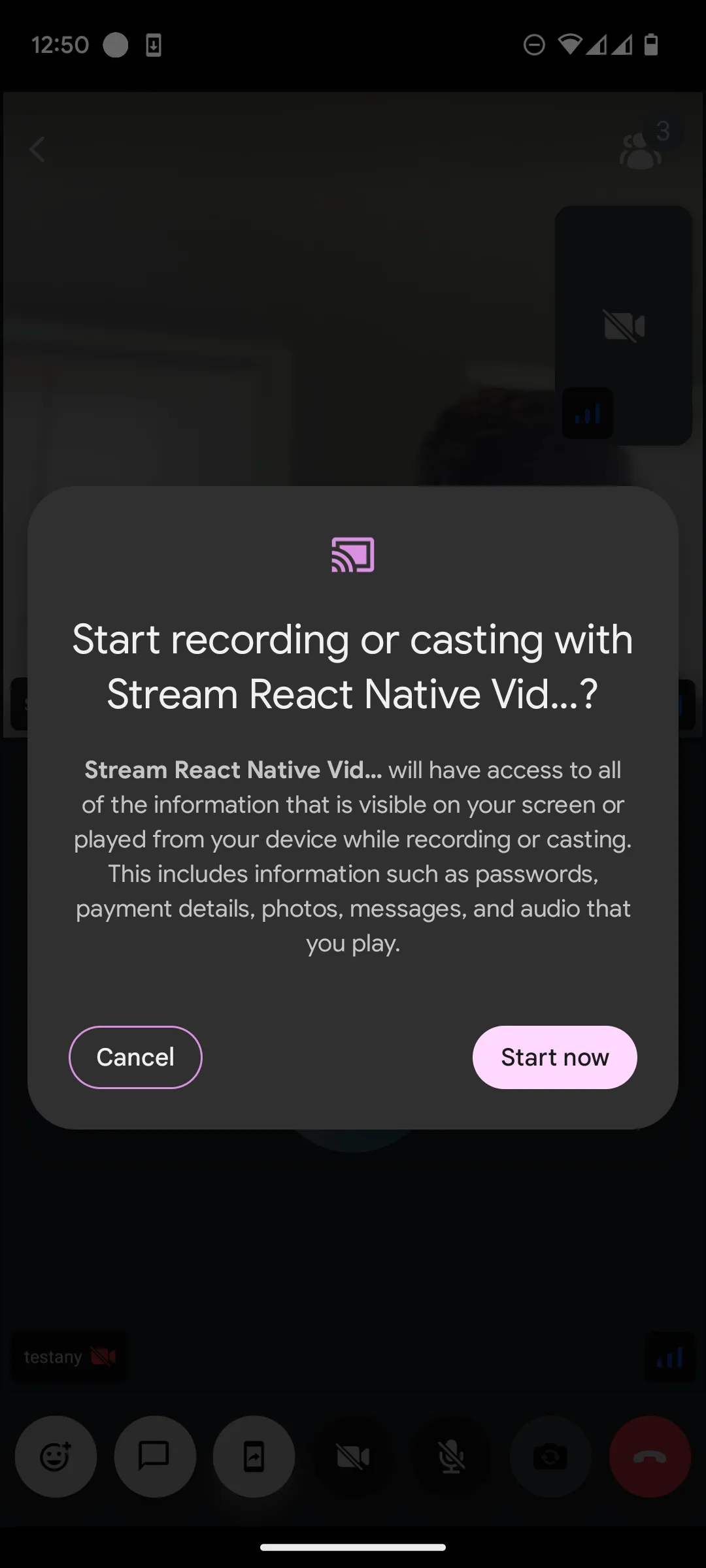
When starting screen share, users see this permission prompt:
| Android preview |
|---|
 |
| iOS broadcast extension preview | iOS in-app preview |
|---|---|
 |  |