
 React
React iOS
iOS Android
 Flutter
 JavaScript
 Unity
Unity ESP32
ESP32 Platform
 Vision Agents
import { ParticipantView, useCallStateHooks } from "@stream-io/video-react-sdk";
const MyCallUI = () => {
const { useParticipants } = useCallStateHooks();
const participants = useParticipants();
return (
<>
{participants.map((p) => (
<ParticipantView participant={p} key={p.sessionId} />
))}
</>
);
};ParticipantView
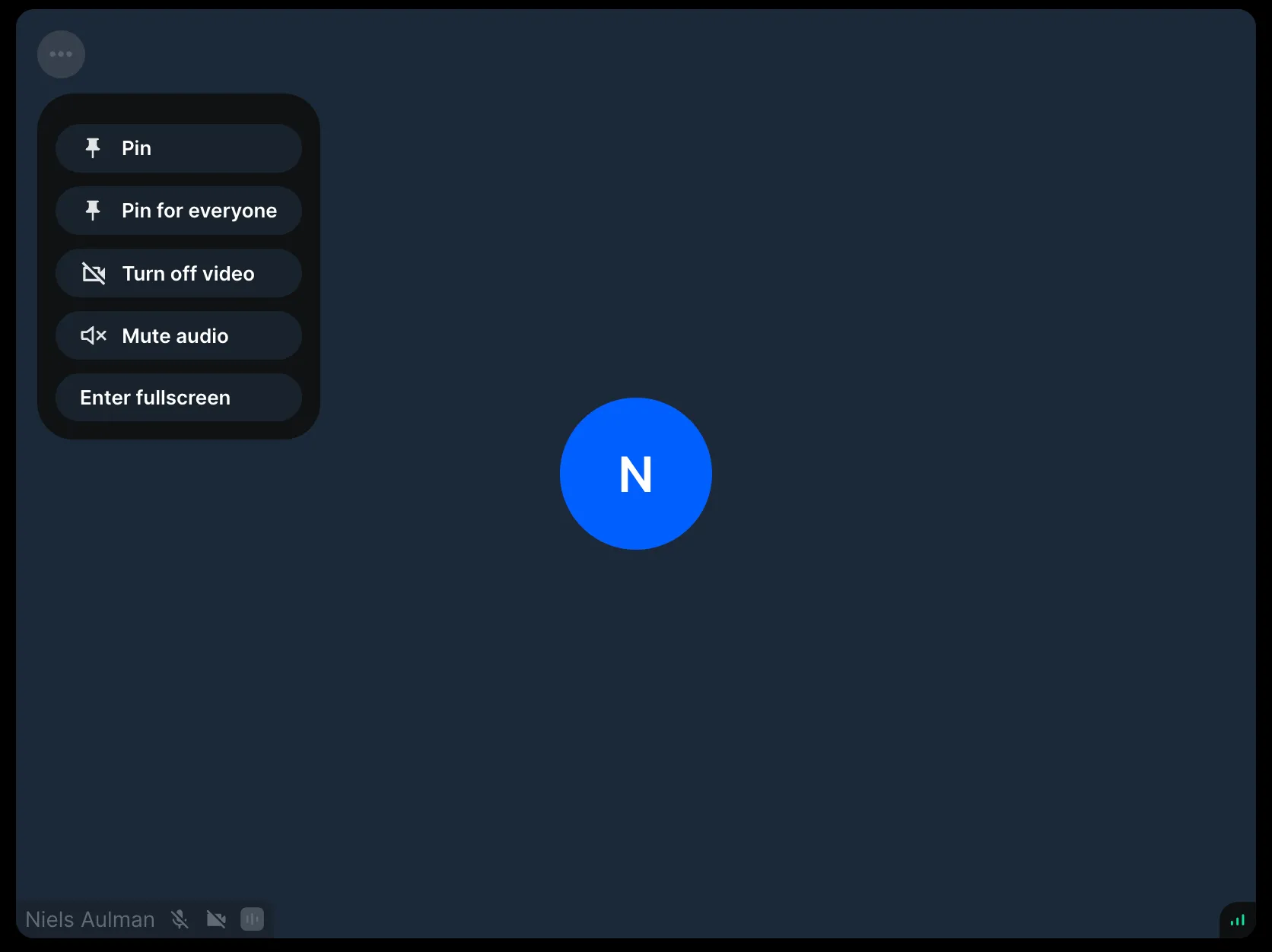
The ParticipantView component renders a participant's video and audio. It toggles between video and avatar based on video state, displays participant info, device settings, connection quality, and action buttons (e.g., pin).
Used to build call layouts. For performance, it only streams video for visible participants and requests appropriate quality/resolution (dynascale).
Best Practices
- Don't create custom
ParticipantView- use customization props instead. - Use
ParticipantViewUIprop to customize the overlay UI. - Use
VideoPlaceholderprop to customize the no-video state. - Set
muteAudio={true}only when rendering audio separately.
Please note that we suggest not to create a custom ParticipantView component as it contains complex, low-level logic related to performance. Please refer to the Customization section to see how you can tailor the component to your needs.
General usage
You can use the ParticipantView component to create your own call layout:
Props
participant
The participant whose video/audio stream we want to play.
ParticipantViewUI
| Type |
|---|
ComponentType | ReactElement | null |
Override the default UI for rendering participant information/actions.
VideoPlaceholder
| Type |
|---|
ComponentType | ReactElement | null |
Override the default UI that's visible when a participant turned off their video.
PictureInPicturePlaceholder
| Type |
|---|
ComponentType | ReactElement | null |
Override the default UI that's visible when a participant video is playing in picture-in-picture.
trackType
| Type |
|---|
videoTrack | screenShareTrack | none |
The kind of video stream to play for the given participant. The default value is video. You can use none if you're building an audio-only call.
className
| Type |
|---|
string | undefined |
Custom class applied to the root DOM element.
refs
| Type |
|---|
{setVideoElement: Function, setVideoPlaceholderElement: Function} | undefined |
An object with set functions meant for exposing the video and video placeholder elements to the integrators.
muteAudio
| Type |
|---|
boolean |
This prop is only useful for advanced use-cases (for example building your own paginated layout). When set to true it will mute the given participant's audio stream on the client side. The local participant is always muted.
Customization
The ParticipantView customizations guide tells all the important information about the customization options. It's useful when you want to attach custom event handlers to these elements.
We also have additional guides focusing on specific parts: