React
React iOS
iOS Android
 Flutter
 JavaScript
 Unity
Unity ESP32
ESP32 Platform
 Vision Agents
import { StreamVideoClient } from "@stream-io/video-react-native-sdk";
const client = StreamVideoClient.getOrCreateInstance({
apiKey,
tokenProvider,
user,
options: { rejectCallWhenBusy: true },
});Reject call when busy
Set up automatic call rejection when users are busy with another ringing call. This guide covers callee-side rejection and caller-side notification.
Best Practices
- Enable for busy users - Automatically reject incoming calls during active calls
- Notify callers clearly - Display "busy" status to the caller
- Play appropriate sounds - Use busy tone for audio feedback
- Log rejection reasons - Track busy rejections for analytics
Configure the client with rejectCallWhenBusy set to true:
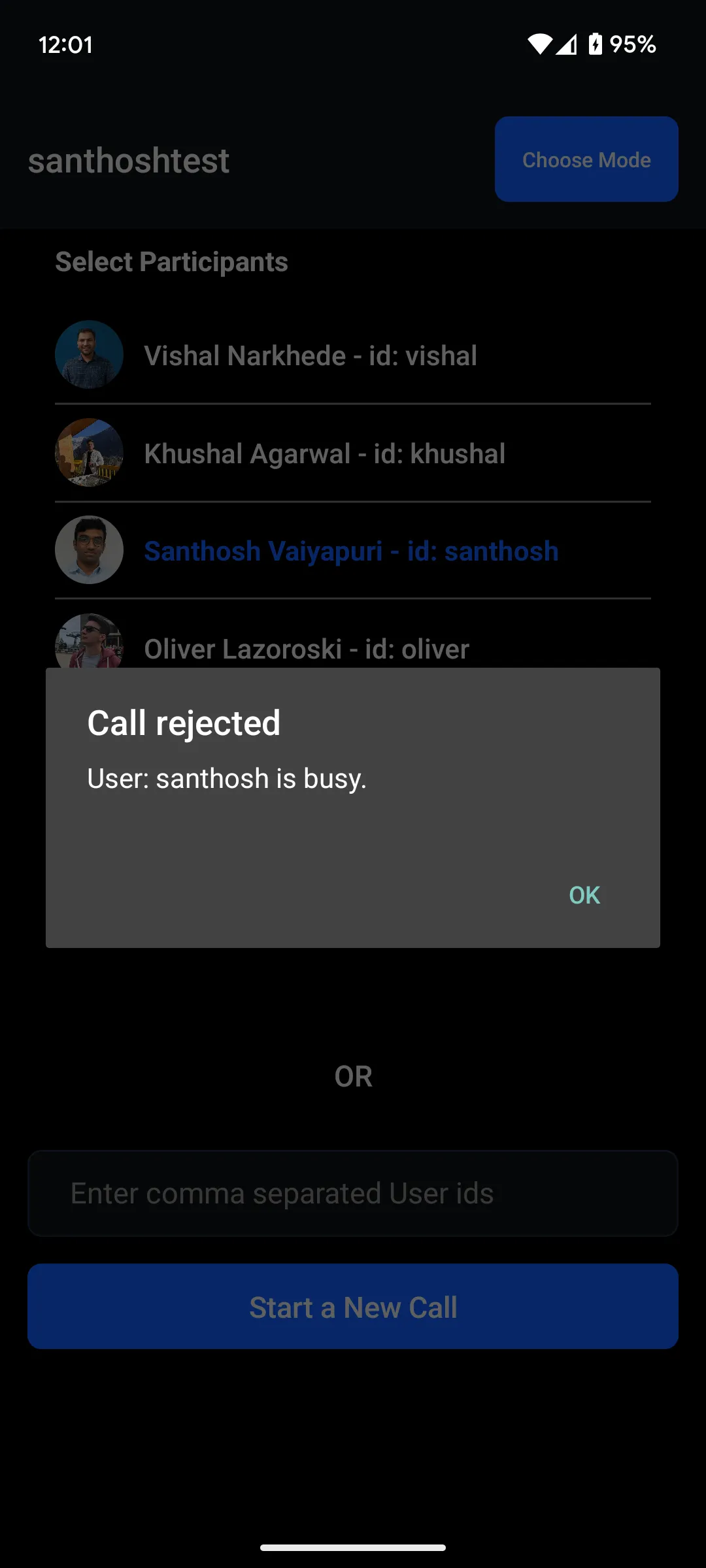
The callee automatically rejects incoming calls. The call.rejected event includes "reason": "busy" in its payload.
On the caller side:
- SDK automatically plays a busy tone
- Display visual indication using the
call.rejectedevent
Example showing an alert dialog:
import { useStreamVideoClient } from "@stream-io/video-react-native-sdk";
import { Alert } from "react-native";

const client = useStreamVideoClient();

useEffect(() => {
  if (!client) return;
  return client.on("call.rejected", (event) => {
    const isCallCreatedByMe =
      event.call.created_by.id === client?.state.connectedUser?.id;
    const calleeName = event.user.name ?? event.user.id;

    if (isCallCreatedByMe && event.reason === "busy") {
      Alert.alert("Call rejected", `User: ${calleeName} is busy.`);
    }
  });
}, [client]);