








Participants list
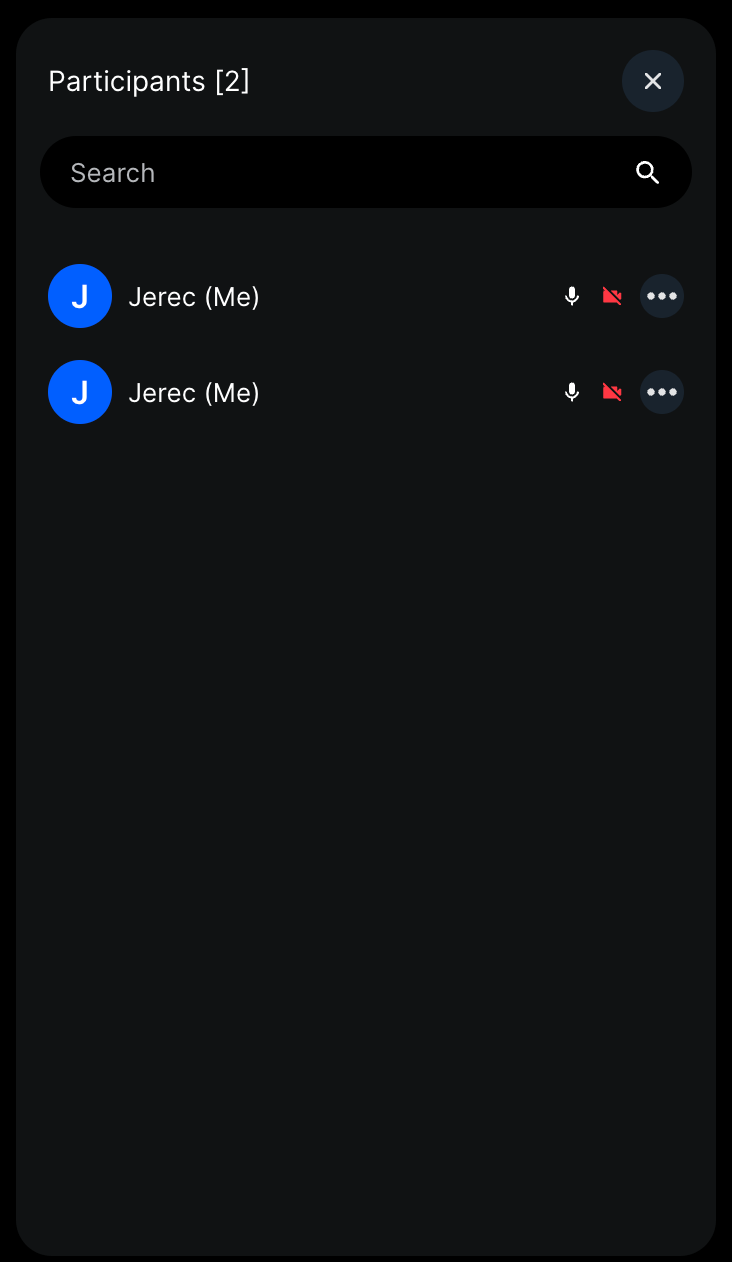
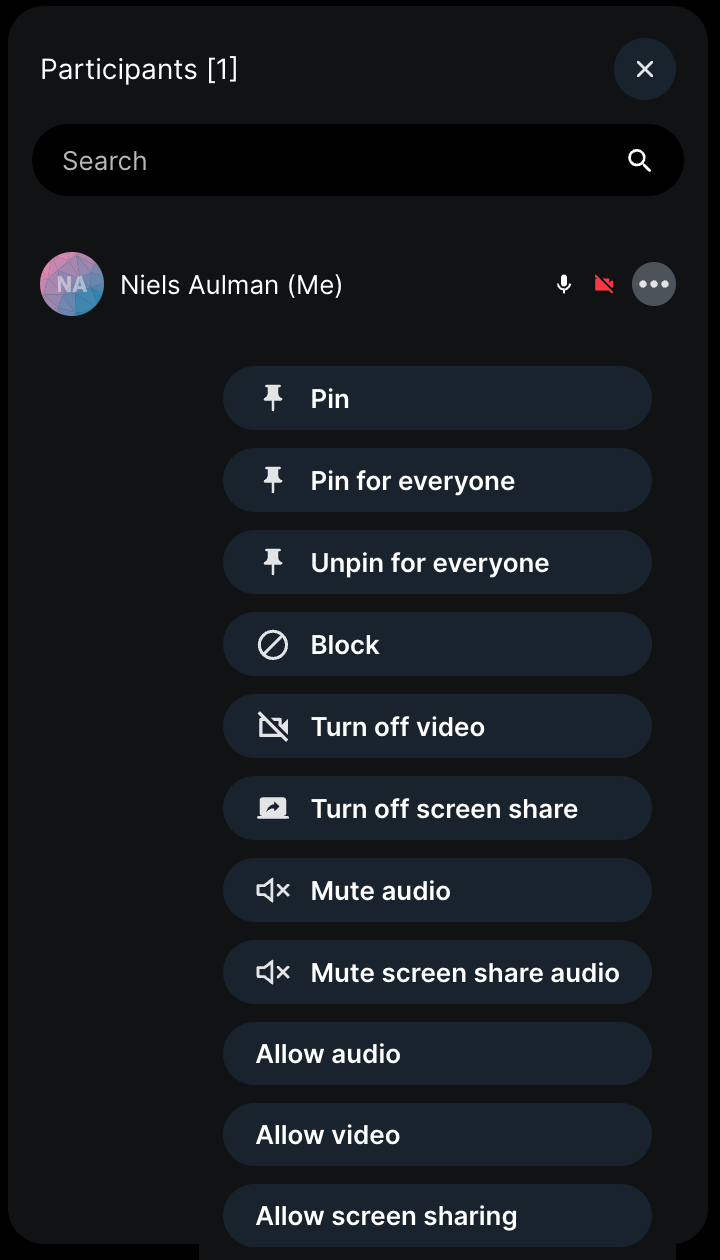
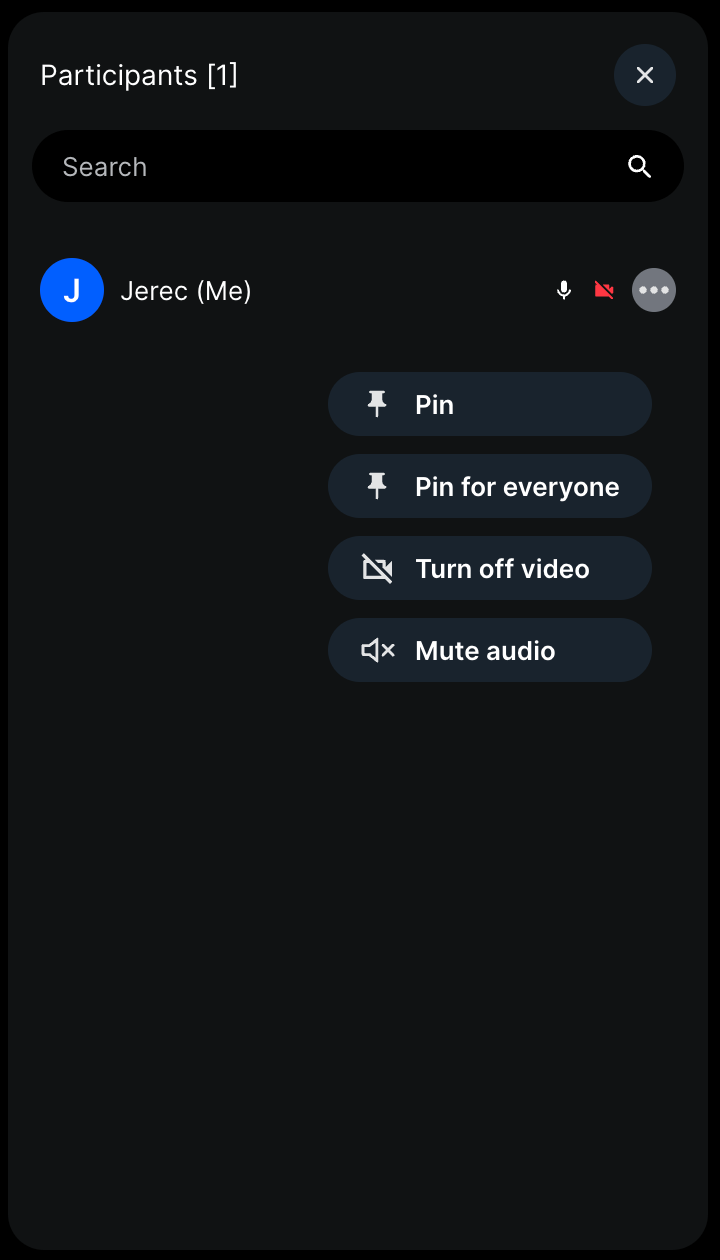
CallParticipantsList displays call participants with device mute statuses, blocked users, search, mute all (for owners), and per-user actions (pin, block, etc.) based on permissions.
Best Practices
- Provide
onClosecallback to handle dismissing the list. - Use custom search functions for large participant lists.
- Actions are permission-aware - no need to filter manually.
General usage
import {
  Call,
  CallParticipantsList,
  StreamCall,
} from "@stream-io/video-react-sdk";

const MyParticipantList = () => {
  let call: Call;

  return (
    <StreamCall call={call}>
      <CallParticipantsList />
    </StreamCall>
  );
};
Props
activeUsersSearchFn
| Type |
|---|
(searchQuery: string) => Promise<StreamVideoParticipant[]> | undefined |
Custom function to override the searching logic of active participants.
blockedUsersSearchFn
| Type |
|---|
(searchQuery: string) => Promise<string[]> | undefined |
Custom function to override the searching logic of blocked users.
debounceSearchInterval
| Type | Default |
|---|---|
number | undefined |
200 |
Interval in ms, during which the participant search calls will be debounced.
onClose
| Type |
|---|
() => void |
Click event listener function to be invoked in order to dismiss/hide the CallParticipantsList from the UI.
Customization
You can create your own participant list using the SDK's participant hooks.