








Video preview
VideoPreview shows how you appear to others before joining a call. Ideal for lobby scenarios. Handles video starting, playback, and error handling automatically.
Customize what displays when:
- Video is starting
- Video is disabled
- Camera not found
Best Practices
- Use in lobby/preview screens before
call.join(). - Provide custom
DisabledVideoPreviewto match your app's design. - Use
mirror={true}(default) for natural self-view experience.
General usage
import { Call, VideoPreview, StreamCall } from "@stream-io/video-react-sdk";

const MyVideoPreview = () => {
  let call: Call;

  return (
    <StreamCall call={call}>
      <VideoPreview />
    </StreamCall>
  );
};
Props
className
| Type | Default |
|---|---|
string | undefined |
undefined |
Additional CSS class to add to the component container.
mirror
| Type | Default |
|---|---|
boolean | undefined |
true |
Enforces mirroring of the video on the X axis.
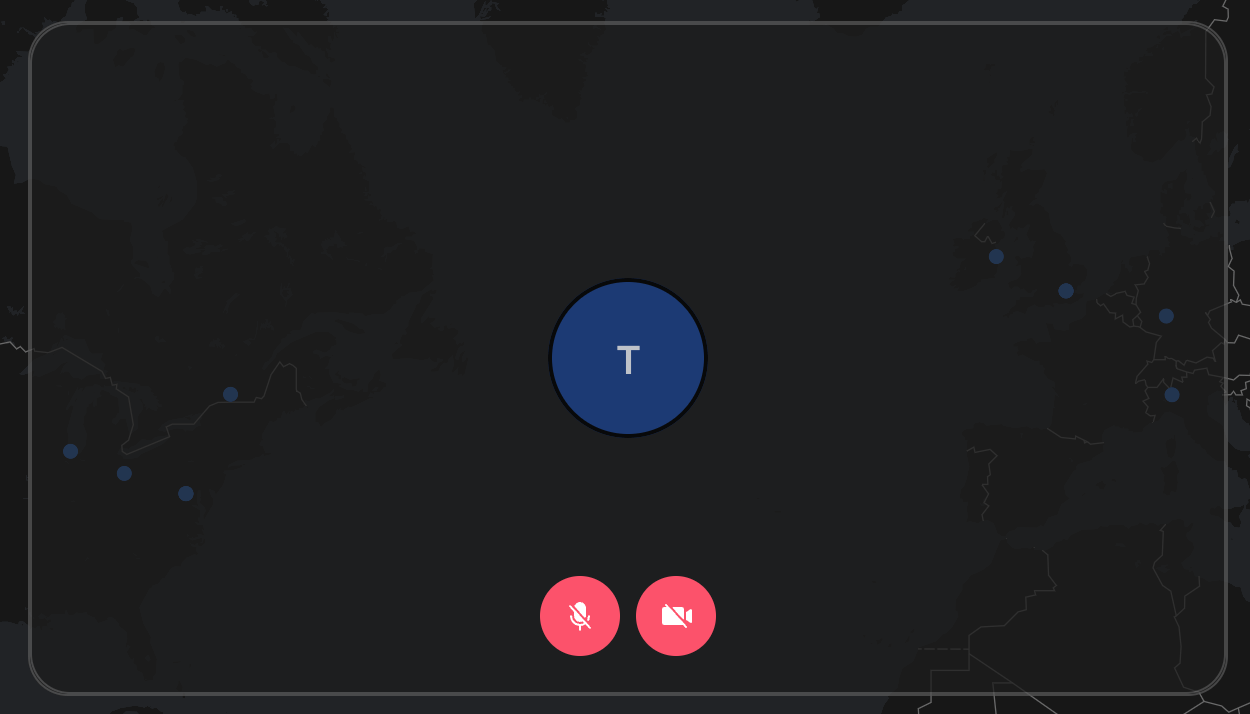
DisabledVideoPreview
| Type |
|---|
ComponentType | undefined |
Component rendered when user turns off the video.
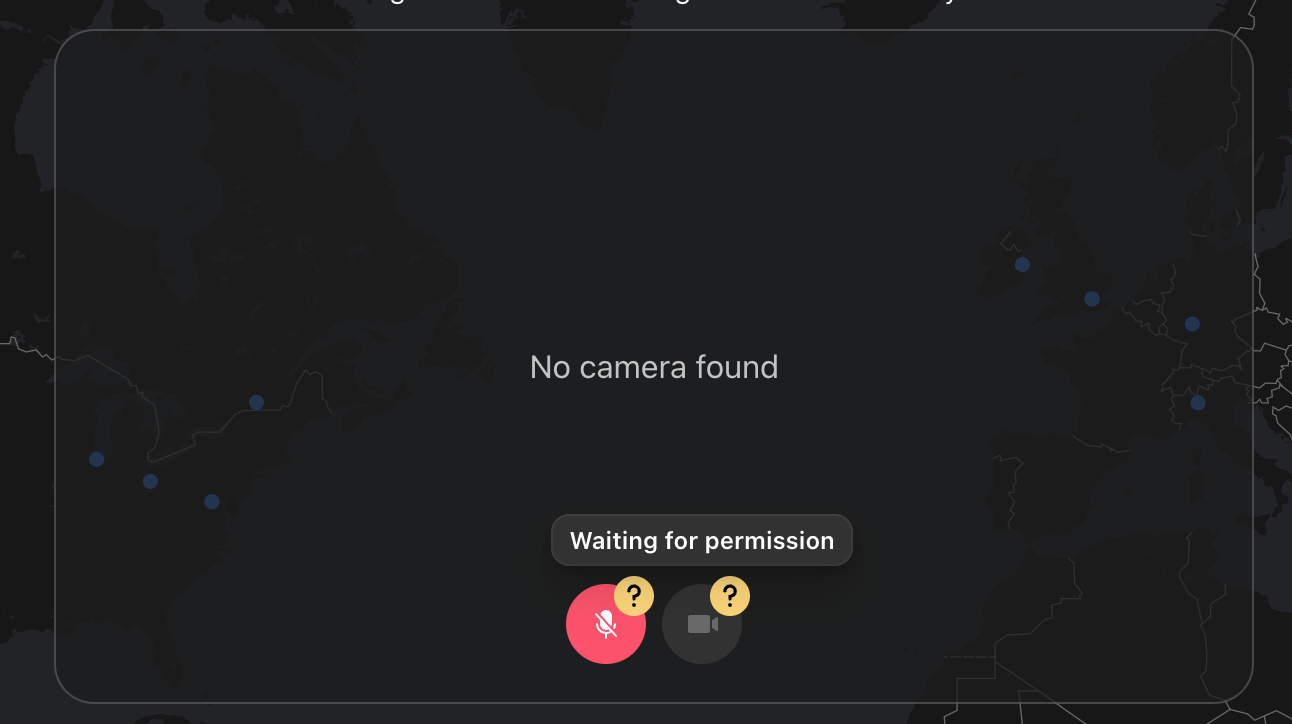
NoCameraPreview
| Type |
|---|
ComponentType | undefined |
Component rendered when no camera devices are available.
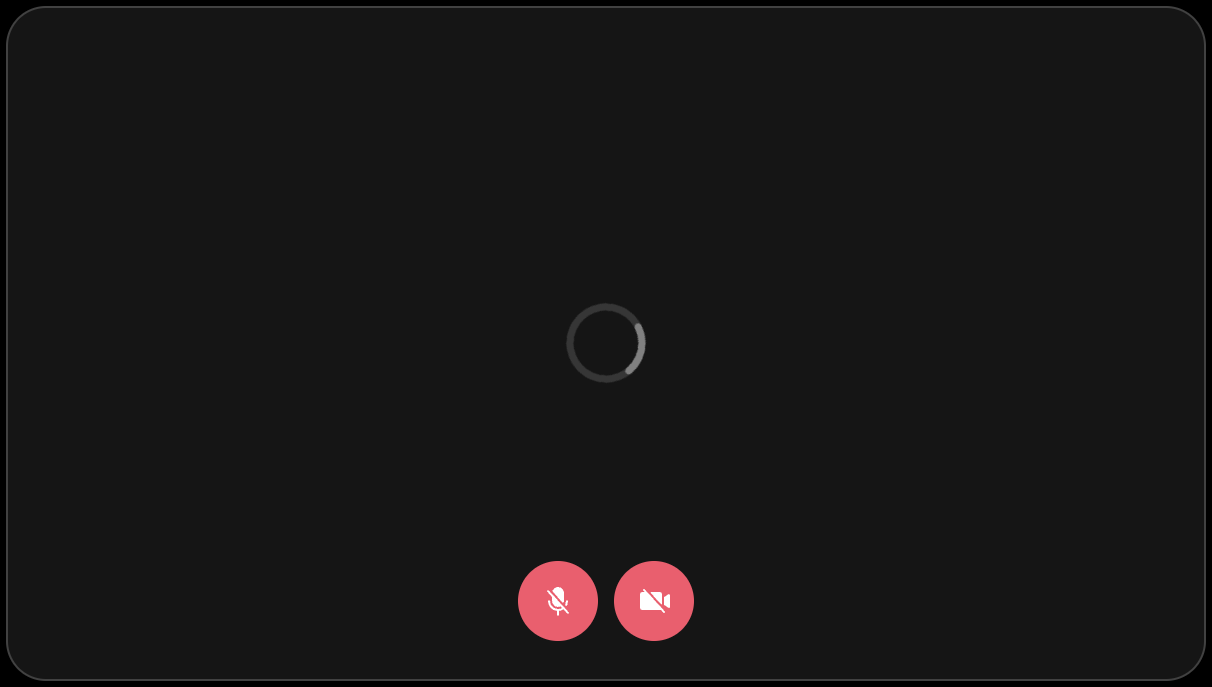
StartingCameraPreview
| Type |
|---|
ComponentType | undefined |
Component rendered above the BaseVideo until the video is ready (meaning until the play event is emitted).
Customization
If the built-in props don't provide enough flexibility for you, you can create your own video preview component.
You can rely on the state and API provided by the Camera API.