








Ringing call
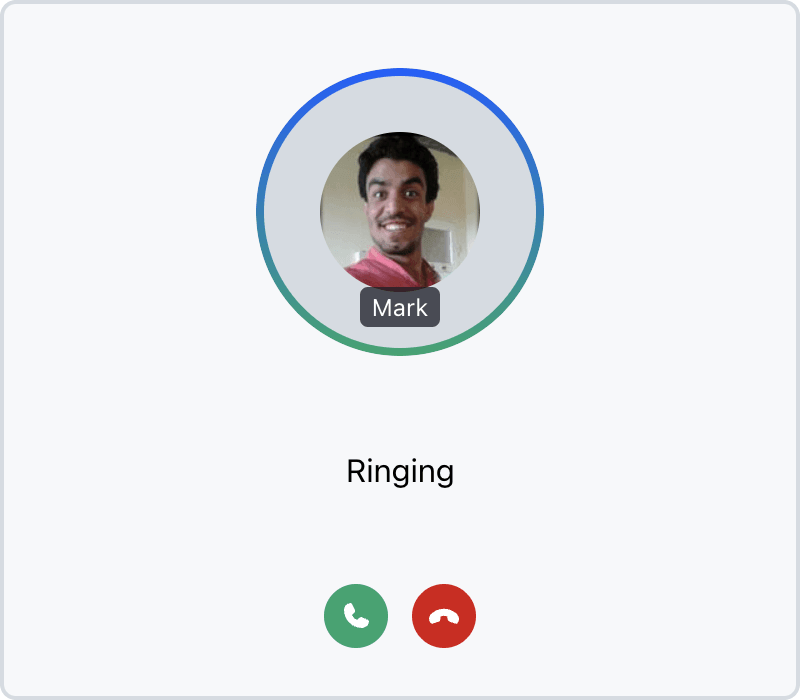
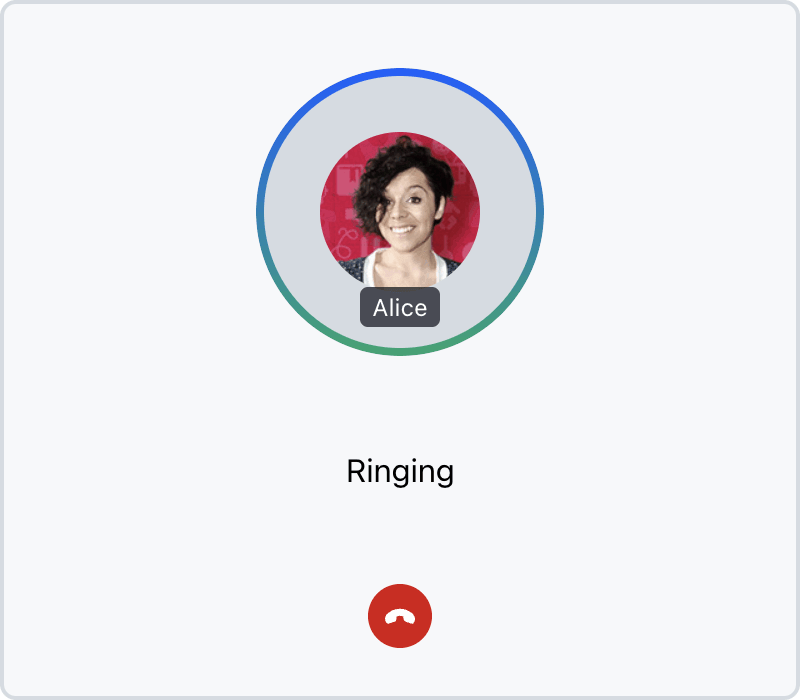
RingingCall displays incoming or outgoing ring calls with member avatars, connection status, and accept/cancel buttons.
Best Practices
- Show
RingingCallwhencallingStateisCallingState.RINGING. - Use
call.isCreatedByMeto distinguish incoming vs outgoing calls. - Provide callbacks for post-accept/reject navigation.
| Incoming call | Outgoing call |
|---|---|
 |
 |
General usage
import { Call, RingingCall, StreamCall } from "@stream-io/video-react-sdk";

const MyRingingCallUI = () => {
  let call: Call;

  return (
    <StreamCall call={call}>
      <RingingCall />
    </StreamCall>
  );
};
Ringing call controls
The RingingCall component features CancelCallButton to reject/cancel the outgoing/incoming call and in case of incoming call panel, also AcceptCallButton is displayed.
Props RingingCall
includeSelf
| Type | Default |
|---|---|
boolean | undefined |
false |
Whether to include the current user in the list of members to show.
totalMembersToShow
| Type | Default |
|---|---|
number | undefined |
3 |
The maximum number of members to show.
Props RingingCallControls
None
Customization
If you want to create your own ringing call panel, see our ringing call panel customization guide.