








Call Lobby
Call lobbies pre-stage participants, allowing device checks and fostering a sense of anticipation, leading to smoother and more focused video meetings. With Stream Video you can create a video experience with or without a call lobby.
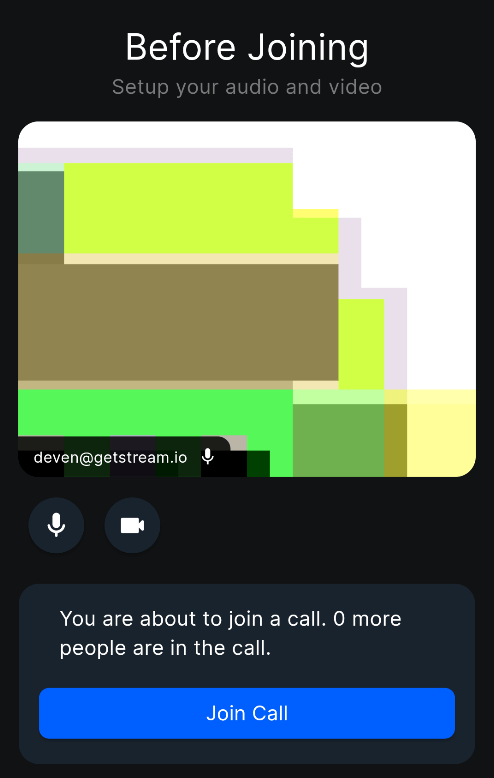
Adding a call lobby in your call flow
The Flutter SDK for Stream Video provides an inbuilt StreamLobbyView widget which makes it effortless to
incorporate a lobby into your video flow.
The inbuilt widget contains a variety of things required for a call lobby: a preview of the user's video, controls for video and audio, the users already in the call, and of course, a join call button.
To do this, first create a call with the appropriate details and pass it along to the StreamLobbyView widget:
final call = StreamVideo.instance.makeCall(callType: StreamCallType.defaultType(), id: callId);

StreamLobbyView(
  call: call,
  onJoinCallPressed: (options) {
    // Navigate to your call screen
  },
),
If you want to create your own lobby screen, you can also use StreamLobbyVideo to display the preview from the camera, along with toggles for the camera and microphone.
final call = StreamVideo.instance.makeCall(callType: StreamCallType.defaultType(), id: callId);

StreamLobbyVideo(
  call: call,
  onMicrophoneTrackSet: (track) => _microphoneTrack = track,
  onCameraTrackSet: (track) => _cameraTrack = track,
),