
 React
React iOS
iOS Android
 Flutter
 JavaScript
 Unity
Unity Platform
 Vision Agents
import {
StreamCall,
useCalls,
CallingState,
RingingCallContent,
} from "@stream-io/video-react-native-sdk";
export const MyComponent = () => {
// collect all ringing kind of calls managed by the SDK
const calls = useCalls().filter((c) => c.ringing);
// for simplicity, we only take the first one but
// there could be multiple calls ringing at the same time
const ringingCall = calls[0];
if (!ringingCall) return null;
return (
<StreamCall call={ringingCall}>
<RingingCallContent />
</StreamCall>
);
};RingingCallContent
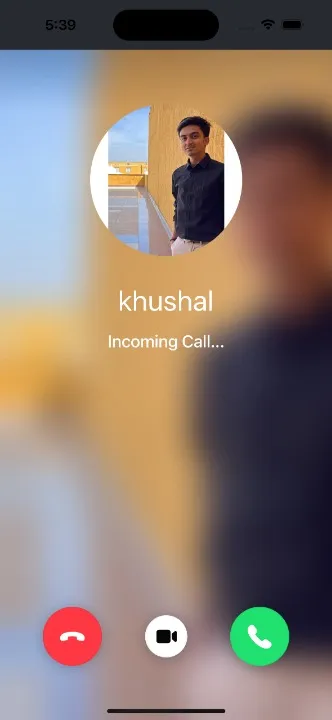
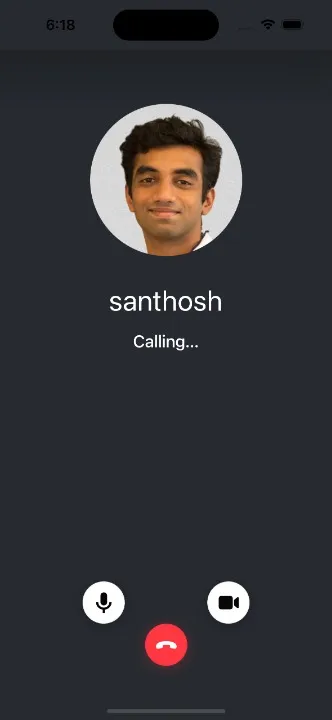
Build calling/ringing UI easily with RingingCallContent. Shows participant info and cancel option before acceptance.
Based on ringing state and call type, displays participant list with avatars/names, or single avatar background for 1:1 calls.
Usage
To use the RingingCallContent you can do the following:
Props
landscape
Applies the landscape mode styles to the component, if true.
| Type |
|---|
boolean | undefined |
IncomingCall
Prop to customize the IncomingCall component. This component is rendered when an incoming call is received.
| Type | Default Value |
|---|---|
ComponentType| undefined | IncomingCall |
OutgoingCall
Prop to customize the OutgoingCall component. This component is rendered when someone is called.
| Type | Default Value |
|---|---|
ComponentType| undefined | OutgoingCall |
CallContent
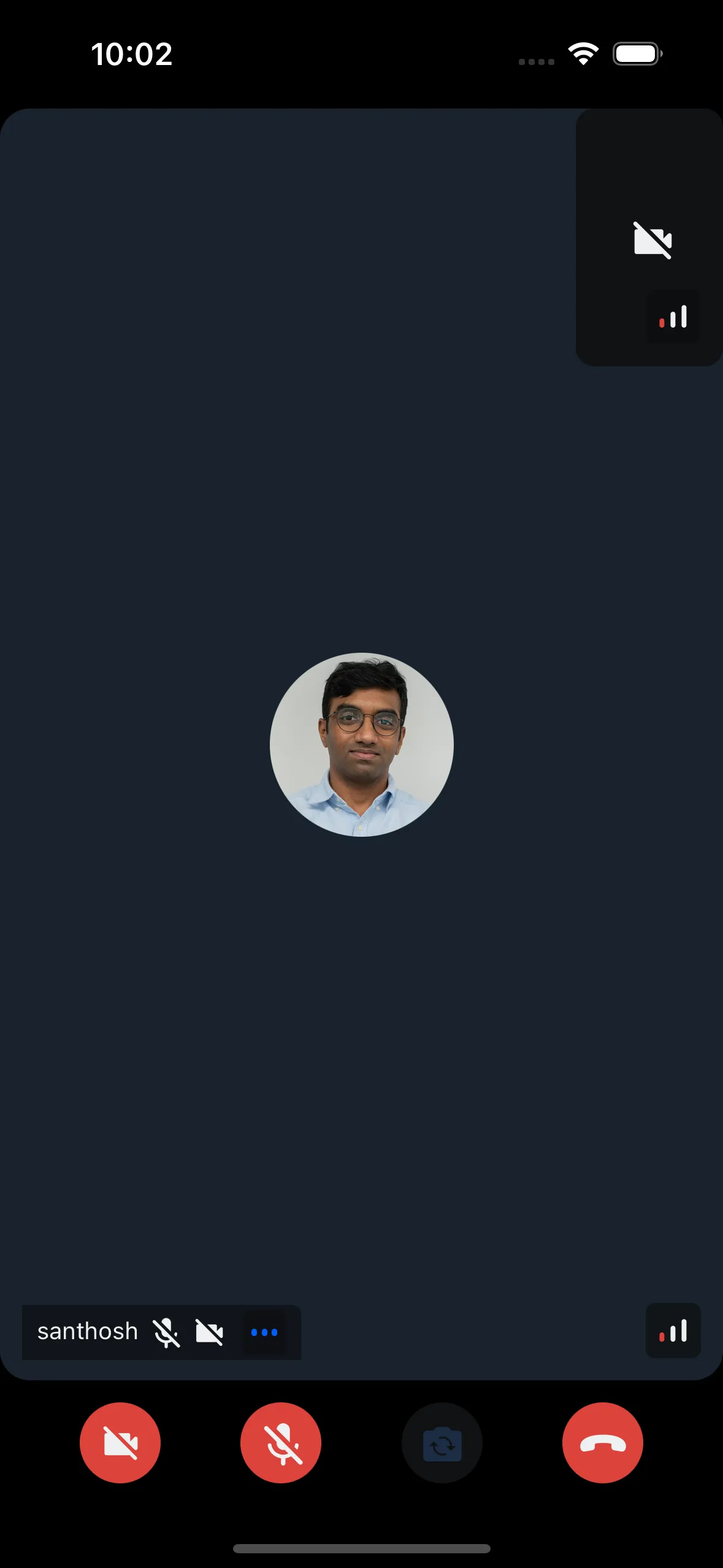
Prop to customize the accepted CallContent component in the RingingCallContent. This is shown after the call is accepted. By default it renders the CallContent component.
| Type | Default Value |
|---|---|
ComponentType| undefined | CallContent |
JoiningCallIndicator
Prop to customize the JoiningCallIndicator component in the RingingCallContent. It is shown when the call is accepted and is waiting to be joined.
| Type | Default Value |
|---|---|
ComponentType| undefined | JoiningCallIndicator |