















Formatting
You can customize how certain pieces of information are formatted by the SDK.
Formatting Dates
Overriding the DateFormatter allows you to change the way dates are formatted in the application:
ChatUI.dateFormatter = object: DateFormatter {
    private val dateFormat: DateFormat = SimpleDateFormat("dd/MM/yyyy")
    private val timeFormat: DateFormat = SimpleDateFormat("HH:mm")

    override fun formatDate(date: Date?): String {
        date ?: return ""
        return dateFormat.format(date)
    }

    override fun formatTime(date: Date?): String {
        date ?: return ""
        return timeFormat.format(date)
    }

    override fun formatRelativeTime(date: Date?): String {
        date ?: return ""
        // Return relative time like "Just now", "5 minutes ago"
    }

    override fun formatRelativeDate(date: Date): String {
        // Return relative date like "Yesterday", "A day ago"
    }
}ChatUI.setDateFormatter(new DateFormatter() {
private final DateFormat dateFormat = new SimpleDateFormat("dd/MM/yyyy");
private final DateFormat timeFormat = new SimpleDateFormat("HH:mm");
public String formatDate(Date date) {
// Provide a way to format the date
return dateFormat.format(date);
}
public String formatTime(Date date) {
// Provide a way to format the time
return timeFormat.format(date);
}
public String formatRelativeTime(Date date) {
// Return relative time like "Just now", "5 minutes ago"
}
public String formatRelativeDate(Date date) {
// Return relative date like "Yesterday", "A day ago"
}
});Formatting Durations
Overriding the DurationFormatter allows you to change the way durations are formatted in the application:
ChatUI.durationFormatter = object: DurationFormatter {
    override fun format(durationInMillis: Int): String {
        // Your custom duration formatting logic
    }
}ChatUI.setDurationFormatter(new DurationFormatter() {
public String format(int durationInMillis) {
// Your custom duration formatting logic
}
});Formatting Channel Names
You can customize the way channel names are formatted by overriding the default ChannelNameFormatter:
ChatUI.channelNameFormatter = ChannelNameFormatter { channel, currentUser ->
    channel.name
}ChatUI.setChannelNameFormatter((channel, currentUser) -> channel.getName());Formatting Message Previews
You can customize how message previews are formatted in channel lists by overriding the default MessagePreviewFormatter:
ChatUI.messagePreviewFormatter = MessagePreviewFormatter { channel, message, currentUser ->
    // Return custom preview text for the message
    message.text
}ChatUI.setMessagePreviewFormatter((channel, message, currentUser) -> {
// Return custom preview text for the message
return message.getText();
});Markdown
The SDK provides a standalone Markdown module stream-chat-android-markdown-transformer that contains MarkdownTextTransformer which is an implementation of ChatMessageTextTransformer. It uses the Markwon library internally.
ChatUI.messageTextTransformer = MarkdownTextTransformer(context)ChatUI.setMessageTextTransformer(new MarkdownTextTransformer(context));If you use MarkdownTextTransformer, don't use android:autoLink attribute because it'll break the markdown Linkify implementation.
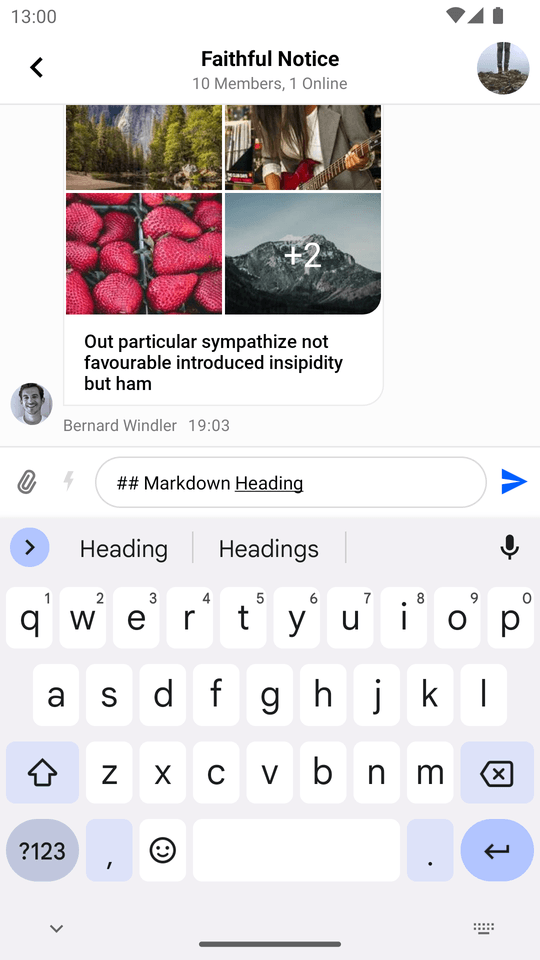
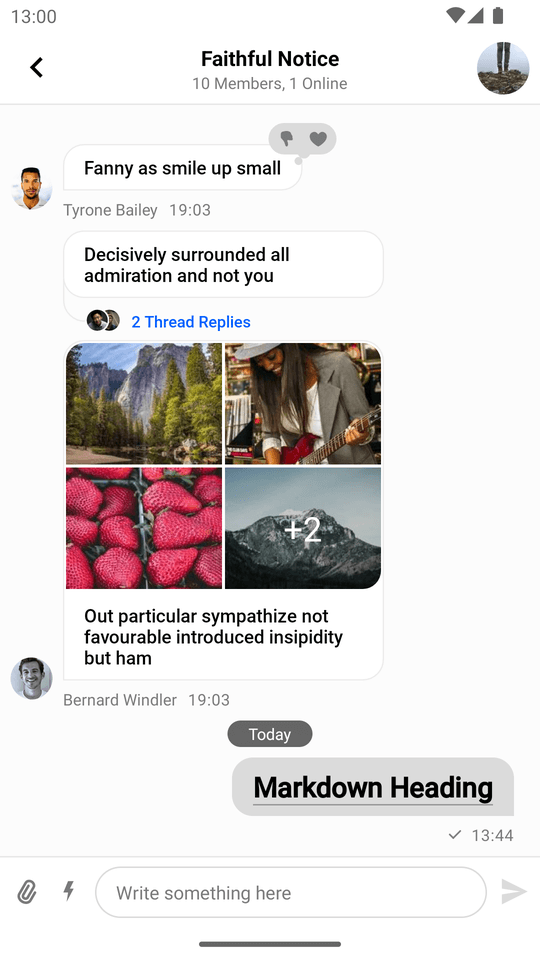
Then the SDK will parse Markdown automatically:
| Markdown Input in the Message Composer | Message with Markdown in the Message List |
|---|---|
 |
 |