















User Presence
Besides configuring to receive user presence events in the State plugin, you can also customize how user presence is displayed in the UI for both, the currently logged-in user and other users.
The UserPresence class allows you to configure the online indicator and whether a user should be counted as an online member.
Usage
When using the Compose UI Components, you can customize the user presence in the ChatTheme composable.
ChatTheme(
    userPresence = UserPresence(
        // Customize the user presence of the current user.
        currentUser = UserPresence.DisplayOptions(
            showOnlineIndicator = true,
            countAsOnlineMember = true,
        ),
        // Customize the user presence of other users.
        otherUsers = UserPresence.DisplayOptions(
            showOnlineIndicator = true,
            countAsOnlineMember = true,
        ),
    ),
) {
    // Your UI content
}
Note:
The default configuration has all the options enabled for both the current user and other users.
Example
Some examples of how the user presence can be configured:
| Show online indicator ✅ Count as online user ❌ |
Show online indicator ❌ Count as online user ❌ |
|---|---|
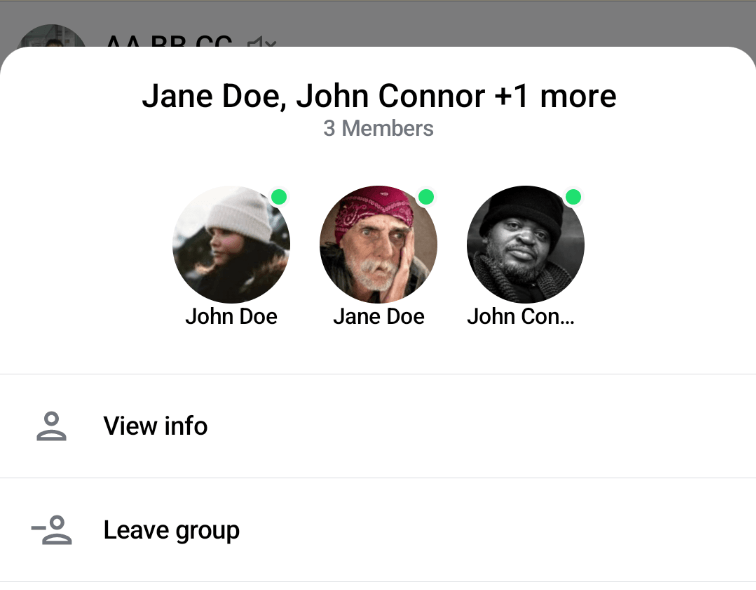 |
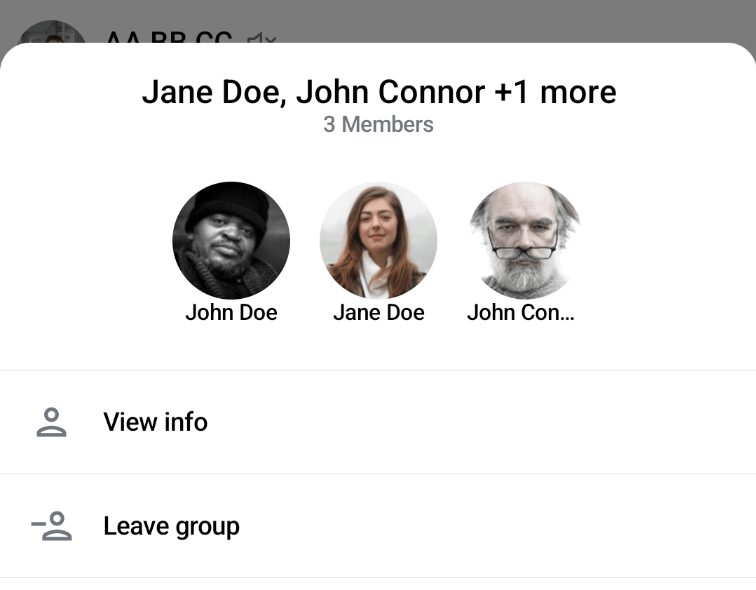 |
| Show online indicator ✅ Count as online user ✅ |
Show online indicator ❌ Count as online user ✅ |
|---|---|
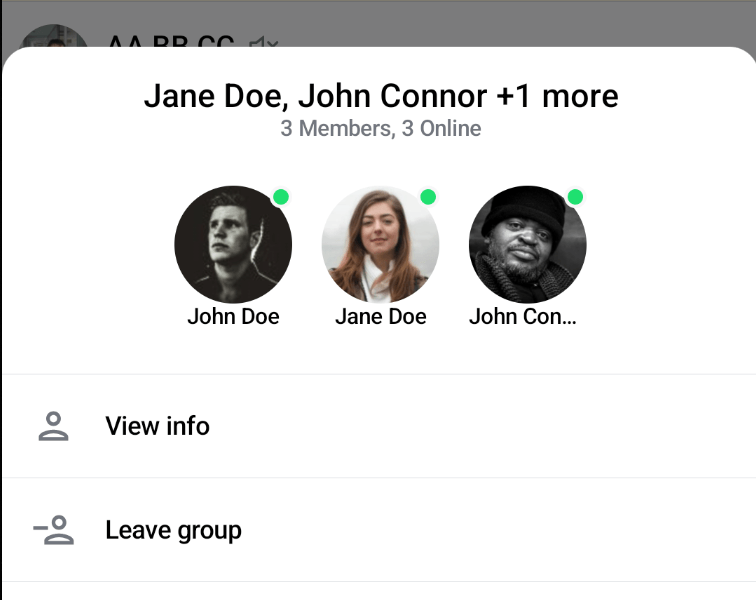 |
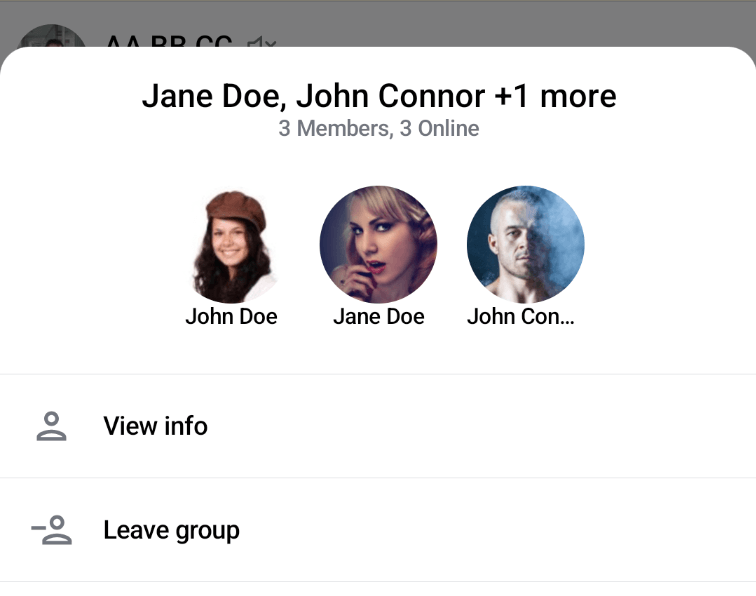 |