















MessageBouncePromptComponent
The component watches for the channelService.bouncedMessage$ stream and opens the bounce modal if a message is emitted.
To bounce messages, you need to set up semantic filters for moderation.
Usage
When a user tries to send a message that violates the content guidelines set up by a semantic filter the StreamMessage object will have the following format:
typewill beerrormoderation.actionwill bebounce(themoderationproperty contains the details of the moderation result)
The built-in message component will open the bounce prompt when a bounced message is clicked. If you have a custom UI, this is how you can do that:
constructor(private channelService: ChannelService) {
  // Open the modal
  this.channelService.bouncedMessage$.next(<stream message>);
  // Close the modal
  this.channelService.bouncedMessage$.next(undefined);
}
The built-in channel component displays the stream-message-bounce-prompt component. If you have a custom UI, this is how you can do that:
<stream-message-bounce-prompt></stream-message-bounce-prompt>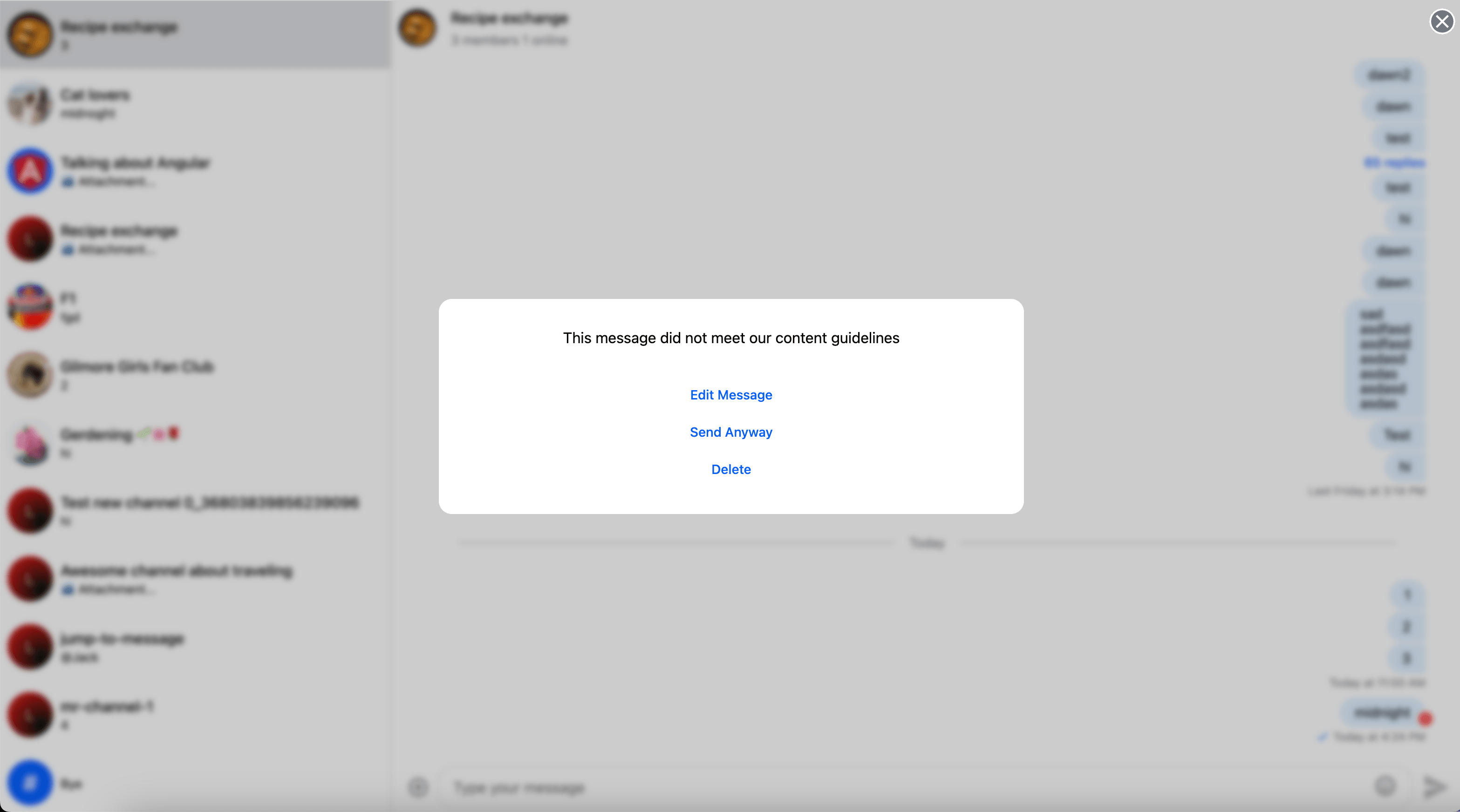
Customization
You can provide your own custom component using the customTemplatesService.messageBouncePromptTemplate$ property