Info:
This is documentation for Stream Chat React SDK v13, which is no longer actively maintained. For up-to-date documentation, see the latest version (v14).

Overview

When Theming isn’t enough, customization is the next step. Override specific components to precisely adjust the UI and behavior where you need it.

Best Practices

  • Start with theming before overriding components to keep upgrades easy.
  • Override the smallest component that achieves the desired UX change.
  • Keep custom UI aligned with default patterns for consistency.
  • Document each override and the reason it exists.
  • Re-test custom components after SDK updates.

Showcase of the Default UI Components

MessageList
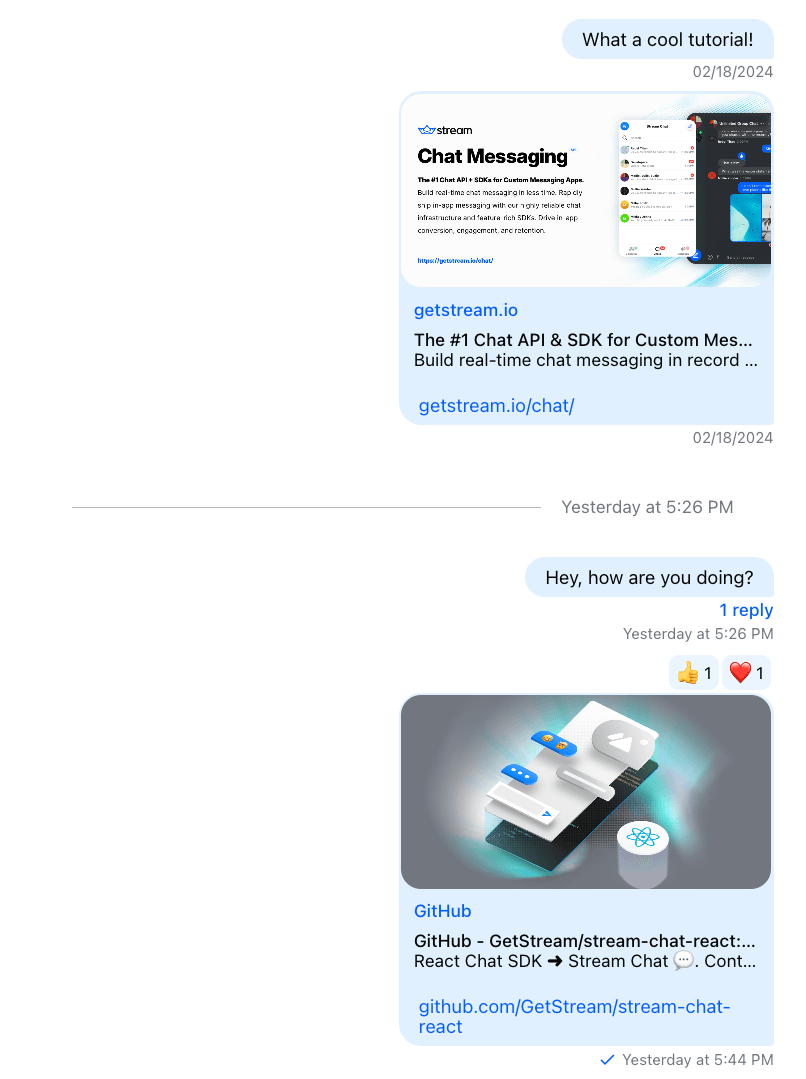
Default MessageList

ChannelList

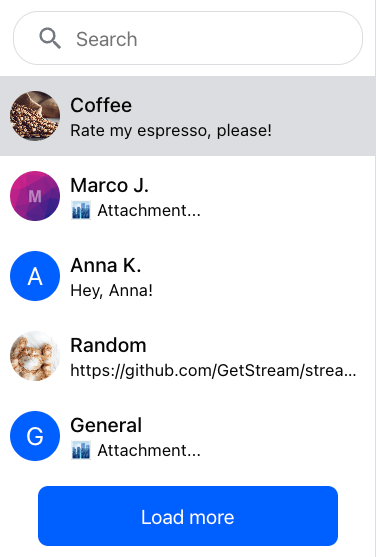
Default ChannelList

MessageInput

Default MessageInput

ChannelHeader

Default ChannelHeader

Thread

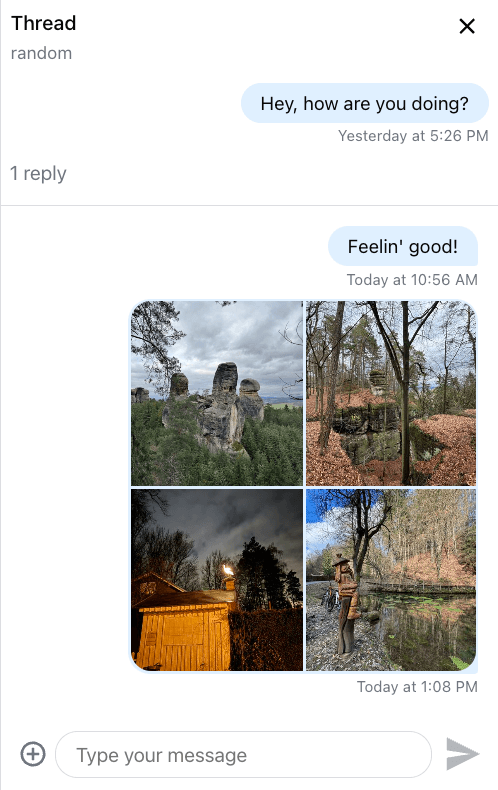
Default Thread
Add Chat to my app: getstream.io/SKILL.md

The fastest way to build with Stream. Start a new project or improve an existing one. Full CLI and documentation integration out of the box.


Ask your agent:

/stream Build me a Social App with Feeds and Moderation.
/stream Any livestream calls running?
/stream Chat React v13: <Your Question>