
 React
React iOS
iOS Android
 Flutter
 Angular
 JavaScript
 Unity
Unity Unreal
 Node
Node Python
 Ruby
Ruby PHP
PHP Java
Java .NET
.NET Go
Go REST
RESTModeration
Stream Chat supports moderation actions like flagging, muting, banning, and shadow banning. For backend moderation concepts and APIs, see the moderation docs.
You can also moderate flagged messages and users in the moderation dashboard.
Best Practices
- Align dashboard moderation actions with your in-app UX expectations.
- Surface clear feedback when a message is bounced or blocked.
- Treat
message.moderation_detailsas the primary source of truth for moderation state when it is present, but be aware moderation state can also surface onmessage.moderation. - Keep resend actions gated to prevent repeated policy violations.
- Customize
MessageBounceonly if you keep the same moderation semantics.
Moderation Categories
For each channel type, you can enable AI moderation, consisting of 4 moderation categories:
- Semantic Filters
- Commercial Spam
- Platform Circumvention
- Blocklists
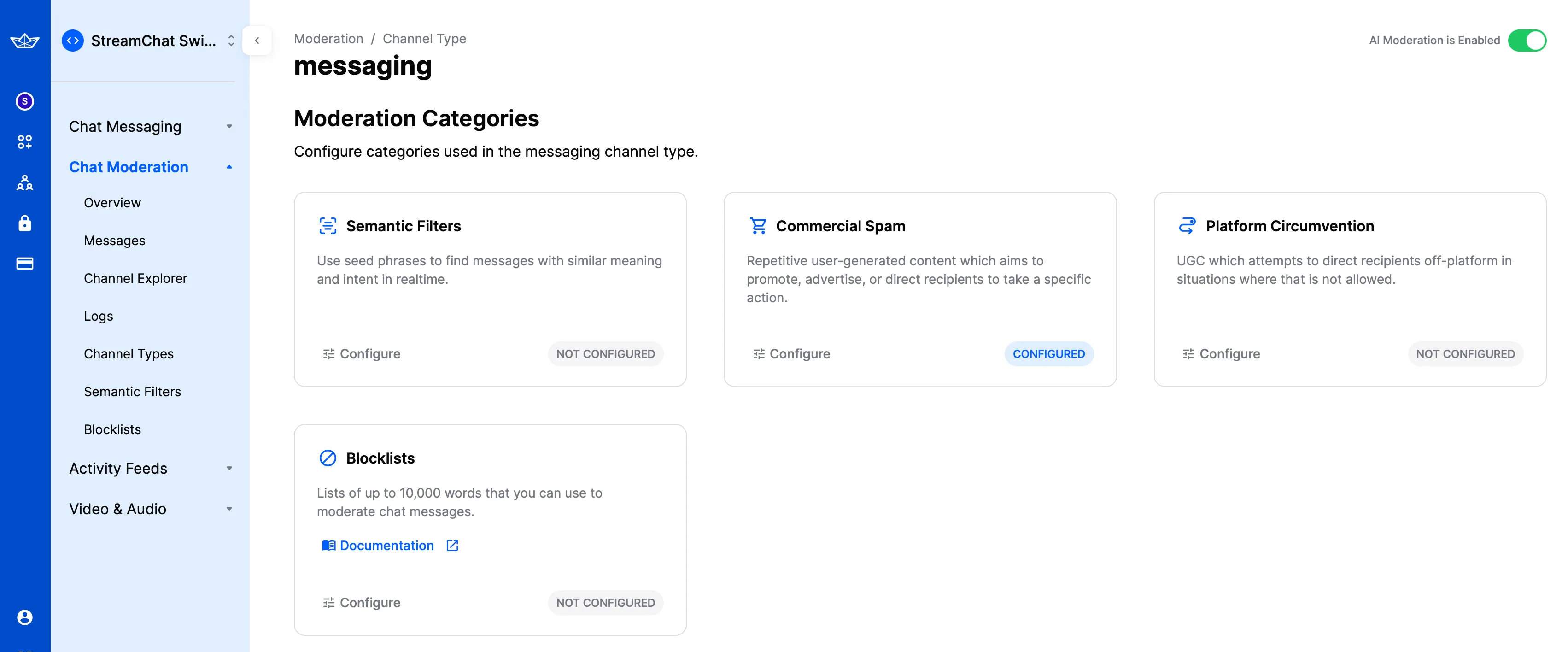
For each category, configure the action applied when a message matches:
The available actions are:
- Flag
- Block
- Bounce
- Bounce then flag
- Bounce then block
React Native SDK Handling
In the React Native SDK, check message.moderation_details. It’s undefined for regular messages.
If moderation blocks a message, message.type is error and the text contains Message was blocked by moderation policies.
If moderation bounces a message, message.type is error and moderation_details is defined.
UI Components handling
The SDK handles bounced messages by default and shows a visual indicator.
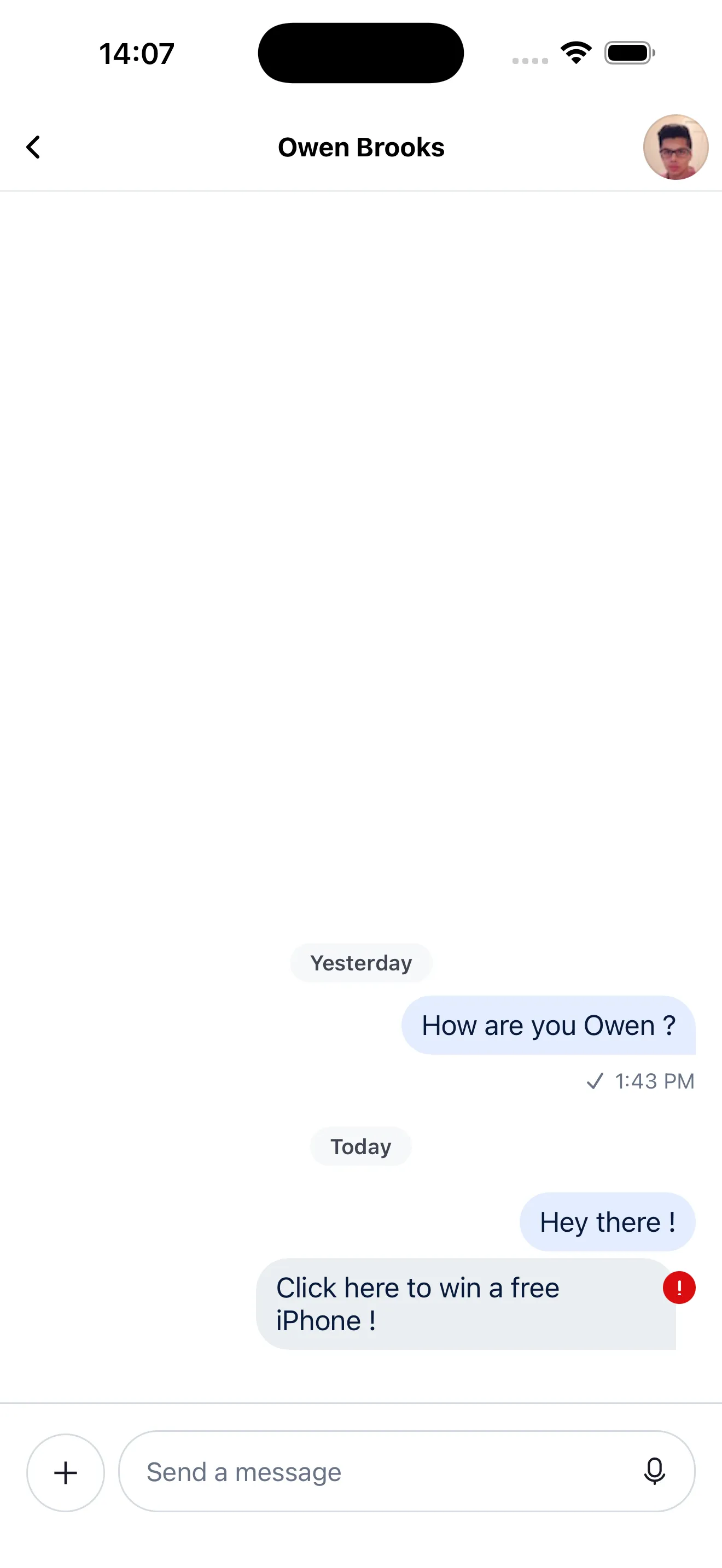
Press/long-press a message to access default actions like edit, delete, and resend.
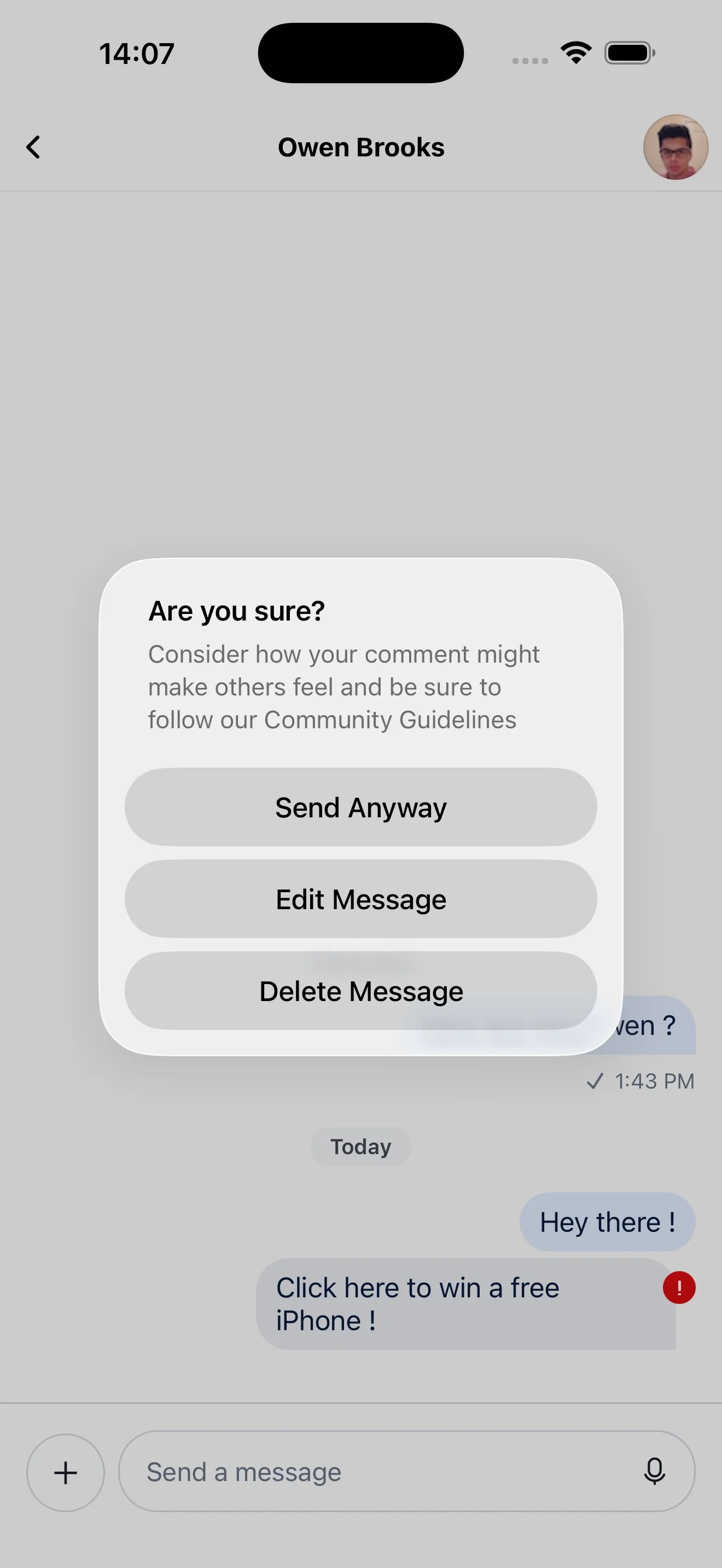
If you resend a bounced message:
- With “bounce then flag”, it’s flagged after the second send.
- With “bounce then block”, it’s blocked after the second send.
You can customize bounced message actions by passing a custom MessageBounce to Channel.