
 React
React iOS
iOS Android
 Flutter
 Angular
 JavaScript
 Unity
Unity Unreal
 Node
Node Python
 Ruby
Ruby PHP
PHP Java
Java .NET
.NET Go
Go REST
REST<Channel audioRecordingEnabled />This is beta documentation for Stream Chat React Native SDK v9. For the latest stable version, see the latest version (v8)
.
Audio Messages Support
The Stream Chat React Native SDK supports recording and playing audio, which can be sent as messages.
Best Practices
- Verify platform permissions and dependency setup before enabling audio UI.
- Enable
audioRecordingEnabledonly where users can send messages. - Use
audioRecordingSendOnComplete={false}when you need text + audio in one send. - Keep custom audio components lightweight to avoid UI stalls while recording.
- Test cancellation, lock, and backgrounding flows on both iOS and Android.
Installation
To support audio playing and recording, install the following package:
react-native-videofor Audio playback support.react-native-audio-recorder-playerfor Audio recording and preview.react-native-blob-utilto access the cache directory while audio recording.
For Expo, both expo-av and expo-audio are supported.
expo-avfor Audio playback, recording and async audio messages support.
expo-audiofor Audio playback, recording and async audio messages support.
Follow each dependency's setup docs to integrate correctly.
Also, make sure that the minSdkVersion is >=24 for react-native-audio-recorder-player to work. Kotlin version requirements depend on your current React Native and Android toolchain, so follow the dependency setup docs instead of pinning an older version here.
Enable async Audio
Enable audio recording via Channel or MessageComposer.
Once enabled and dependencies are installed, MessageComposer renders a StartAudioRecordingButton.
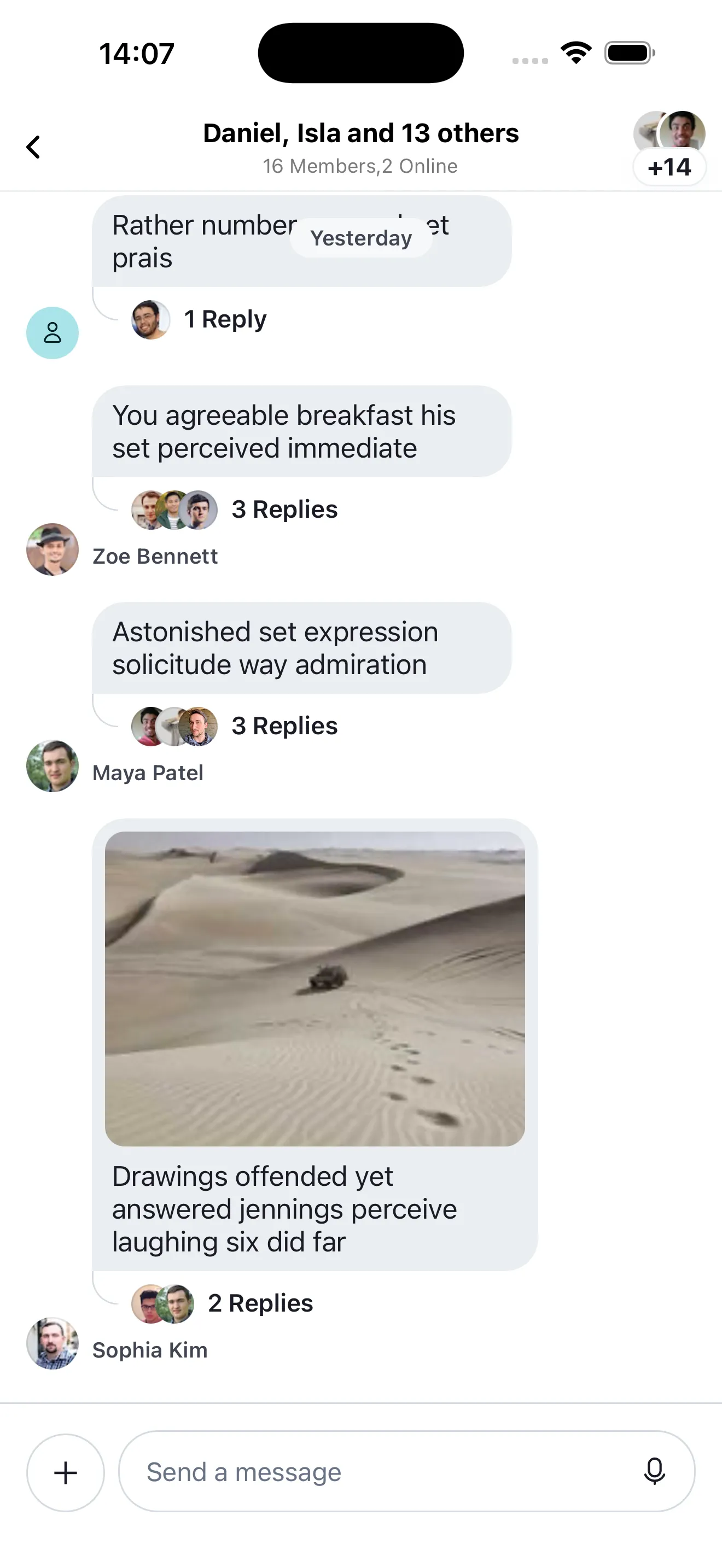
On long press, recording starts, showing AudioRecorder and AudioRecordingLockIndicator.
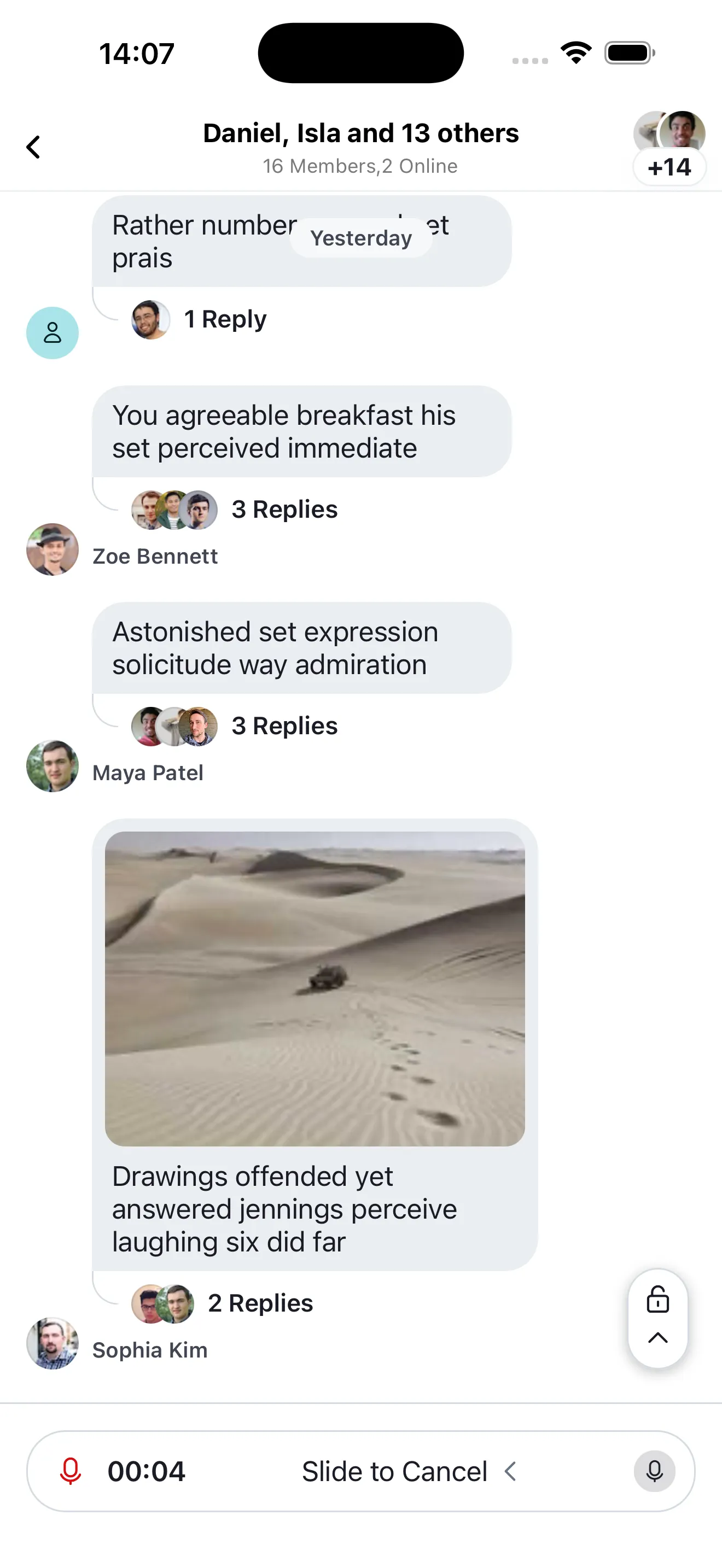
You can slide the StartAudioRecordingButton to the top or to the left.
- On sliding the button to the left, the recording is stopped and deleted and the
MessageComposerstate is reset. - On sliding the button to the top, the mic is locked and you don't have to press the button anymore.
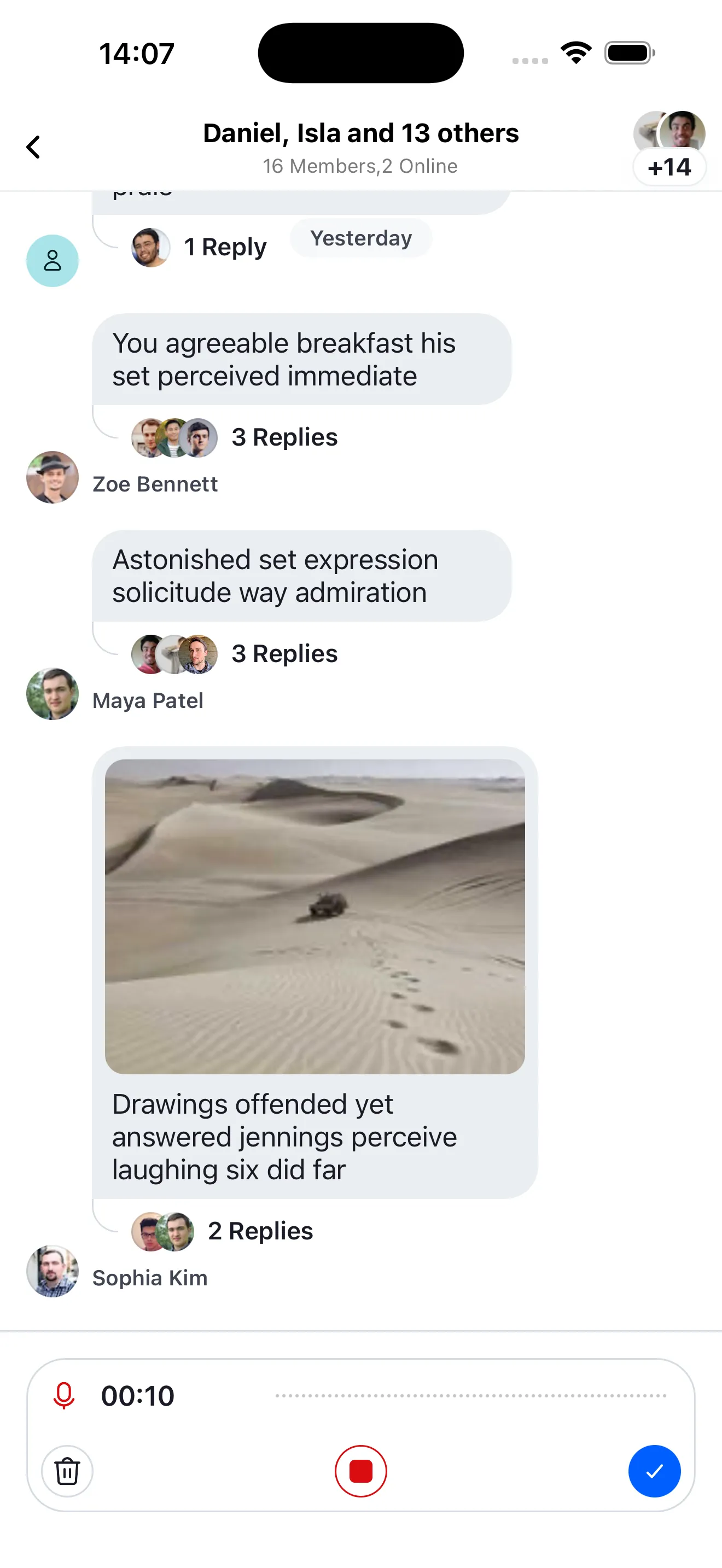
When locked, AudioRecordingInProgress appears and AudioRecorder shows stop/send controls.
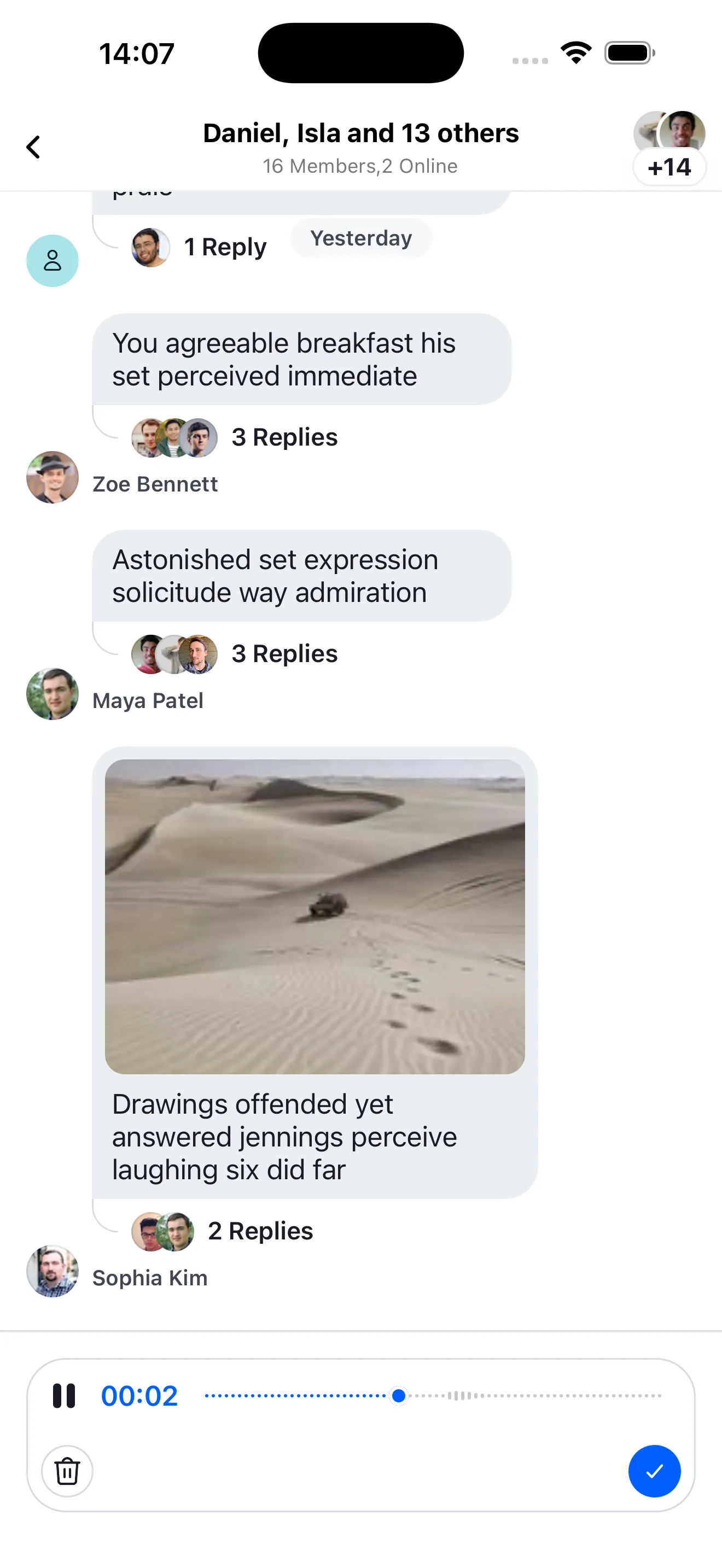
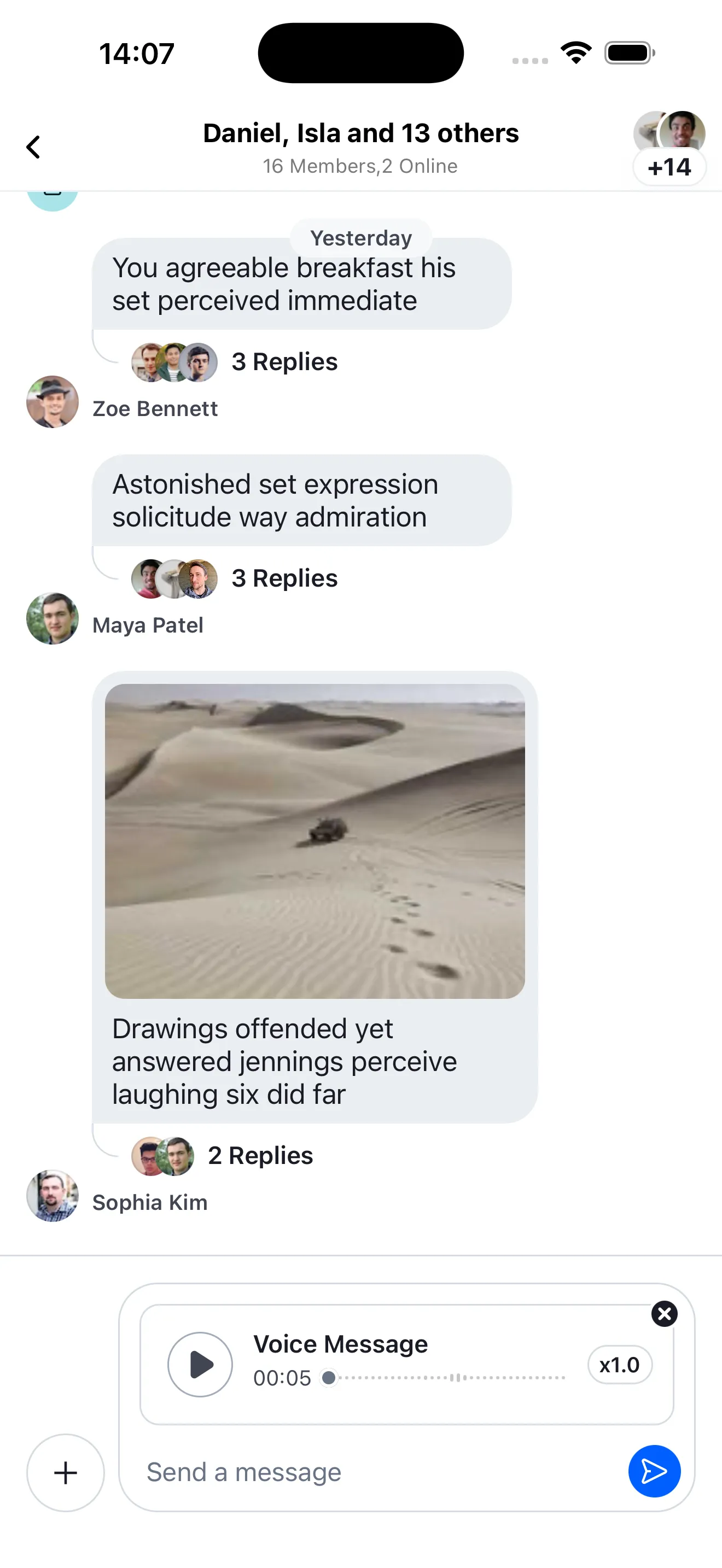
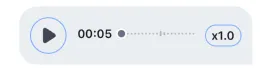
After stopping, AudioRecordingPreview lets you play/pause. AudioRecorder shows delete and send controls.
MessageComposer uses AudioAttachmentUploadPreview, while MessageList uses AudioAttachment.
Message Send Behaviour
Once the user confirms the recording, the attachment uploads.
Whether the uploaded recording is sent immediately or kept in the composer is controlled through the audioRecordingSendOnComplete prop on Channel or MessageComposer.
<Channel audioRecordingSendOnComplete={false} audioRecordingEnabled />Behavior depends on audioRecordingSendOnComplete:
audioRecordingSendOnComplete value | Impact |
|---|---|
true (default) | After a successful upload, the message is submitted immediately as a voice-recording-only message. |
false | After a successful upload, the recording stays in the composer so the user can add text, more attachments, or more recordings. |
Setting audioRecordingSendOnComplete={false} allows users to record multiple voice messages or accompany the voice recording with text or other types of attachments.
Customization
You can customize async audio behavior and UI.
UI Customization
The components of the async audio can be customized by passing your custom component to the props in the table in the Channel component.
| Component | Description |
|---|---|
AudioAttachmentUploadPreview | Component prop used to customize the audio attachment upload preview in the MessageComposer. |
AudioRecorder | Component prop used to customize the audio recording controls and UI that replaces the MessageComposer. |
AudioRecordingInProgress | Component prop used to customize the audio recording UI when its in recording state. |
AudioRecordingPreview | Component prop used to customize the audio recording preview UI. |
AudioRecordingLockIndicator | Component prop used to customize the mic lock indicator on top of the MessageComposer. |
AudioRecordingWaveform | Component prop used to customize the audio recording waveform component that is shown in the AudioRecordingInProgress component. |
StartAudioRecordingButton | Component prop used to customize the start audio recording button in the MessageComposer. |
AudioAttachment | Component prop used to customize the audio attachment in the MessageList. |
Function customization
| Component | Description |
|---|---|
audioRecordingEnabled | Controls whether the async audio feature(sending voice recording) is enabled. |
audioRecordingSendOnComplete | When it’s true, recorded messages are sent immediately after upload. Set it to false to keep recordings in the composer so the user can send them with text, attachments, or more recordings. |
asyncMessagesLockDistance | Controls how many pixels to the top side the user has to scroll in order to lock the recording view and allow the user to lift their finger from the screen without stopping the recording. |
asyncMessagesMinimumPressDuration | Controls the minimum duration that the user has to press on the record button in the composer, in order to start recording a new voice message. |
asyncMessagesSlideToCancelDistance | Controls how many pixels to the leading side the user has to scroll in order to cancel the recording of a voice message. |