















MessageReactionsComponent
The MessageReactions component displays the reactions of a message, the current user can add and remove reactions. You can read more about message reactions in the platform documentation.
Example 1 - displaying reactions of a message:

Example 2 - displaying the reacting users - only visible if a message has at maximum 1200 reactions:
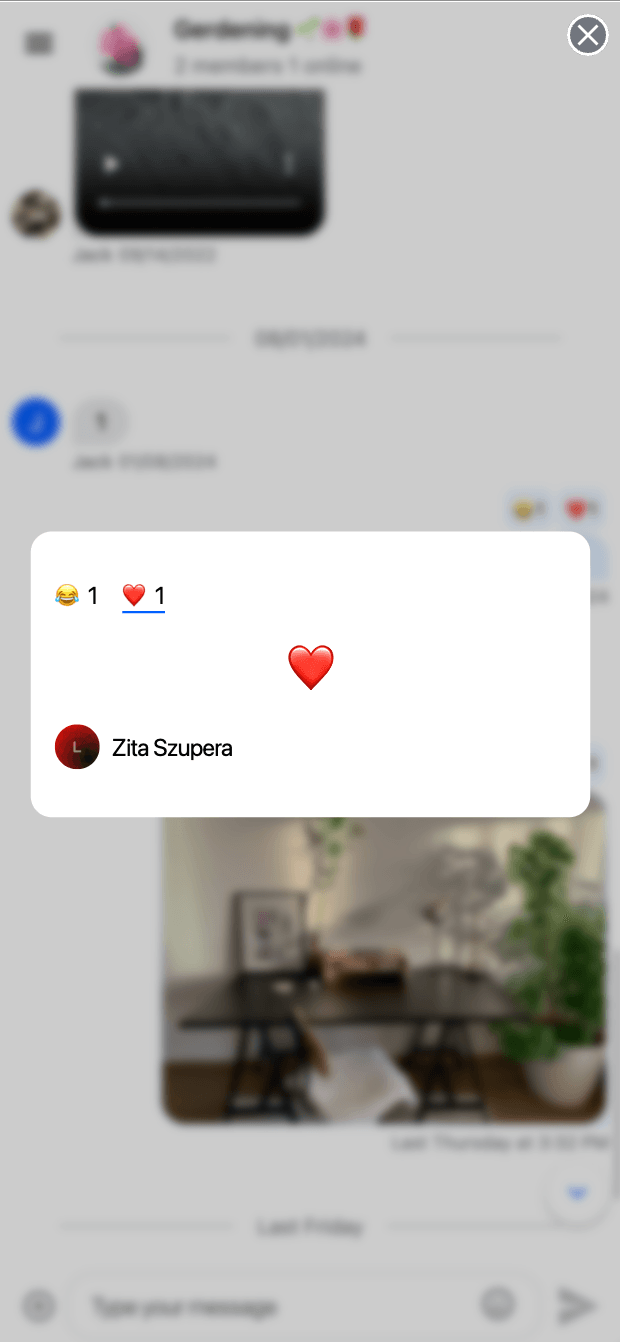
Example 3 - adding/removing a reaction:
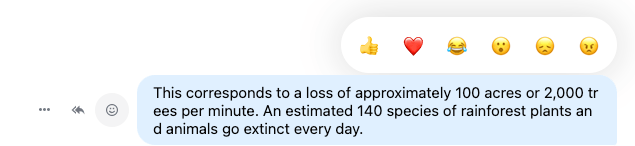
Basic usage
A typical use case for the MessageReactions component would be to use in your custom components that will completely override the message component.
@Component({
  selector: "app-custom-message",
  template: `
    <stream-message-reactions
      [isSelectorOpen]="isReactionSelectorOpen"
      [messageId]="message.id"
      [messageReactionCounts]="message.reaction_counts"
      [latestReactions]="message.latest_reactions"
      [ownReactions]="message.own_reactions"
    ></stream-message-reactions>
    <!-- Other parts of the custom message component -->
  `,
})
export class CustomMessageComponent {
  @Input() message: StreamMessage;
  isReactionSelectorOpen: boolean;
}
Customization
You can override the default reactions using the MessageReactionsService.
You can provide your own UI for the reaction details using the MessageReactionsService.
You can provide your own message reactions component by the CustomTemplatesService.
Inputs and outputs
messageId
• messageId: undefined | string
The id of the message the reactions belong to
Defined in
lib/message-reactions/message-reactions.component.ts:38
messageReactionCounts
• messageReactionCounts: Object = {}
The number of reactions grouped by reaction types
Defined in
lib/message-reactions/message-reactions.component.ts:42
isSelectorOpen
• isSelectorOpen: boolean = false
Indicates if the selector should be opened or closed. Adding a UI element to open and close the selector is the parent's component responsibility.
Defined in
lib/message-reactions/message-reactions.component.ts:47
latestReactions
• latestReactions: ReactionResponse<DefaultStreamChatGenerics>[] = []
List of reactions of a message, used to display the users of a reaction type.
Defined in
lib/message-reactions/message-reactions.component.ts:51
ownReactions
• ownReactions: ReactionResponse<DefaultStreamChatGenerics>[] = []
List of the user's own reactions of a message, used to display the users of a reaction type.
Defined in
lib/message-reactions/message-reactions.component.ts:55
isSelectorOpenChange
• Readonly isSelectorOpenChange: EventEmitter<boolean>
Indicates if the selector should be opened or closed. Adding a UI element to open and close the selector is the parent's component responsibility.