
 React
React iOS
iOS Android
 Flutter
 JavaScript
 Unity
Unity Platform
 Python AI
Pricing Guide
This page details how Stream calculates your bill and usage each month for Video Calling.
Video Calling Pricing
Video calls are priced based primarily on the participant minutes and the video call quality. See the table below:
- A participant minute is the length of time an individual user is connected to a call
- Example: 4 Users connected to a 30-minute-long video call equals 120 participant minutes
| Call Quality | Price (per 1,000 participant minutes) |
|---|---|
| Audio only | $0.30 |
| SD (480p) | $0.75 |
| HD (720p) | $1.50 |
| Full HD (1080p) | $3.00 |
| 2K | $6.00 |
| 4K | $12.00 |
How We Calculate Costs
Every Stream account receives $100 per month in free usage of the Audio/Video API. After those credits are consumed, Stream calculates Audio/Video API usage monthly.
During a video call, each participant may receive multiple video tracks - one for each participant they view and screen share. We calculate charges based on each user's total resolution of receiving tracks (aggregated resolution).
Example: If a user receives two HD video tracks (2 × 1280 × 720 each), the total consumption is 1,843,200 (≤ 1080p) and pricing for Full HD resolution applies.
How does the total aggregated resolution map to video usage
| Aggregated Pixels | Video Resolution |
|---|---|
| ≤ 308K pixels | 480p (SD) |
| ≤ 921,600 pixels | 720p (HD) |
| ≤ 2,073,600 pixels | 1080p (Full HD) |
| ≤ 3,686,400 pixels | 2K |
| ≤ 8,847,360 pixels | 4K |
Aggregate Resolution Explained
Video usage is defined as the total amount of time a user receives video tracks from other participants during a call. Stream calculates video usage by aggregating the video tracks received by each user and aggregating the resolution. Aggregate resolution is the sum of all video tracks received by the user at the same time and is tracked by calculating the total number of pixels.
Optimizing Video Consumption with Dynascale
Stream's Dynascale technology ensures that each participant only receives video streams at the optimal resolution their device can handle. If a user resizes the app, the video resolution automatically adjusts, avoiding unnecessary bandwidth use. This smart delivery ensures that non-visible participant streams do not consume resources, optimizing your costs—a feature not commonly offered by other providers.
Muted & Camera Off Users
It is common during Audio Calls and Video Calls for users to be on mute or have their camera turned off. Stream's Dynascale technology takes this into consideration and meters usage for users with camera & microphone turned off as a "Livestream" viewer. This is because these users are not broadcasting any Audio or Video tracks, and are considered a Livestream viewer. Livestream pricing is cheaper than Audio & Video Calling pricing, so you may notice in your Dashboard that there is Livestream usage, even if you do not have Call Types for Livestreaming in use.
Resolution Controls
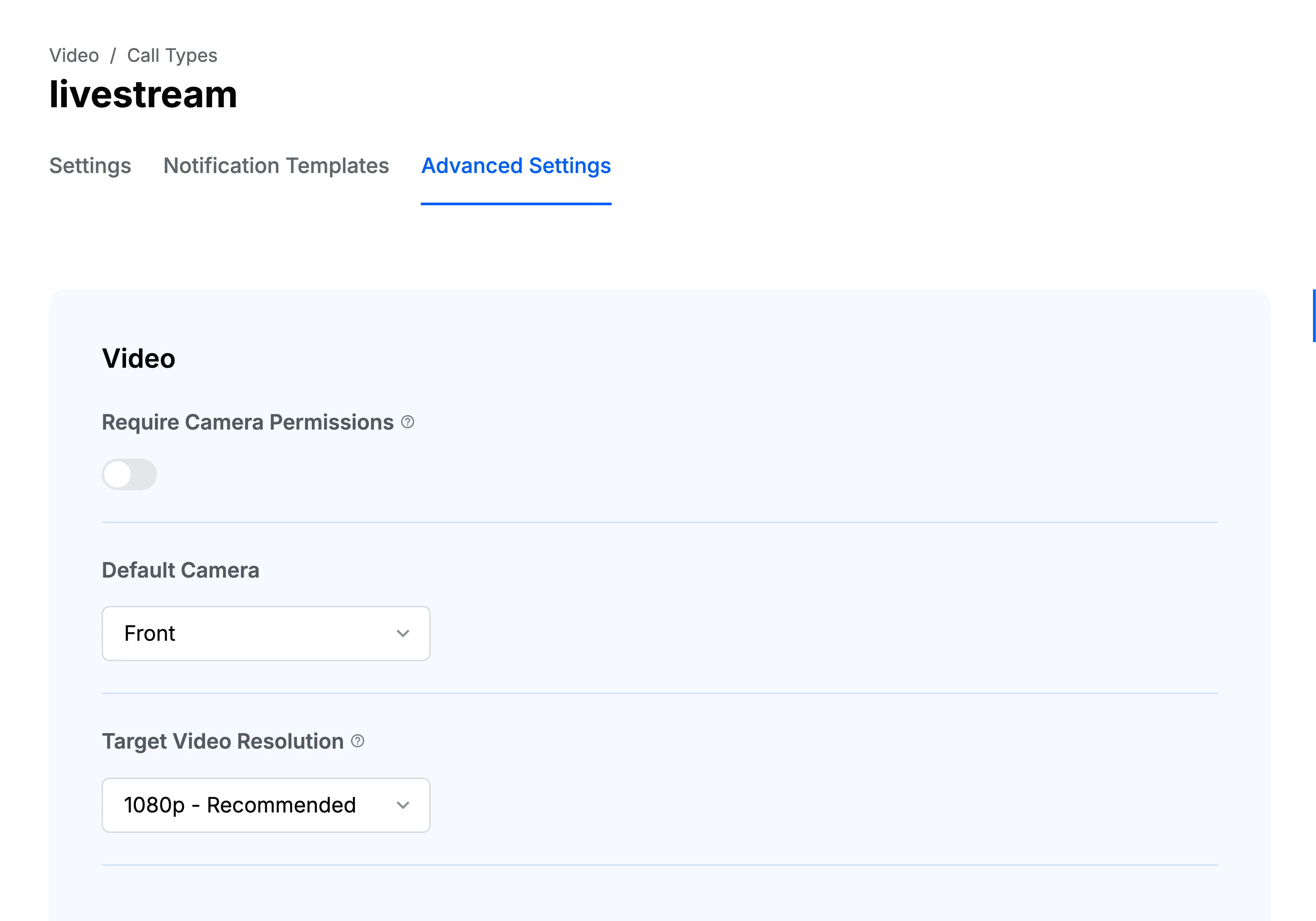
Users can set limits on the resolution of individual video streams. However, there's currently no option to cap the aggregated resolution from multiple streams. This means the total resolution can exceed the per-stream limit, particularly with screen-sharing, which requires higher quality for a good user experience.
Optional Configurable Features
Stream provides a suite of optional, configurable features in the Video API. These are things like Recordings, Transcriptions, RTMP and Noise Cancellation. These features have separate pricing, and are also billed monthly alongside Audio & Video participant minutes.
Recordings and Transcriptions are billed separately on Call Minutes, which are explained below.
Call Minutes vs. Participant Minutes
Stream uses the metrics Call Minutes and Participant Minutes for different parts of the Audio/Video API, and both can impact usage and total cost.
- Call Minutes are the entire duration of the call itself. For example, if a video call or Livestream lasts 45 minutes, that is 45 Call Minutes total. It doesn't matter how many participants are included on the call.
- Participant Minutes are measured by the total duration each user spends connected to the call. For example, if 3 users are connected on a call for 30 minutes, that is 90 Participant Minutes total. If users join late or leave early, Stream only counts for the minutes the user is actively connected to the call.
Add-ons like Recordings and Transcriptions are billed by the Call Minute, whereas Noise Cancellation is billed by the Participant Minute.
Call Recording
Call Recording pricing is influenced by the amount of time Recording was active and the resolution configured on the Recording. For example, if 3 users are connected on a call for 30 minutes, but Recording is active only for 10 of those minutes, Stream only bills for the 10 minutes where Recording was active. In addition, you can choose what Resolution you want to configure for your Call Recording. Pricing can be found here.
Screensharing
Screensharing is also a factor in calculating video usage. When calculating aggregate resolution, if a user is Screensharing, we add the screenshare as another video stream when calculating the total aggregate resolution. Sometimes, screensharing can have a higher resolution, this depends on the device of the end user. Through the API, you are able to set your target resolution for screensharing.
It is important to note that Screensharing does not work with Dynascale. When Screensharing, only one resolution is published, and usage will be calculated off of that resolution alone.